
A firmware update can sometimes solve a known drive problem, improve stability or correct a manufacturer-documented issue. But applying new firmware is not a general repair method for every hard drive.
This becomes much more important when the drive contains valuable or unrecovered data.
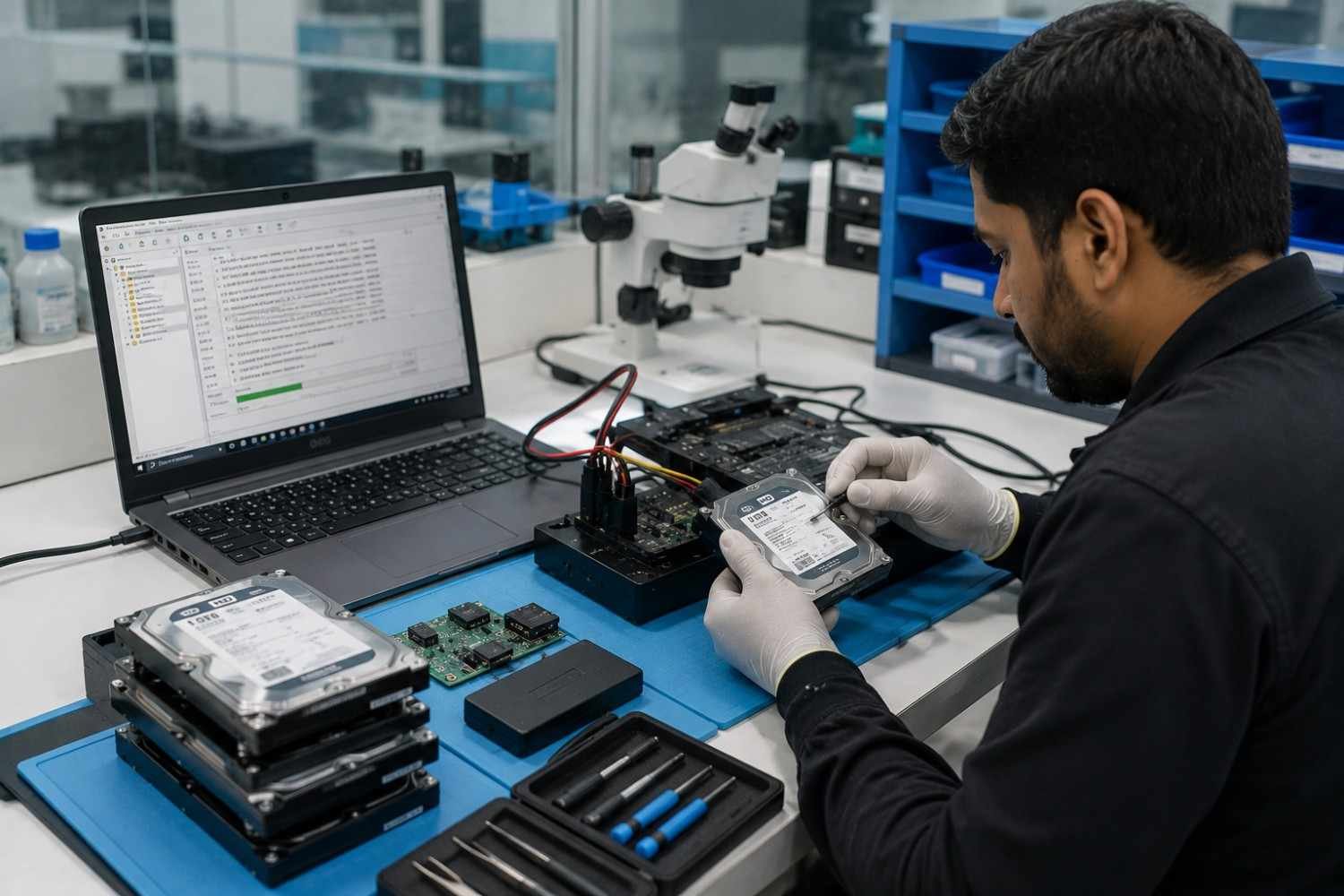
Firmware operates at a low level inside a storage device. A change to this layer can affect how the drive initializes, communicates with the host system and manages its internal functions.
For a normal working drive, there may be no reason to change its factory firmware. For a failing drive, repeated update attempts can make diagnosis more difficult.
For data recovery technicians, the important question is therefore not simply:
“Is newer firmware available?”
The better question is:
“Is changing the firmware appropriate for this specific drive and its current condition?”
This guide explains firmware updates, update utilities, failure risks, recovery considerations and the professional approach to Western Digital hard drives.
What Is WD Hard Drive Firmware?
Firmware is low-level software embedded in a storage device. It controls important functions that allow the drive to operate and communicate with the host computer.
Unlike normal applications, firmware works much closer to the hardware.
A hard drive relies on its internal firmware during processes such as initialization, communication and management of its internal operating functions.
Western Digital installs firmware during manufacturing. Firmware can also differ between drives that appear similar externally.
This is particularly important for data recovery technicians.
Two drives may have:
- The same brand
- Similar model numbers
- The same capacity
- The same interface
and still not be technically identical.
A technician may need to evaluate:
- Model number
- Firmware revision
- Drive family
- PCB characteristics
- Hardware revision
- Head configuration
- Manufacturing information
- Mechanical characteristics
This is why model similarity alone should never be treated as proof of compatibility during a recovery procedure.
Does Every Western Digital Drive Need New Firmware?
No.
A common mistake is assuming that every hard drive should receive the newest available firmware.
That is not how manufacturer firmware support works.
Western Digital’s support documentation explains that most internal and external drives do not have firmware updates available through a general download process. For supported products, firmware availability depends on the specific product and manufacturer’s update process.
This means technicians and users should first identify the exact product before looking for a firmware package.
Some enterprise products can have specific firmware releases. Certain Ultrastar models, for example, have manufacturer-supported firmware information and update procedures.
Consumer and enterprise products should therefore not be treated as one category.
Why the Exact Model Matters
A search for:
can return old guides, third-party files, forum posts and instructions for completely different products.
That creates a real risk.
A firmware file intended for one product should never automatically be assumed suitable for another drive simply because the brand or model family looks similar.
The safest approach is to verify the exact drive against current manufacturer documentation.
When Can a Firmware Update Help?
A firmware update can be useful when the manufacturer has identified a specific problem and released a supported correction for the affected product.
Potential examples include:
- Documented firmware bugs
- Compatibility problems
- Stability issues
- Device-specific defects
- Manufacturer-recommended corrections
- Enterprise drive firmware releases
- Problems addressed in official release notes
The most important word is supported.
A firmware update should not be treated like a normal software update where installing the newest version is automatically beneficial.
The update should be intended for the exact product.
Firmware Updates Can Solve Real Problems
Firmware changes can address serious storage-device problems.
For example, official Western Digital and SanDisk documentation has described firmware updates for certain SSD products where affected devices could experience conditions such as becoming read-only or failing to be recognized.
That example applies to specific SSD products. It should not be generalized to every WD HDD.
The broader lesson is useful:
A firmware change can be valuable when there is a documented problem and an official solution for the affected device.
When Should You Avoid Updating Firmware?
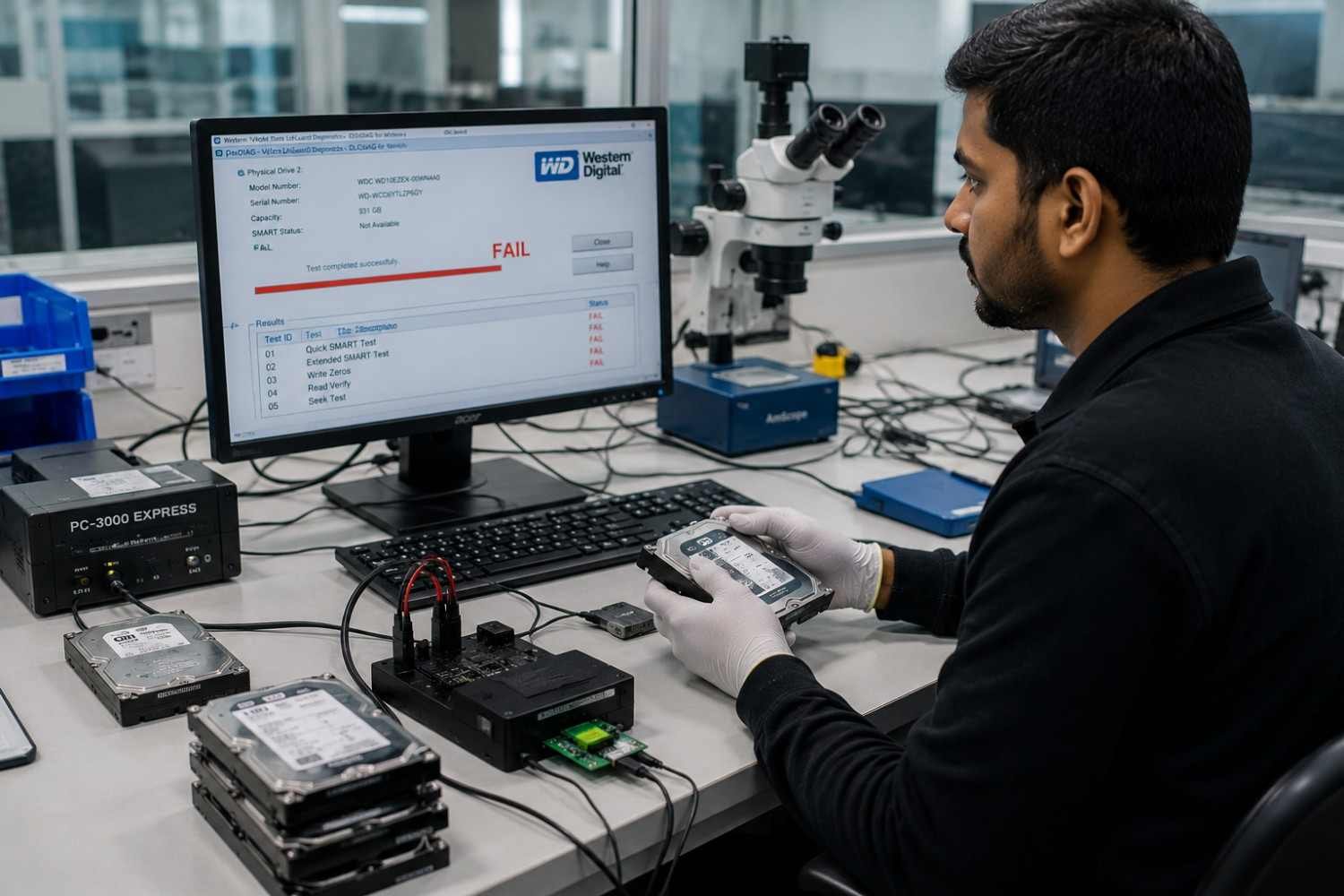
This is one of the most important sections for anyone handling a drive containing important information.
Do not treat firmware updating as the first troubleshooting step when:
- The drive contains critical data with no verified backup.
- The device is already unstable.
- It disconnects intermittently.
- It is no longer detected.
- It suddenly became inaccessible.
- It produces unusual mechanical sounds.
- The correct firmware cannot be verified.
- The product is not supported by the update utility.
- The drive is an OEM unit with different support conditions.
- A previous firmware operation has already failed.
If a drive is functioning normally and there is no documented reason to change its firmware, leaving the existing configuration untouched may be the more sensible option.
What About a Patient Drive?
In professional data recovery, a patient drive is the original storage device containing the customer’s data.
The objective is not simply to make the drive boot again.
The primary objective is to preserve and extract the customer’s information.
That changes the decision-making process.
A technician should consider the potential consequences of modifying the original device before applying any low-level change.
Can Firmware Updates Brick a Hard Drive?
A failed or unsupported firmware operation can potentially leave a drive unusable, but it is incorrect to say that normal manufacturer-supported updates automatically brick hard drives.
The term “bricked” is commonly used when a device can no longer operate normally after a failed firmware operation.
Potential contributing factors can include:
- Incorrect firmware
- Unsupported hardware
- Interrupted update
- Power interruption
- Software failure
- Communication problems
- Existing drive faults
- Incorrect recovery procedures
The risk therefore depends heavily on the situation.
Why Firmware Updates Can Be Risky on Failing Drives
Suppose a hard drive is already unstable.
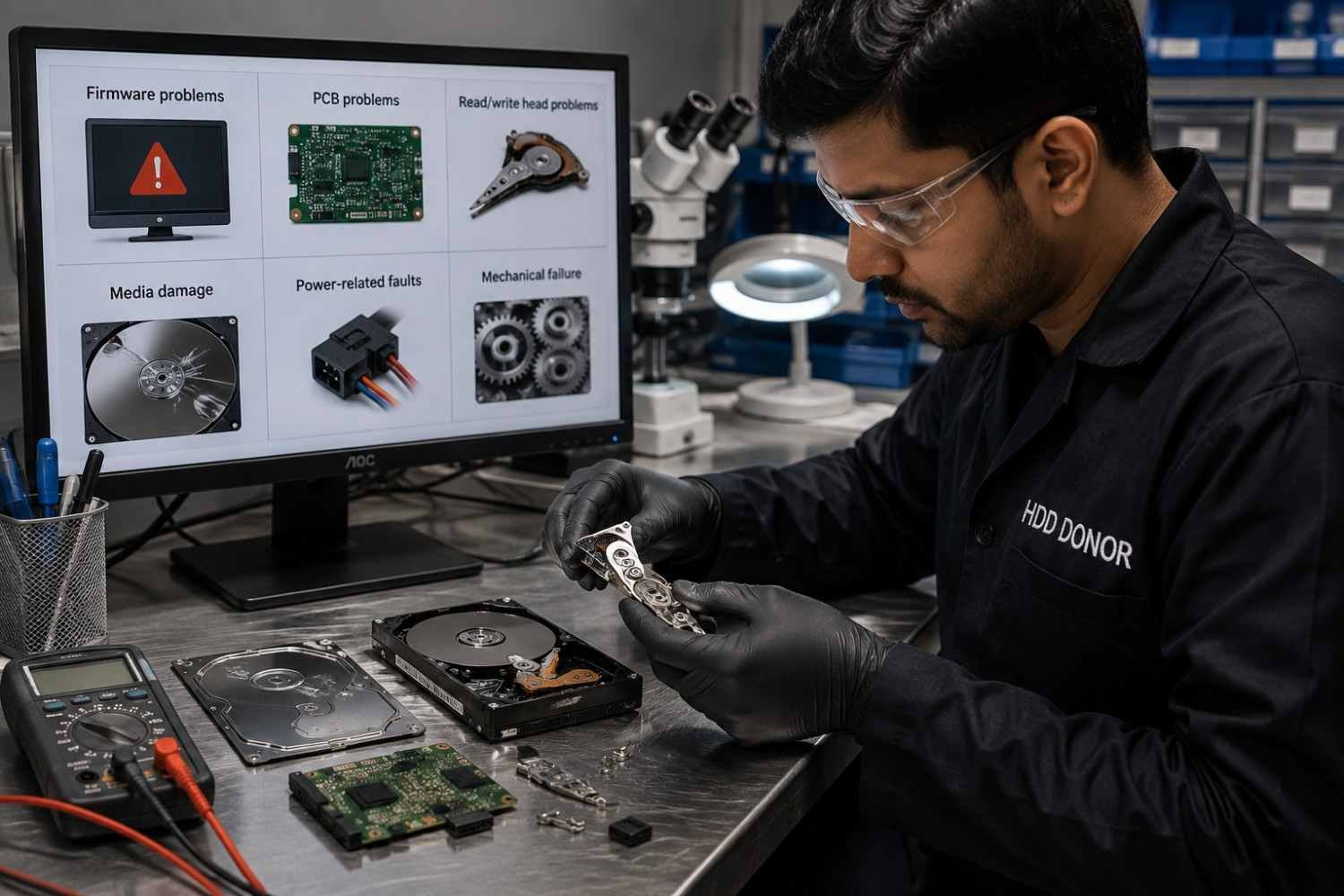
It may have:
- Firmware problems
- PCB problems
- Read/write head problems
- Media damage
- Power-related faults
- Mechanical failure
If the technician assumes the problem is firmware and immediately performs an update, the actual failure may remain unresolved.
Worse, an additional change may complicate the original state of the device.
For this reason, diagnosis should normally come before modification when valuable data is involved.
Firmware Update vs Firmware Failure
These terms describe two very different situations.
Firmware Update
A supported manufacturer process that changes the existing firmware to a newer version.
Firmware Failure
A condition in which the drive has a low-level problem that prevents normal initialization or operation.
These cases should not be approached in the same way.
Drive Condition | Sensible Approach |
Healthy supported device | Follow current manufacturer guidance |
Known firmware defect | Verify the exact supported correction |
Important data with no backup | Protect data before modification |
Intermittent operation | Diagnose before changing firmware |
Drive not detected | Investigate the underlying failure |
Suspected firmware corruption | Professional diagnosis |
Clicking or grinding | Stop unnecessary operation |
Previous update failure | Avoid repeated experimentation |
A manufacturer update utility and professional recovery equipment also serve completely different purposes.
The first is intended to perform an authorized firmware operation.
The second may be used by trained specialists when the device has a deeper technical problem.
What to Check Before Applying a Firmware Update
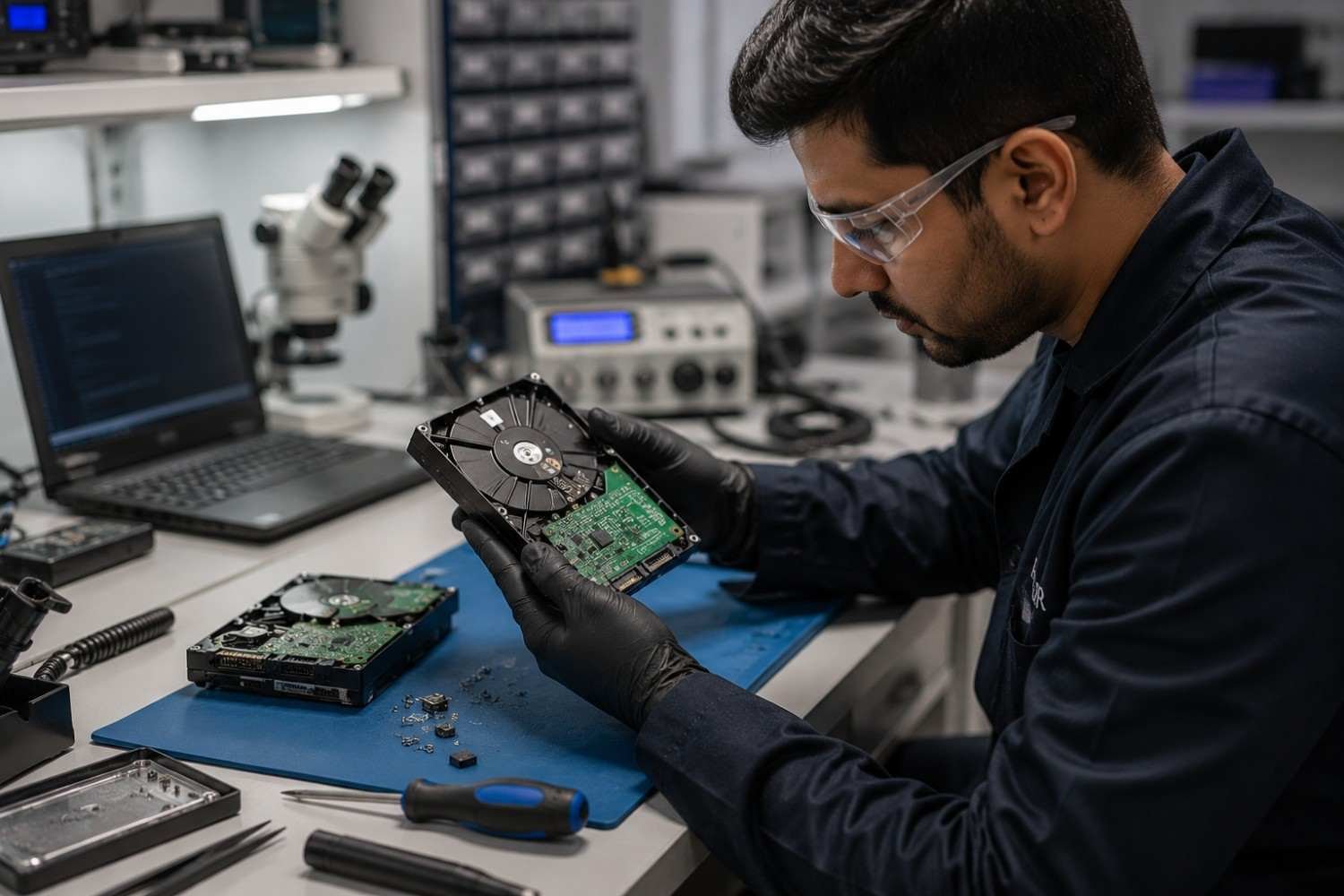
Before performing a WDC firmware update, verify the following.
1. Identify the Exact Drive
Record as much information as possible:
- Model number
- Serial number
- Firmware revision
- Drive family
- Interface
- Product type
- PCB information
- Manufacturing information
This information can also become important if the device later requires professional recovery.
2. Confirm Official Support
Use the manufacturer’s current support documentation.
Do not depend on an old forum post or an unknown download site simply because it contains a firmware file.
3. Confirm That an Update Is Actually Required
Ask:
What problem is the update supposed to solve?
If there is no documented problem and the drive is working normally, there may be little reason to introduce a firmware change.
4. Protect Important Data
If the files are important, create and verify a backup before a supported update whenever possible.
A backup gives you an additional safety layer if something goes wrong.
5. Use Stable Power
Firmware operations should not be interrupted.
Avoid situations where:
- Power can suddenly fail
- The system may shut down
- The connection can be accidentally removed
- The computer may enter sleep mode
Follow the manufacturer’s instructions for the specific product.
What Happens When a Firmware Update Fails?
A failed operation does not automatically mean that the stored data is permanently lost.
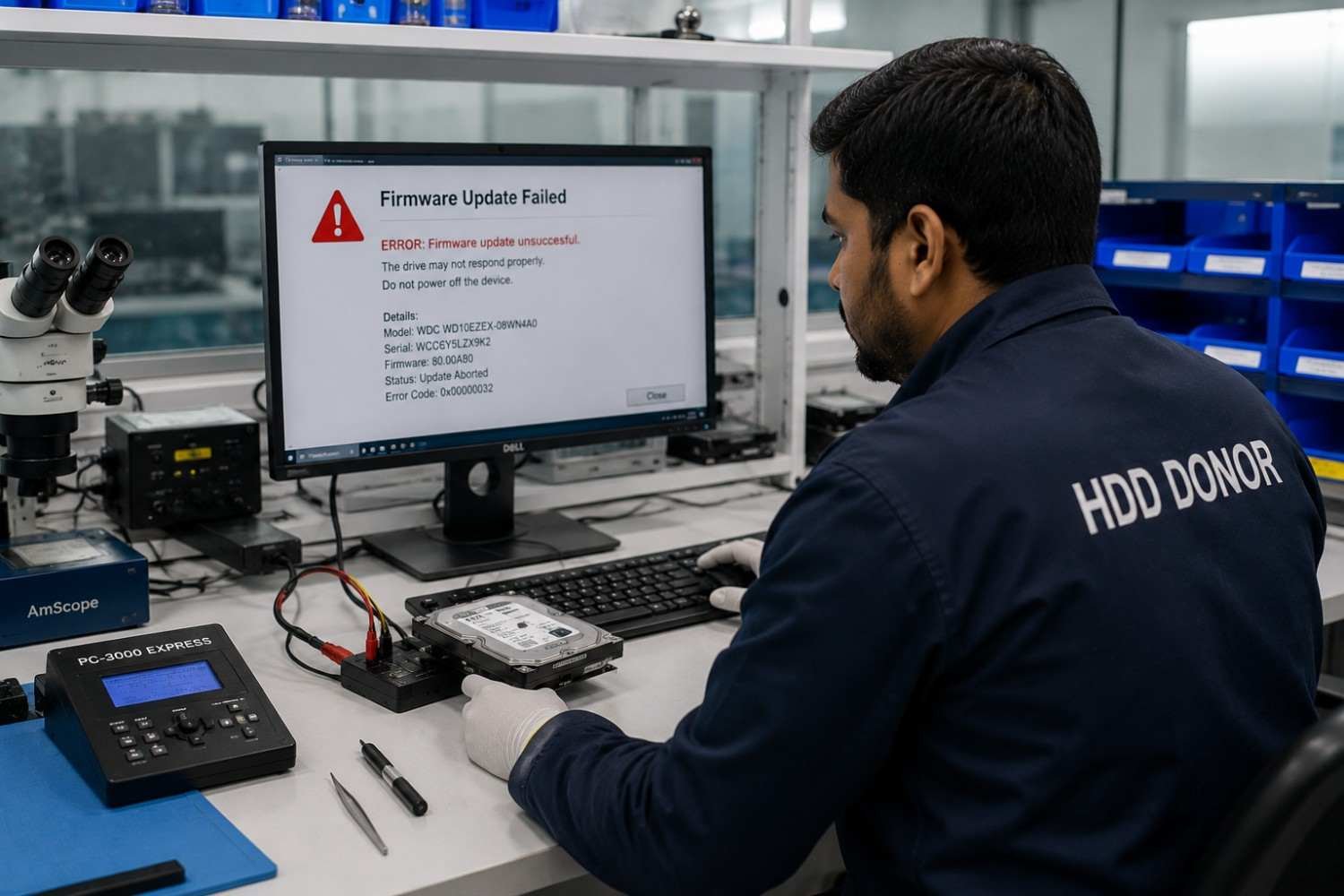
However, the next step should be diagnosis—not repeated flashing.
First determine:
- Is the drive still detected?
- Does the system identify the correct model?
- Is firmware information still available?
- Did the update utility display an error?
- Did the drive disappear during the process?
- Does the device initialize normally?
- Is there any unusual mechanical behavior?
- Was the update intended for the exact device?
These answers help establish what happened.
Avoid Repeated Firmware Attempts
Repeatedly applying different firmware files can make an already complicated situation harder to understand.
If the drive contains valuable information, preserve its current condition and consider professional recovery before attempting additional low-level operations.
How Technicians Diagnose Firmware Problems
Professional recovery normally starts with diagnosis rather than immediately flashing new firmware.
A technician may work through a process such as:
- Identify the exact storage device.
- Record its current information.
- Inspect the PCB and external condition.
- Observe startup and initialization behavior.
- Determine whether the failure is logical, electronic, firmware-related or mechanical.
- Preserve the original state.
- Select the least risky recovery approach.
- Use specialist equipment where required.
- Prioritize data extraction.
This is different from ordinary consumer troubleshooting.
A professional laboratory may have to distinguish between a firmware problem and a completely different hardware failure before making any modification.
Firmware Is Only One Possible Failure Layer
A hard drive that is not detected does not automatically have a firmware problem.
Possible causes can include:
- Damaged electronics
- Head failure
- Mechanical failure
- Power problems
- Interface problems
- Media damage
- Firmware-related issues
Correct diagnosis is therefore essential.
Firmware Recovery and Data Recovery
A normal firmware update and professional WD firmware recovery are different processes.
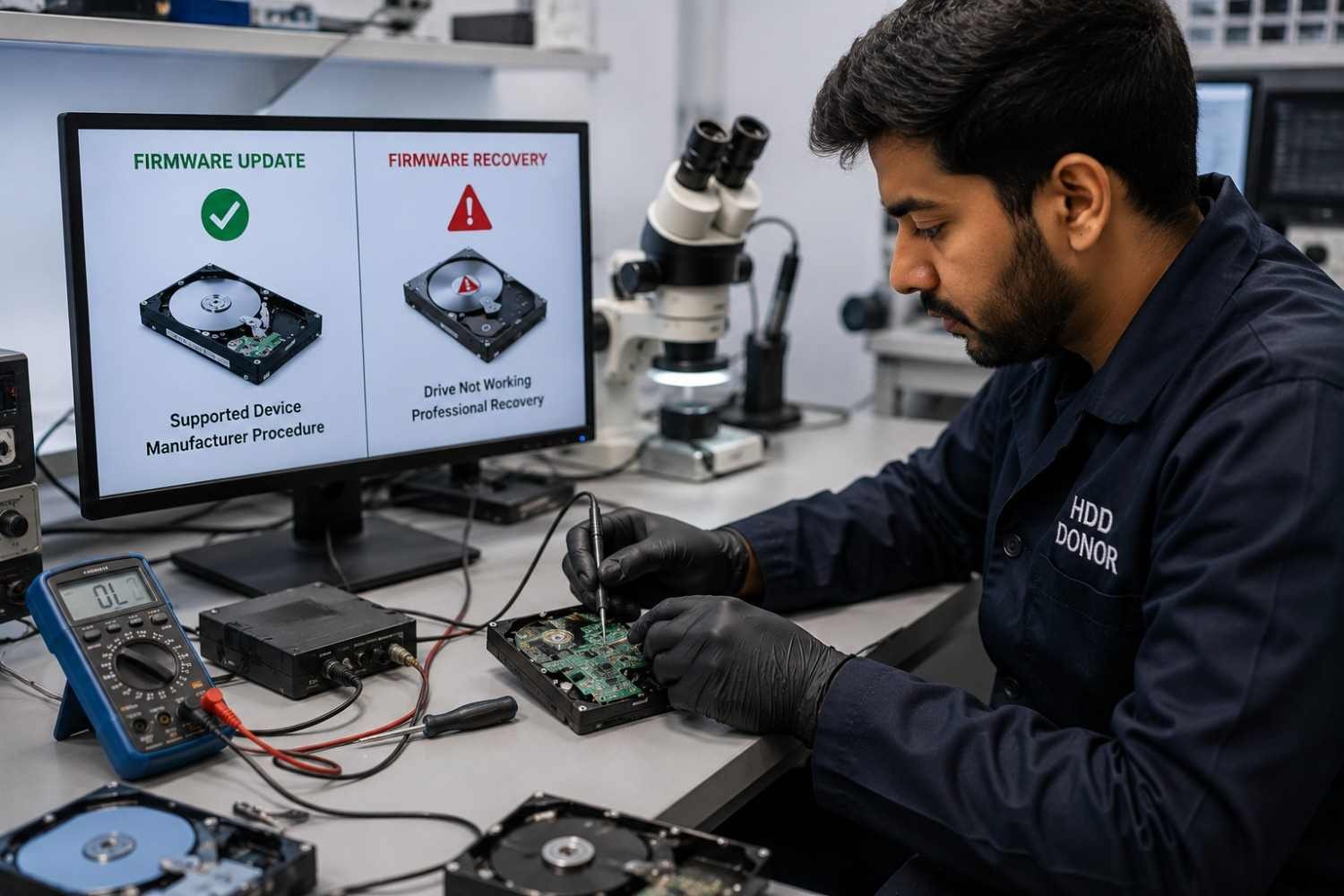
An update is normally performed on a supported device according to the manufacturer’s procedure.
Recovery is performed when the drive has a problem that prevents normal operation or access to the stored information.
Depending on the case, advanced recovery may involve:
- Firmware analysis
- PCB evaluation
- Compatible donor components
- Head-related procedures
- Specialist recovery software
- Controlled laboratory equipment
- Data extraction techniques
The exact process depends on the drive and failure.
There is no universal WD firmware repair procedure that applies to every Western Digital HDD.
This is one reason professional recovery technicians evaluate the complete drive rather than relying on a single symptom.
WD Firmware Updater: What Technicians Should Know
The phrase WD firmware updater appears frequently in searches, but older software and tutorials can create confusion.
Western Digital’s software and support processes have changed over time. Current support information should therefore take priority over old tutorials.
This is especially important when working with:
- Older hard drives
- Enterprise models
- OEM drives
- Discontinued products
- External storage devices
- Drives being handled for data recovery
A tutorial that was correct several years ago may no longer describe the current supported process.
Do Not Trust Random Firmware Downloads
Third-party websites can contain old firmware packages, modified files, incomplete instructions or information intended for another model.
For an ordinary working drive, this is unnecessary risk.
For a recovery patient, it can be much more serious.
Always establish exactly what the firmware package is intended for before using it.
Why Donor Parts and Recovery Tools Matter
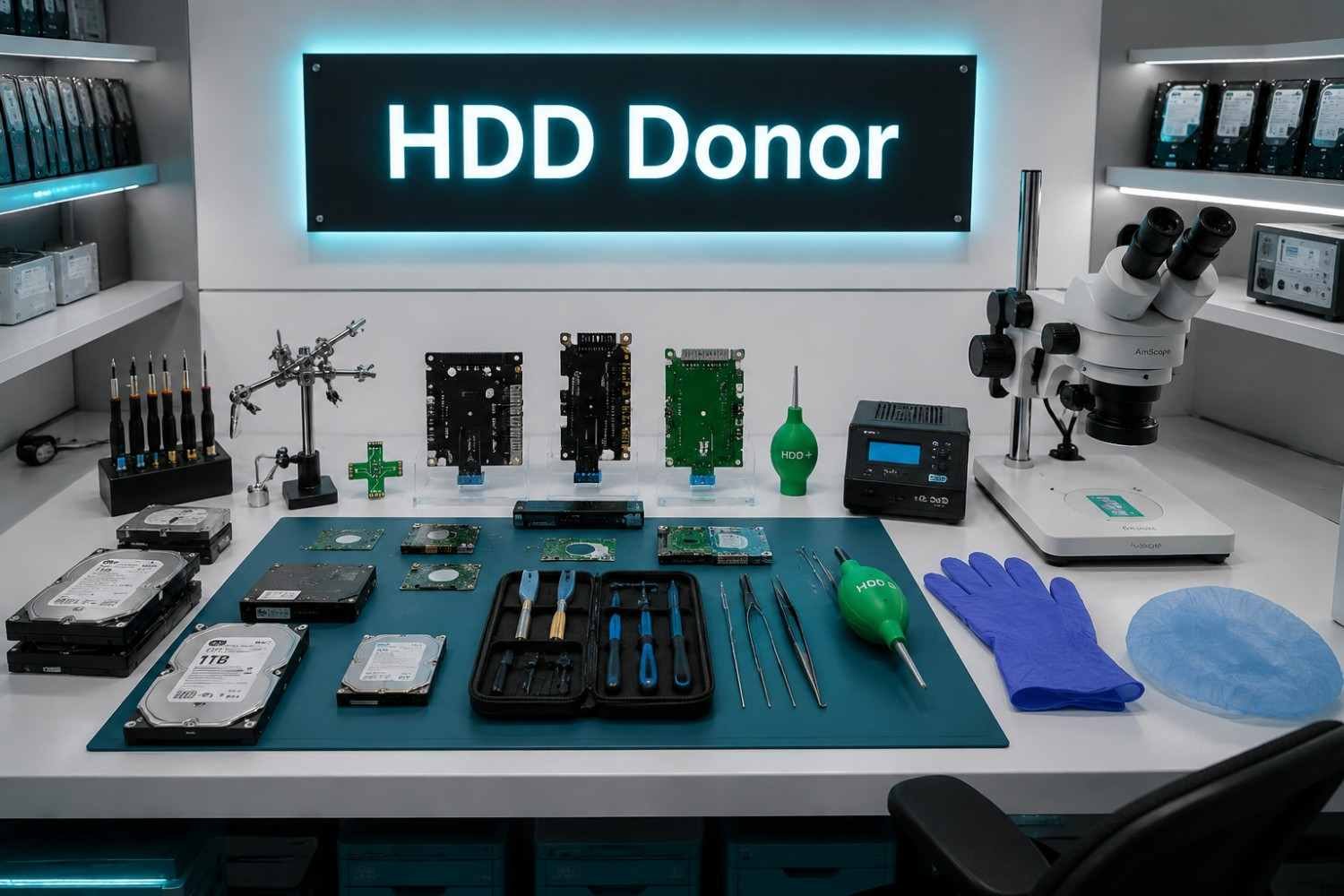
Firmware is only one part of an HDD recovery workflow.
When a Western Digital hard drive has an electronic, mechanical, head-related or firmware problem, a professional laboratory may need specialized components and equipment.
Depending on the case, this can include:
- HDD donor drives
- HDD donor PCB
- Hard drive donor PCB
- HDD head replacement tools
- Head unstick tools
- Professional HDD recovery tools
- HDD firmware resources
- Cleanroom accessories
- Data recovery laboratory equipment
This is where compatibility becomes especially important.
A donor should not be selected simply because it has the same capacity or a similar model number.
Technicians may need to compare:
- Firmware
- PCB characteristics
- Drive family
- Revision
- Head configuration
- Preamp characteristics
- Platter configuration
- Manufacturing period
- Mechanical design
HDD Donor for Professional Recovery Laboratories
HDD Donor supplies professional recovery components and equipment for technicians, laboratories, engineers, forensic specialists and data recovery businesses worldwide.
The inventory includes donor drives, PCB boards, head-related tools, firmware resources, cleanroom accessories, recovery equipment and professional training.
For cases requiring a potential component source, technicians can review the HDD donor drive collection.
For electronics-related recovery work, the donor PCB category provides another potential resource.
Technicians working on advanced head-related procedures can also explore head replacement tools and head unstick tools.
For broader laboratory requirements, other data recovery tools and accessories can be evaluated according to the specific recovery workflow.
The important point is simple:
The correct component and tool depend on the actual recovery case.
Contact HDD Donor
For donor drive requirements, donor PCB requirements, compatible donor matching or data recovery laboratory support:
Website: www.hdddonor.in
Phone: +91-981-856-7724
Email: support@hdddonor.in
What Is the Difference Between Firmware Updating and Firmware Recovery?
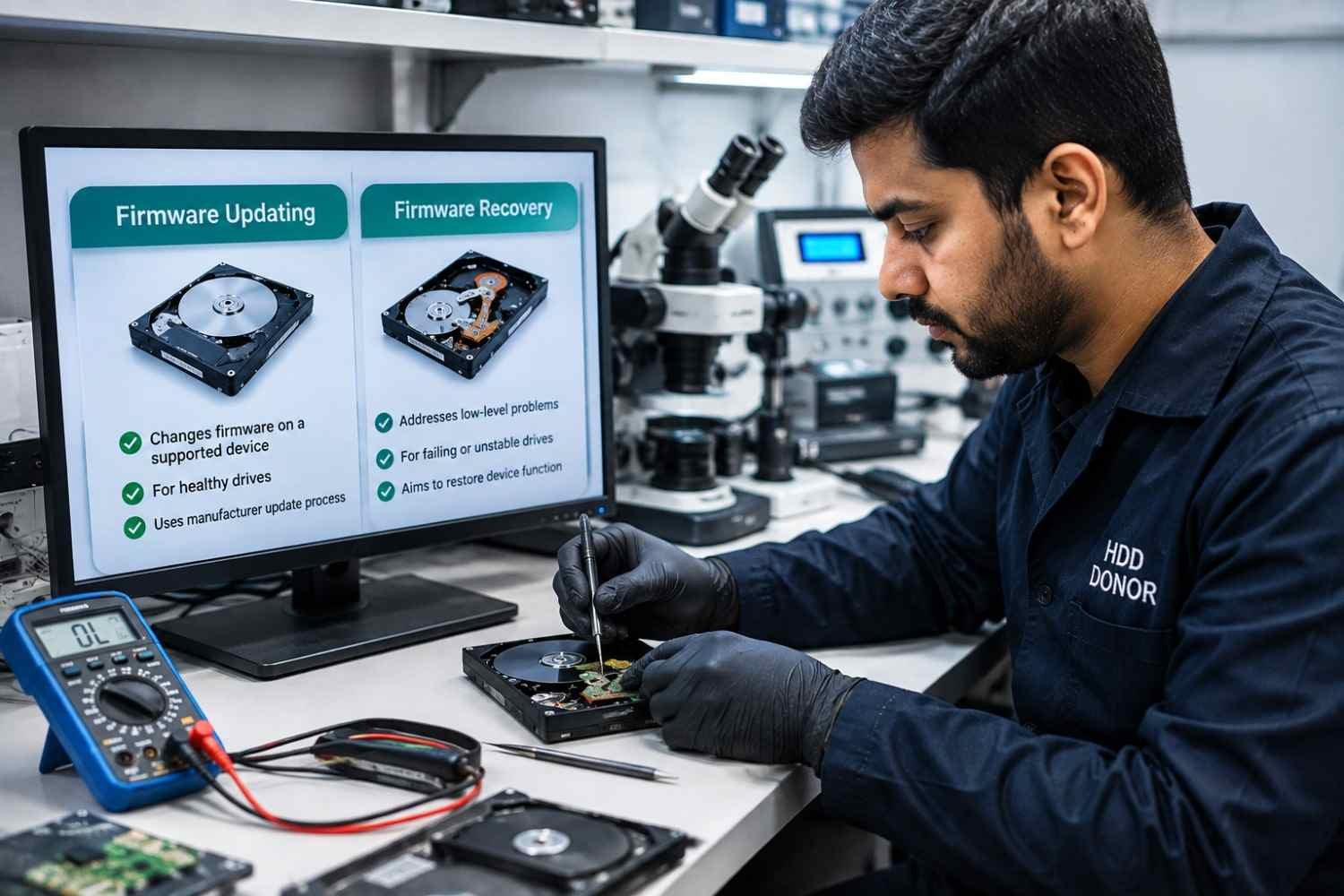
The simplest way to understand the difference is:
Firmware updating changes the firmware on a supported device.
Firmware recovery addresses a device that already has a low-level problem affecting normal operation or data access.
A healthy drive with a documented manufacturer correction may be suitable for the first scenario.
A failing patient drive may require the second.
This distinction can prevent technicians from treating a recovery case like a routine software update.
Conclusion
A firmware change can be useful when a manufacturer has identified a specific problem and provided a supported solution for the affected product.
It should not, however, be treated as a universal fix for an inaccessible or failing hard drive.
Before making any firmware modification, identify the exact device, verify the official support path, understand why the change is required, protect important data and consider the current condition of the drive.
For a healthy supported device, following the manufacturer’s instructions is usually the correct approach.
For a failing patient containing critical information, preservation and diagnosis should come first.
Professional recovery may require more than firmware software. Depending on the failure, technicians can need compatible donor drives, PCB boards, head-related equipment, firmware resources, cleanroom accessories and specialized laboratory tools.
HDD Donor supports professional recovery specialists with donor drives, donor PCBs, HDD repair tools, head replacement equipment, head unstick tools, firmware resources, data recovery equipment and professional training.
Explore the HDD Donor range of professional recovery products to find equipment suited to your laboratory requirements.
The goal of firmware management is not simply to install newer software. For a recovery patient, the goal is to protect the original data and make the safest technical decision possible.
Frequently Asked Questions
Should I update my WD hard drive firmware?
Not automatically. Check whether the exact product has a supported update and whether the manufacturer recommends it for your particular situation.
Is a WD firmware update safe?
A supported update performed according to current manufacturer instructions can be appropriate. Unsupported or incorrect firmware operations can introduce additional risk.
Can a firmware update damage a hard drive?
Yes. An incorrect, unsupported, interrupted or unsuccessful operation can potentially leave a device unusable. The risk depends on the product and circumstances.
Can a firmware update erase data?
Firmware updating is not intended to function as a data-erasure process. However, important data should be protected before performing any firmware modification.
What should I do if my WD drive is not detected?
Do not assume that firmware is the cause. Check connections and basic hardware conditions, then determine whether the failure could involve electronics, firmware, heads, mechanics or media.
If the data is important, avoid repeated experiments.
What is a Western Digital firmware updater used for?
It is used to apply supported firmware changes to compatible products. The correct utility depends on the specific WD product and current manufacturer support process.
Can data be recovered after a failed firmware operation?
Possibly. Recovery depends on the nature of the failure and the condition of the drive. A failed update does not automatically mean that the stored data is unrecoverable.
Does the same WD model guarantee donor compatibility?
No. A matching model number alone does not establish compatibility. Professional donor selection can involve firmware, PCB, heads, revisions, manufacturing information and mechanical characteristics.
When are professional firmware recovery tools required?
They are relevant when trained technicians are dealing with advanced low-level recovery cases rather than performing a routine manufacturer update.
Where can technicians learn HDD recovery?
HDD Donor provides professional data recovery training for technicians and specialists who want to build practical knowledge of HDD recovery and repair workflows.


