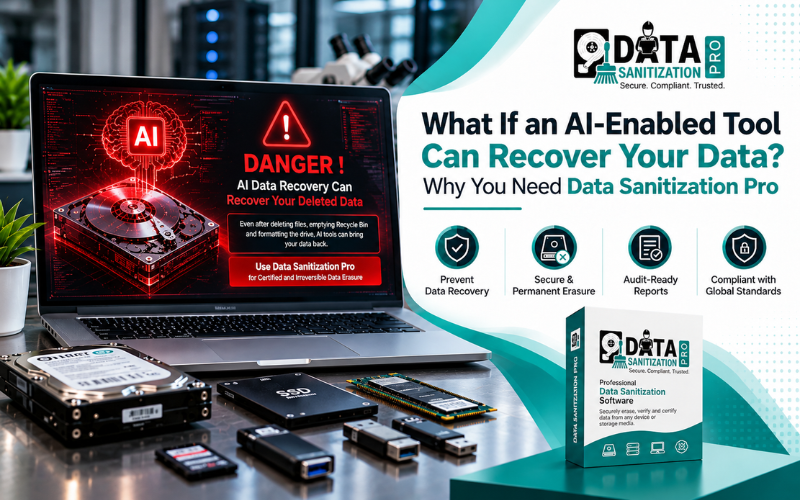
Imagine your company replaces 100 laptops. Before selling them, your IT team deletes the files, empties the Recycle Bin and formats the drives.
The laptops look clean. The files are no longer visible. Everything seems ready for resale.
But is the data actually gone?

Someone with specialized data recovery software or digital forensic tools may still find information left behind by an inadequate deletion process. Advanced analysis, including AI-assisted techniques, may help examine surviving data and identify useful information.
That creates a serious concern for businesses handling customer records, financial documents, employee information, business plans and confidential files.
Deleting a file is not the same as securely erasing the data stored on a device.
AI cannot magically recover information that has been effectively sanitized, but it can assist with analyzing data that remains available. This makes proper data sanitization an important step before a laptop, hard drive, SSD or server is reused, resold, returned or recycled.
This is where Data Sanitization Pro comes in. It combines professional data erasure, post-wipe verification, detailed certificates and hardware assessment to help organizations manage sensitive storage devices more securely.
1. Can AI Recover Deleted Data From a Hard Drive?
AI is changing how information is analyzed. In digital forensics, intelligent analysis can help identify patterns, examine file fragments and organize information recovered from digital storage.
However, AI data recovery depends on the data that still exists or can be accessed. It cannot guarantee the recovery of every deleted file.
Recovery may be possible in situations such as:
- Files were deleted without overwriting their underlying data.
- A quick format left recoverable information on the storage device.
- File-system metadata or portions of the original files remain available.
- Data exists in another partition, backup, cloud account or synchronized device.
- A wiping operation failed or did not cover the intended storage area.
- Copies remain in snapshots, replicas or other storage locations.
AI-assisted tools may help investigators analyze available evidence more efficiently. Traditional recovery software and forensic methods can also recover information without AI.
The important point is not that AI can defeat every security measure. It is that data left behind by weak deletion methods may create an opportunity for recovery.
For businesses, the answer is to use an appropriate sanitization method, verify the result and maintain records of the process.
2. Why Deleting Files and Formatting a Drive Are Not Enough
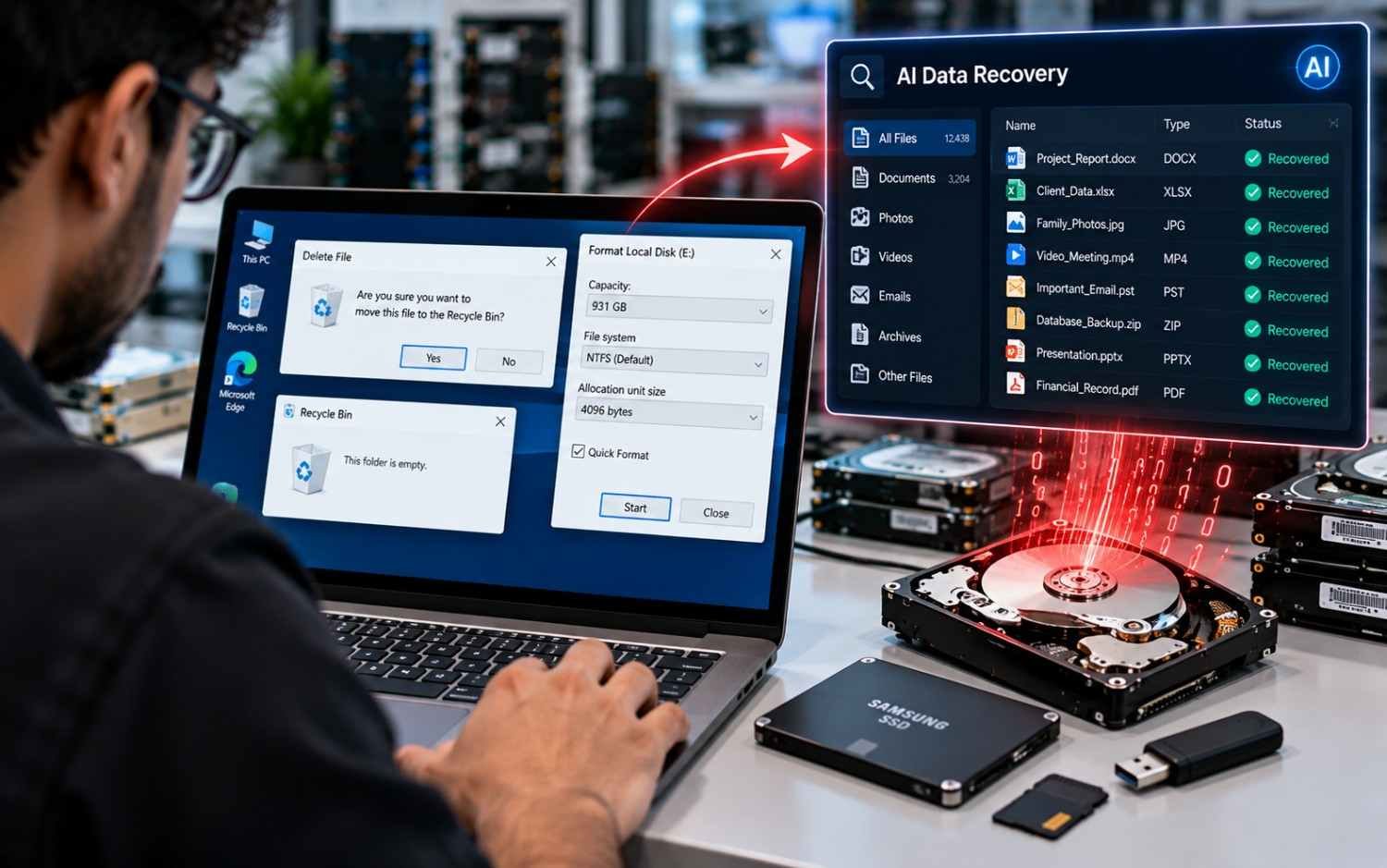
Many users believe that deleting files, emptying the Recycle Bin or formatting a drive permanently removes all stored information.
That is not always true.
Deleting files
When a file is deleted, the file system may remove its normal reference to the data without immediately removing all the underlying information.
Depending on the device and subsequent activity, some information may remain recoverable.
Quick formatting
A quick format generally recreates file-system structures. It should not be treated as equivalent to a complete, verified sanitization process.
Factory resetting a device
A factory reset can be useful, but its effectiveness depends on the device, storage technology, encryption and reset implementation. Businesses should verify that the chosen procedure meets their security requirements.
Using ordinary file deletion tools
Deleting files one by one does not necessarily address other partitions, unallocated space, hidden storage areas or separate copies of the information.
Assuming that a completed wipe must have succeeded
A process finishing is not the same as confirming the expected outcome. Verification provides evidence that the required checks were performed and records whether the operation passed or failed.
For professional environments, the better approach is to identify the target device, choose a suitable sanitization method, perform the operation, verify the result and generate a report.
3. What Is Secure Data Sanitization Software?
Secure data sanitization software is designed to make access to the targeted information infeasible for the required level of protection, using a method appropriate for the storage technology.
It is different from simply deleting files or formatting a disk.
Professional data sanitization typically involves five steps:
- Identify: Detect the device and collect available identification details.
- Select: Choose a suitable sanitization method.
- Erase: Execute the configured operation.
- Verify: Perform the applicable checks and record the result.
- Certify: Generate a report documenting the device and sanitization process.
This process helps organizations maintain more reliable records when devices are prepared for reuse, resale, redeployment or retirement.
The National Institute of Standards and Technology provides guidance for media sanitization in NIST SP 800-88 Rev. 2. The appropriate method depends on the media, the sensitivity of the information and the required sanitization outcome.
Read the official NIST media sanitization guidance.
4. How Data Sanitization Pro Helps Protect Business Data
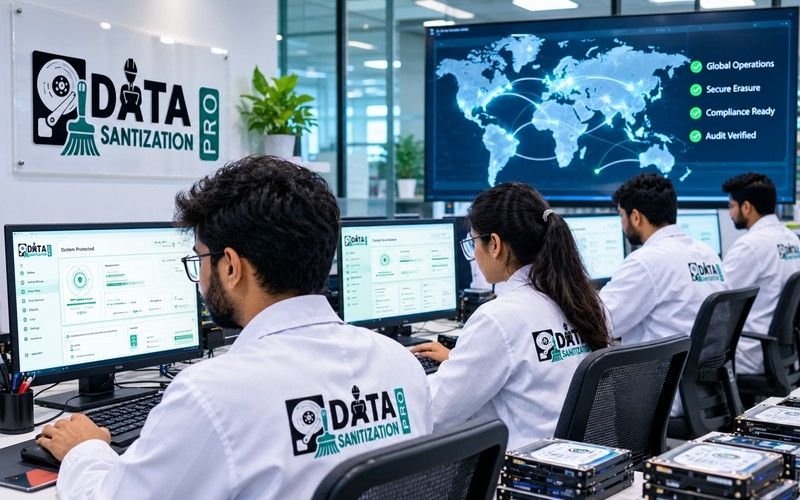
Data Sanitization Pro is professional data erasure software developed in India. Its product workflow brings secure sanitization, verification, reporting and hardware assessment together.
Here is how its features help address common data sanitization challenges.
Secure Data Erasure for Supported Storage Devices
Businesses may need to erase information from different types of storage media, including HDDs, SSDs, NVMe drives, USB drives, memory cards and supported enterprise storage configurations.
Data Sanitization Pro supports a range of storage technologies and sanitization methods. The correct method depends on the media type, device capabilities and required security outcome.
This is particularly important for SSDs and NVMe drives, where ordinary repeated overwriting may not reach every physical storage location because of controller behavior and wear levelling. A suitable device-supported sanitization method should be selected.
Post-Wipe Verification
How can a business know whether its sanitization process produced the expected result?
Verification helps answer that question.
Data Sanitization Pro supports post-wipe verification workflows and records the resulting status. Its product documentation describes options such as sampled read-back, full read-back and hash comparison, depending on the workflow.
A failed verification should be treated as a failed result requiring investigation—not silently presented as successful erasure.
Detailed Data Erasure Certificates
A progress bar is not enough when a business must demonstrate what happened to an asset.
Data Sanitization Pro generates PDF data erasure certificates containing relevant device and process details. Depending on the configured workflow, these may include:
- Device manufacturer, model and serial number
- Storage capacity and firmware information
- Selected sanitization standard and method
- Process start and completion times
- Verification method and result
- Operator and job information
- Host-system identification
- Available cryptographic evidence and report-integrity information
These records help businesses connect a sanitization outcome to the specific device that was processed.
You can review the actual sample data erasure certificate and hardware test report before evaluating the software.
Hardware Assessment Alongside Data Erasure
Data erasure is often only one part of preparing equipment for its next use.
A refurbished laptop may need a battery assessment. A desktop may need memory or thermal checks. A storage device may need health information reviewed before resale.
Data Sanitization Pro combines sanitization with additional hardware assessment capabilities for supported systems. Its published diagnostic coverage includes areas such as storage health, memory, battery, display, cooling, network, audio, camera, keyboard and other system components.
This can help ITAD and refurbishment teams assess an asset while maintaining its sanitization records.
Offline Data Sanitization
Some businesses process devices in restricted environments where an internet connection is not available or permitted.
Data Sanitization Pro supports offline sanitization workflows and offline activation options. Its bootable USB and PXE deployment capabilities can also help organizations process supported machines without relying on their normal operating-system installation.
These options are useful for controlled environments, bulk device processing and organizations with specific deployment requirements.
Explore the Data Sanitization Pro enterprise data erasure platform for more information.
5. Why AI Data Recovery Makes Secure Wiping Important for Businesses

Businesses rarely manage only one device. They may process hundreds or thousands of laptops, desktops, hard drives, SSDs and servers during equipment upgrades or asset retirement.
A single poorly handled device can create unnecessary exposure.
Enterprises and corporate IT teams
Company devices may contain customer information, employee records, internal documents, cached data and other confidential material.
A structured sanitization process helps reduce the risk of information exposure during redeployment or equipment replacement.
ITAD companies and recyclers
IT asset disposition providers receive devices from multiple organizations. Each asset may require identification, sanitization, verification and a certificate before it can move to the next stage.
Data Sanitization Pro’s ITAD workflow supports parallel processing of up to eight drives per machine, with individual jobs and certificates, according to its published solution page.
Explore data erasure software for ITAD companies and recyclers.
Data centers
Decommissioned servers and storage devices may contain sensitive business information. Teams need a method appropriate for the storage technology and a record of the sanitization result.
Refurbishment and resale businesses
Before a device is sold or reused organizations should sanitize its storage and assess its condition. Combining these activities can help teams make more informed reuse, resale and retirement decisions.
Healthcare, finance and government
Organizations with sensitive records should establish procedures that align with their security policies and applicable regulatory obligations. Sanitization records can support internal reviews and audit processes.
6. What Should a Data Erasure Certificate Include?

Imagine your company processes 500 laptops and a customer later asks for evidence that one particular laptop was sanitized.
A generic statement that all 500 devices were wiped may not provide enough detail to identify the relevant job.
A useful data erasure certificate can connect the asset to its processing record.
Depending on the workflow, the report may include:
Certificate detail | Why it matters |
Model and serial number | Identifies the processed device |
Report ID and job ID | Helps locate the relevant record |
Sanitization standard and method | Documents the selected process |
Start and completion times | Records when the operation took place |
Verification result | Shows the outcome of the applicable checks |
Operator and authorization details | Supports accountability |
Host-system information | Helps trace the machine used for processing |
Available hash and integrity information | Supports record validation |
Data Sanitization Pro publishes sample certificates and hardware test reports so businesses can inspect the actual document structure before purchasing.
Review the Data Sanitization Pro certificate examples.
7. How to Choose the Best Data Sanitization Software
Choosing the right data erasure software requires more than comparing the number of advertised features.
Consider these factors before making a decision.
Supported devices: Confirm that the software supports the HDDs, SSDs, NVMe drives, removable media and other storage devices you need to process.
Appropriate sanitization methods: Ensure the selected methods match the storage technology and your required security outcome.
Verification: Understand what checks are performed after erasure and how failed results are recorded.
Certificates and reports: Review the real certificate to see whether it contains the device identity, method, verification result, timestamps and other information your organization needs.
Offline deployment: If your environment restricts internet access, confirm the offline activation, bootable media and reporting workflows.
Hardware assessment: For resale and refurbishment, check whether the software can help assess the condition of the asset as well as erase its data.
Licensing and processing volume: Compare the complete cost of processing your expected number of devices, including any required deployment, support or additional features.
Standards and evidence: Verify the product’s exact certifications and the scope of any independent testing. Support for a sanitization method is not automatically the same as third-party certification.
For a practical evaluation, visit Data Sanitization Pro products and features.
8. Can AI Recover Data After a Proper Secure Wipe?

This is where the distinction between deletion and sanitization matters most.
AI cannot guarantee the recovery of information that has been effectively sanitized and is no longer available to recover.
If the selected sanitization method has been correctly applied and the required outcome verified, recovery software should not be expected to recreate the original data from nothing.
However, businesses must also consider what was outside the scope of the operation.
For example:
- A backup may still contain the original files.
- Cloud storage may retain synchronized copies.
- Another physical drive may not have been sanitized.
- Virtual-machine snapshots or storage replicas may preserve information.
- An operation may have failed or left some areas outside its intended scope.
A successful sanitization operation on one drive does not automatically sanitize every other copy of the data.
The correct approach is to identify the relevant storage locations, select a suitable method for each target, verify the result and retain supporting records.
The goal is not to promise that no copy of the information exists anywhere. It is to establish a defensible process for sanitizing the intended media and reducing the risk of unauthorized access.
Conclusion: Do Not Rely on Deletion Alone
AI-assisted analysis and digital forensic tools can help examine surviving information, but the underlying risk is older than AI: sensitive data may remain accessible when a device has not been properly sanitized.
For businesses, deleting files or formatting a drive should not be the final step when equipment is being sold, reused, returned or recycled.
Data Sanitization Pro helps organizations go beyond basic deletion by combining secure data erasure, post-wipe verification, detailed certificates and hardware assessment for supported systems.
This approach helps enterprises, ITAD providers, data centers and refurbishment businesses maintain more consistent records while preparing assets for their next stage.
Before your next device refresh or resale project, review your sanitization process and confirm that the selected methods, verification steps and reports meet your requirements.
Explore Data Sanitization Pro: www.datasanitizationpro.com
Erase. Verify. Certify.
Frequently Asked Questions
Can AI recover deleted data from a hard drive?
AI-assisted analysis may help recover or interpret surviving data, but results depend on what information remains accessible. AI cannot guarantee recovery from every device or sanitization method.
Can data be recovered after formatting a hard drive?
Sometimes. A quick format may leave information recoverable, depending on the device and subsequent activity. Formatting should not automatically be treated as secure data sanitization.
Does AI make securely erased data recoverable?
No. AI does not recreate information from nothing. However, separate backups, snapshots, cloud copies or unsanitized storage locations may still contain the original information.
What is the difference between data deletion and data sanitization?
Deletion generally removes normal access to a file through the file system. Sanitization applies a method intended to make access to the target information infeasible under the required security conditions.
How does Data Sanitization Pro verify data erasure?
Data Sanitization Pro supports post-wipe verification workflows and records the result. The specific verification method depends on the configured workflow and supported device.
Does Data Sanitization Pro provide a data erasure certificate?
Yes. It generates PDF certificates documenting relevant device details, sanitization information and verification results. Sample certificates are available on the official website.
Is secure data sanitization necessary before selling a laptop?
Yes. Businesses should use a suitable sanitization method before selling, returning, donating or recycling a device and verify the result according to their requirements.
Which data sanitization standard should a business follow?
The right approach depends on the storage media, information sensitivity organizational policy and applicable requirements. NIST SP 800-88 Rev. 2 provides guidance for media sanitization programs.


