
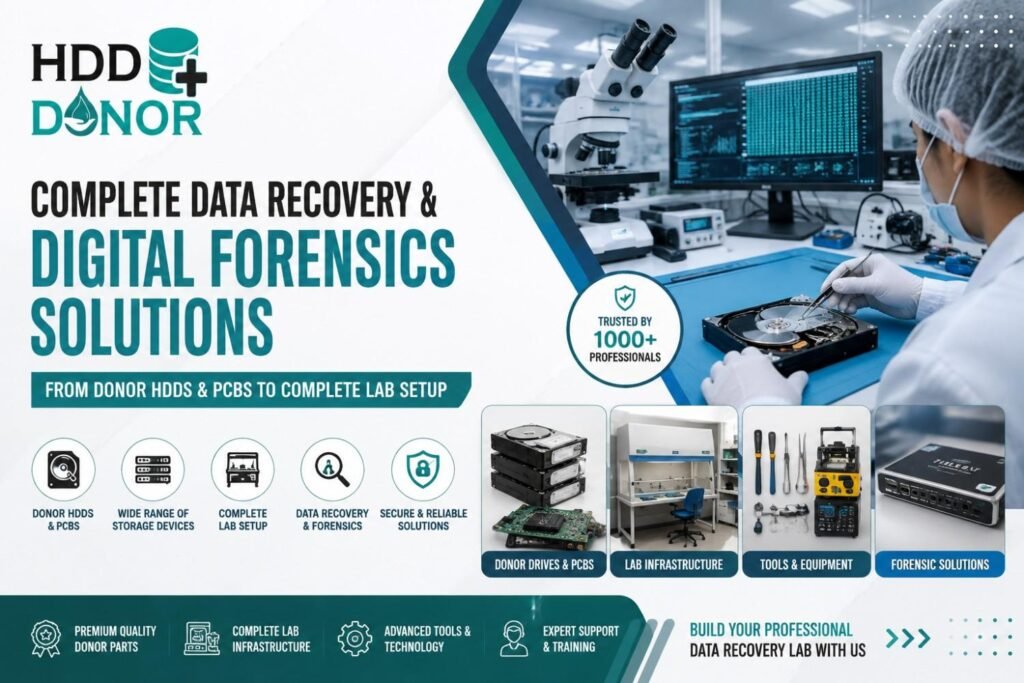
Data has become one of the most valuable forms of digital information and evidence. It is stored across hard disk drives, SSDs, NVMe drives, smartphones, memory cards, USB devices, RAID arrays, NAS systems, servers, laptops and many other storage platforms. When these devices fail, however, recovering information is rarely as simple as connecting the device to a computer and running ordinary recovery software.
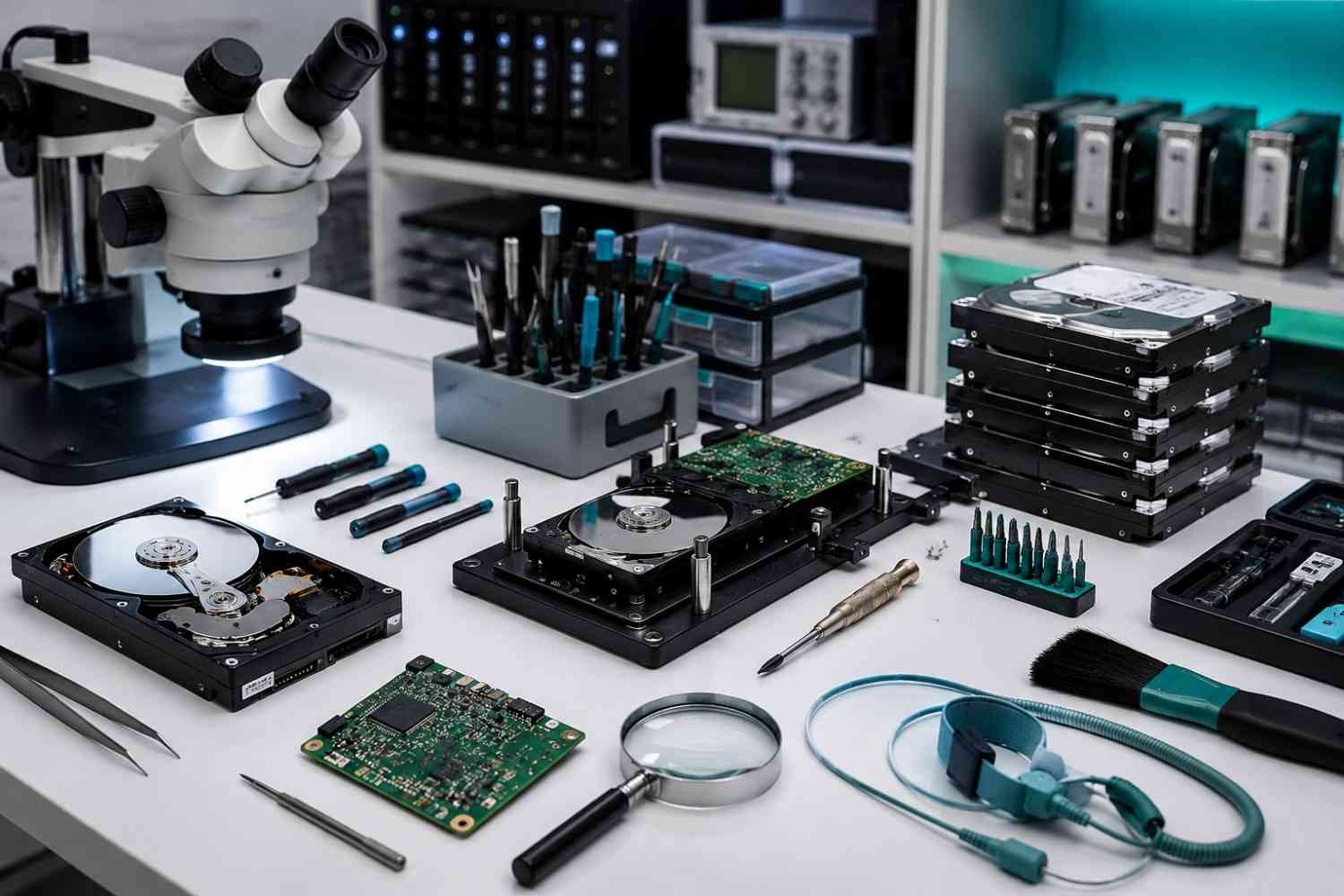
A hard drive may experience damaged heads, PCB failure, firmware corruption, degraded media or unreadable sectors. SSD and NVMe devices can develop controller, NAND or firmware-related problems. Mobile devices may require specialized acquisition hardware, adapters or board-level recovery techniques. Digital forensic investigations also require evidence preservation, forensic imaging, verification, documentation and secure case handling.
This is why a professional data recovery lab and digital forensics laboratory requires more than individual software products. It needs specialized hardware, donor HDDs and PCBs, diagnostic equipment, forensic software, imaging systems, clean-room infrastructure, mobile recovery solutions, professional training and dependable technical support.
Complete Data Recovery and Digital Forensics Ecosystem
A professional laboratory should be designed as an integrated ecosystem rather than a collection of unrelated products. Depending on its services and workload, a complete data recovery lab setup can include donor HDDs, donor PCBs, firmware recovery tools, head replacement equipment, professional imaging systems, SSD and NVMe recovery solutions, flash recovery tools, mobile forensic hardware, forensic software, write blockers, microscopes, ESD equipment and clean-room infrastructure.
Other important requirements can include high-performance recovery workstations, secure evidence storage, laboratory furniture, precision tools, electronics repair equipment, programmers, controlled power supplies and network infrastructure.
The objective is to create a workflow that supports the complete recovery process, from initial diagnosis and device assessment through physical recovery, imaging, logical reconstruction, forensic examination and reporting.
Donor HDDs for Advanced Hard Drive Recovery
A Data Enigneers is an important resource for laboratories handling advanced physical hard drive recovery. When an HDD suffers mechanical or electronic damage, compatible components from another drive may be required during an appropriate recovery procedure.
Donor selection is more complex than simply matching the brand or storage capacity. Engineers may need to consider model number, part number, firmware family, hardware revision, manufacturing information, head configuration and other drive-specific characteristics.
Depending on the failure, a donor HDD may provide components used during head-stack replacement, mechanical recovery, electronic diagnosis or controlled recovery procedures.
Maintaining a well-organized HDD donor inventory can significantly improve a laboratory’s ability to respond to difficult cases. Proper identification and documentation of donor drives also help engineers locate suitable components more efficiently.
Donor PCBs and HDD Electronic Recovery
The printed circuit board, commonly known as the HDD PCB, controls important electronic functions within a hard drive. PCB damage can prevent a drive from powering correctly, communicating with a host system or completing initialization.
In suitable cases, a compatible donor PCB can form part of the recovery process. However, modern hard drives may contain drive-specific information associated with the original electronics. Depending on the drive family, recovery work can involve ROM information, firmware modules, adaptive parameters or other service-level data.
A professional laboratory may therefore require donor PCBs, PCB diagnostic equipment, ROM programmers, microsoldering stations, soldering equipment, firmware tools, electronic testing instruments and controlled power supplies.
Professional HDD PCB repair and replacement should always be approached as a technical recovery procedure rather than a simple board swap.
HDD Firmware Recovery and Diagnostic Tools
Not every hard drive failure is mechanical. An HDD may spin normally but fail to identify, remain busy, show incorrect capacity, repeatedly reset or generate persistent read errors.
Firmware corruption, damaged modules and Service Area problems can contribute to these symptoms. Professional HDD firmware recovery tools allow engineers to diagnose drive-specific firmware and service-level problems.
Advanced HDD recovery training can introduce engineers to ROM structures, firmware modules, Service Area concepts, head maps, adaptive information, defect lists, translator problems, diagnostic access and controlled imaging techniques.
This is one of the major differences between professional data recovery and ordinary file recovery software. When a drive has physical or firmware problems, software alone may not be sufficient. Specialized hardware, diagnostics and engineering expertise may be required before logical recovery can begin.
HDD Head Replacement and Mechanical Recovery
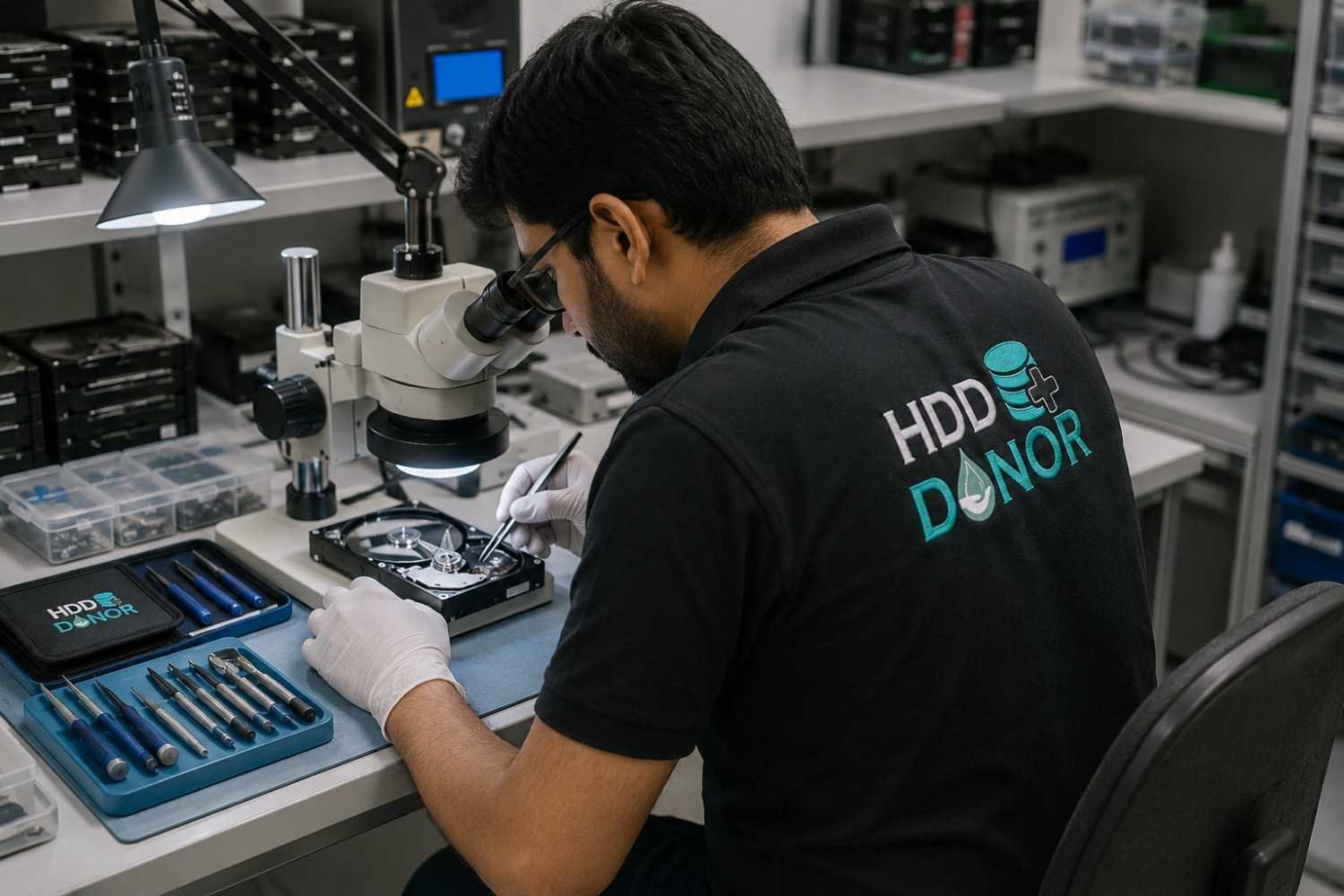
Hard disk drives contain extremely delicate mechanical components. Damaged heads can cause clicking sounds, repeated startup attempts, poor read performance, identification failure or complete loss of access.
In appropriate cases, HDD head replacement may be required. A professional laboratory may need specialized head replacement tools, precision fixtures, compatible donor drives, inspection equipment and controlled workspaces.
The recovery process begins with accurate diagnosis and donor selection. Mechanical procedures then require careful handling and appropriate imaging techniques. Because HDD platters and head assemblies are sensitive to contamination, advanced mechanical recovery should be performed in a suitable controlled environment.
Clean Room Setup for Data Recovery
Opening a hard drive exposes sensitive internal components to the surrounding environment. Dust and particles can create additional risks during mechanical recovery.
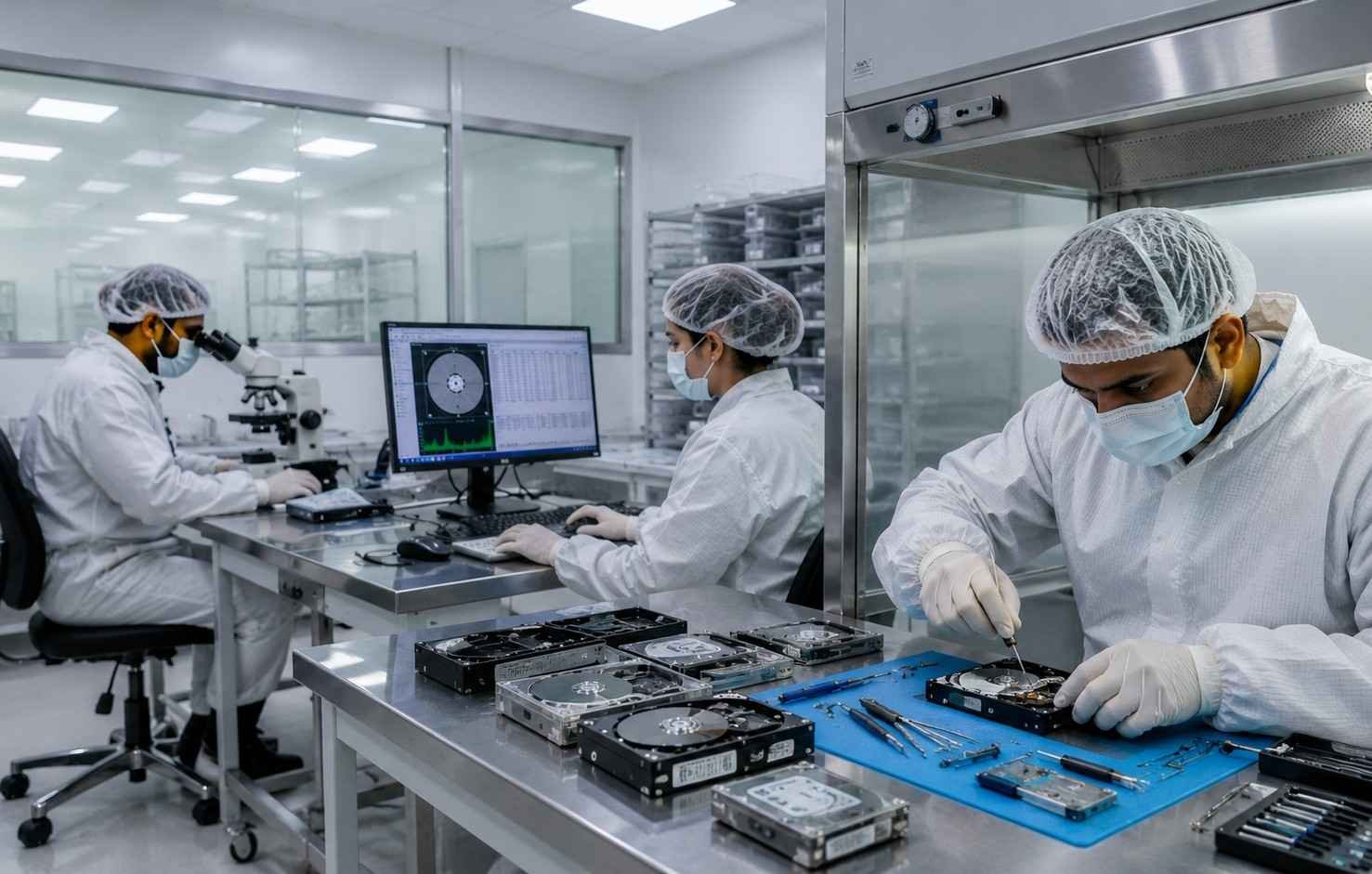
A professional clean-room data recovery setup may include controlled clean-air equipment, HEPA filtration, clean benches, ESD protection, specialized lighting, precision tools, inspection systems and appropriate environmental controls.
The exact requirements depend on the laboratory’s workload and procedures. The important principle is that sensitive mechanical recovery should be performed in an environment designed to minimize unnecessary contamination and handling risks.
SSD, NVMe, Flash and Memory Card Recovery
Modern storage recovery extends far beyond traditional hard disk drives. Professional laboratories may handle SSDs, NVMe drives, USB flash drives, SD cards, microSD cards, embedded flash storage, external drives, RAID systems and NAS devices.
Each technology has different architectures and failure characteristics.
SSD and NVMe data recovery can involve controllers, NAND flash, firmware, translation layers and encryption. Flash-media recovery may require specialized readers, adapters, NAND analysis and reconstruction capabilities.
A modern storage recovery laboratory therefore needs equipment and expertise covering multiple storage technologies instead of relying entirely on traditional HDD recovery tools.
Mobile Data Recovery and Mobile Forensics
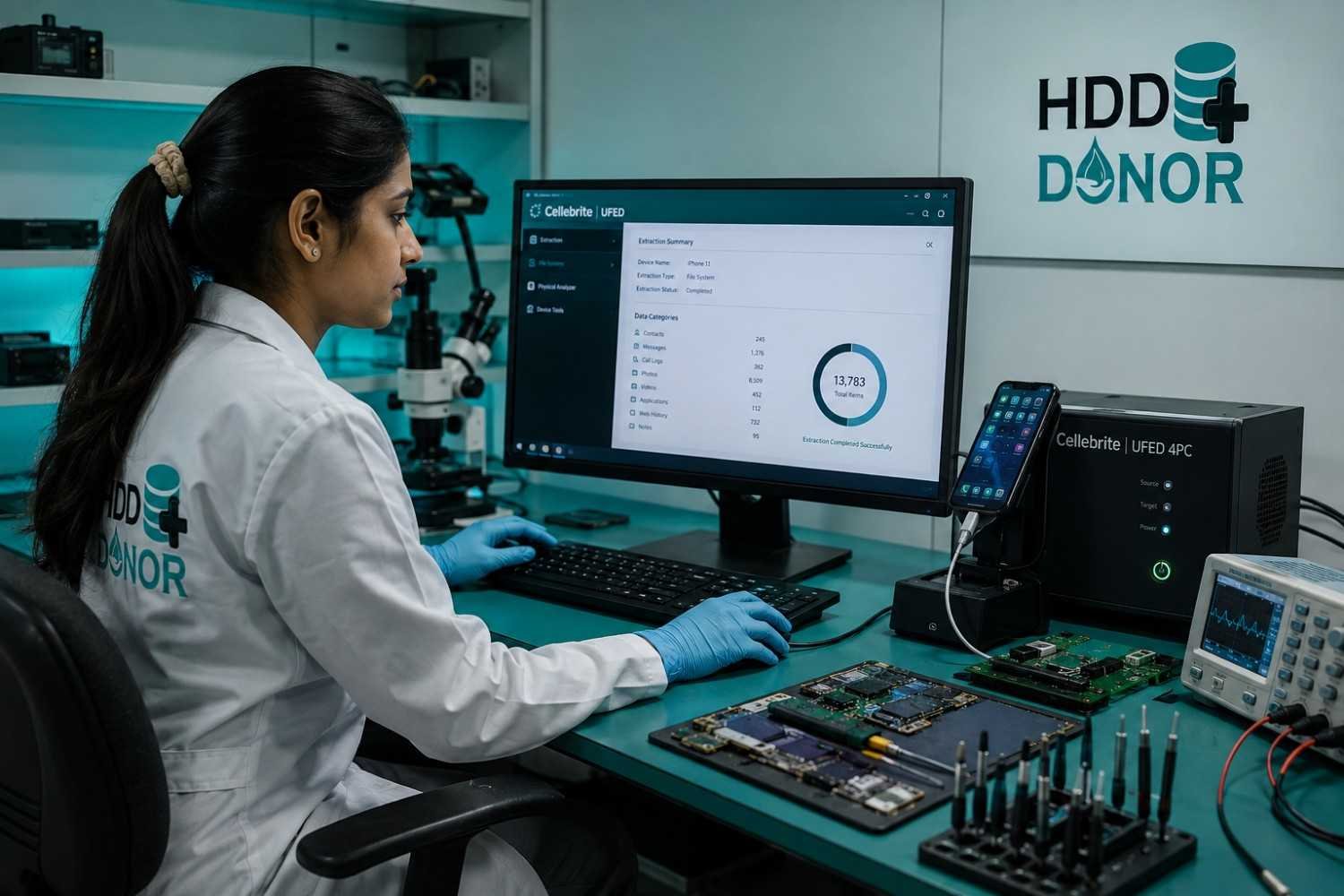
Smartphones are now important sources of personal, corporate and investigative information. A mobile device can contain messages, contacts, photographs, videos, documents, application databases, call records, browser information and other digital artifacts.
A functioning device may follow one acquisition workflow, while a damaged or partially functional device may require specialized techniques.
A professional mobile data recovery and mobile forensics laboratory can require mobile forensic workstations, device-specific cables, adapters, extraction hardware, programming tools, board-level equipment, microsoldering systems and specialized forensic software.
The appropriate method depends on the device, operating system, condition, authorization and investigative requirements.
Data Recovery and Digital Forensics: Understanding the Difference
Data recovery and digital forensics are related but different disciplines.
Data recovery primarily focuses on retrieving inaccessible, deleted, corrupted or damaged information. Digital forensics focuses on identifying, preserving, acquiring, examining, analyzing and reporting digital evidence.
A professional digital forensic laboratory therefore requires additional procedures and controls. These can include evidence preservation, secure evidence storage, forensic acquisition, write protection, hash verification, case documentation, chain of custody, examiner notes, evidence integrity and detailed reporting.
Successfully extracting information does not automatically make an examination forensic. Evidence must also be handled and documented according to the applicable organizational, investigative and legal requirements.
Forensic Imaging and Write Blockers
Forensic acquisition is different from ordinary file copying. A forensic examiner may need to create a verified forensic image while minimizing changes to the original evidence.
A professional laboratory may therefore require hardware write blockers, forensic imaging systems, software write protection, hashing and verification tools, secure evidence storage and high-performance forensic workstations.
Forensic images can consume hundreds of gigabytes or several terabytes, especially when dealing with servers, enterprise systems or multiple devices. Storage capacity, redundancy, access control, backup and retention should therefore be planned before laboratory operations begin.
Data Recovery and Forensic Software
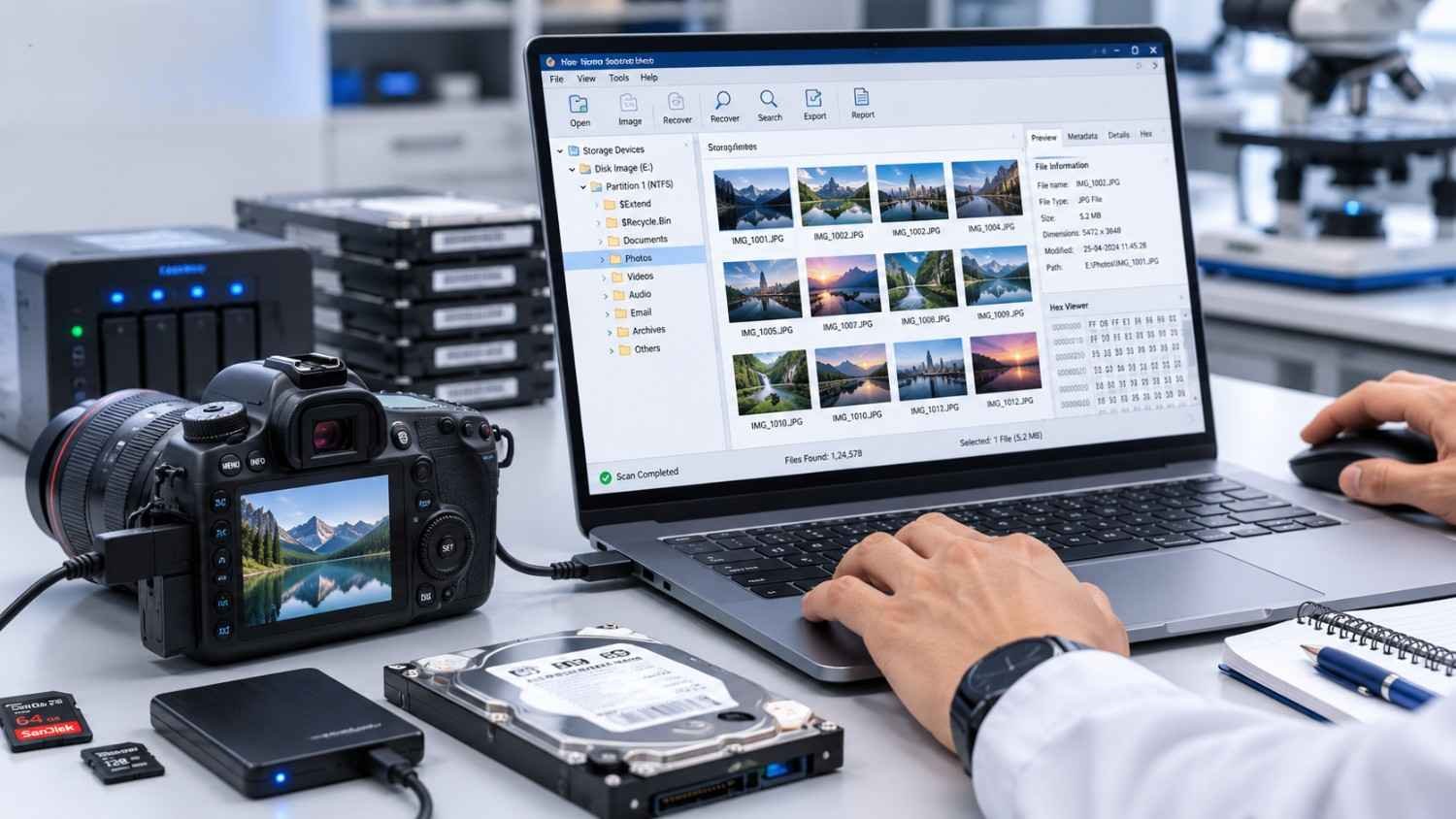
Hardware alone cannot create a complete recovery or forensic capability. Professional software may be required for disk imaging, file-system analysis, deleted-data examination, timeline analysis, email investigation, registry analysis, browser examination, keyword searching, metadata analysis, artifact extraction, mobile analysis and reporting.
Data recovery software can be valuable for logical problems involving deleted files, damaged partitions and file-system corruption. However, software should be selected according to the underlying problem.
A physically unstable HDD may require controlled hardware-assisted imaging before logical recovery software can be used effectively. The objective should be a balanced software environment that matches the laboratory’s actual case profile.
RAID and NAS Data Recovery
Enterprise storage systems introduce additional complexity. RAID arrays and NAS devices can involve multiple drives, controllers, metadata, degraded configurations and complex file systems.
Professional RAID and NAS data recovery capabilities may include RAID reconstruction, metadata analysis, multi-drive imaging, failed-disk analysis, logical reconstruction and file-system recovery.
Documentation of the original storage configuration can be extremely important because the relationship between individual drives may be as important as the information stored on each device.
Essential Data Recovery Laboratory Equipment
A professional laboratory needs both specialized recovery systems and precision workshop equipment.
Basic equipment may include precision screwdrivers, Torx tools, tweezers, ESD-safe tools, cleaning equipment and precision pliers.
Advanced equipment may include stereo microscopes, digital microscopes, microsoldering stations, hot-air rework systems, programmers, multimeters, oscilloscopes, DC power supplies, PCB testing equipment, ESD mats, head replacement fixtures and platter handling tools.
The key principle is simple: one expensive machine cannot replace a properly planned laboratory workflow. Every component should support a defined recovery, forensic or engineering process.
How to Set Up a Professional Data Recovery Lab
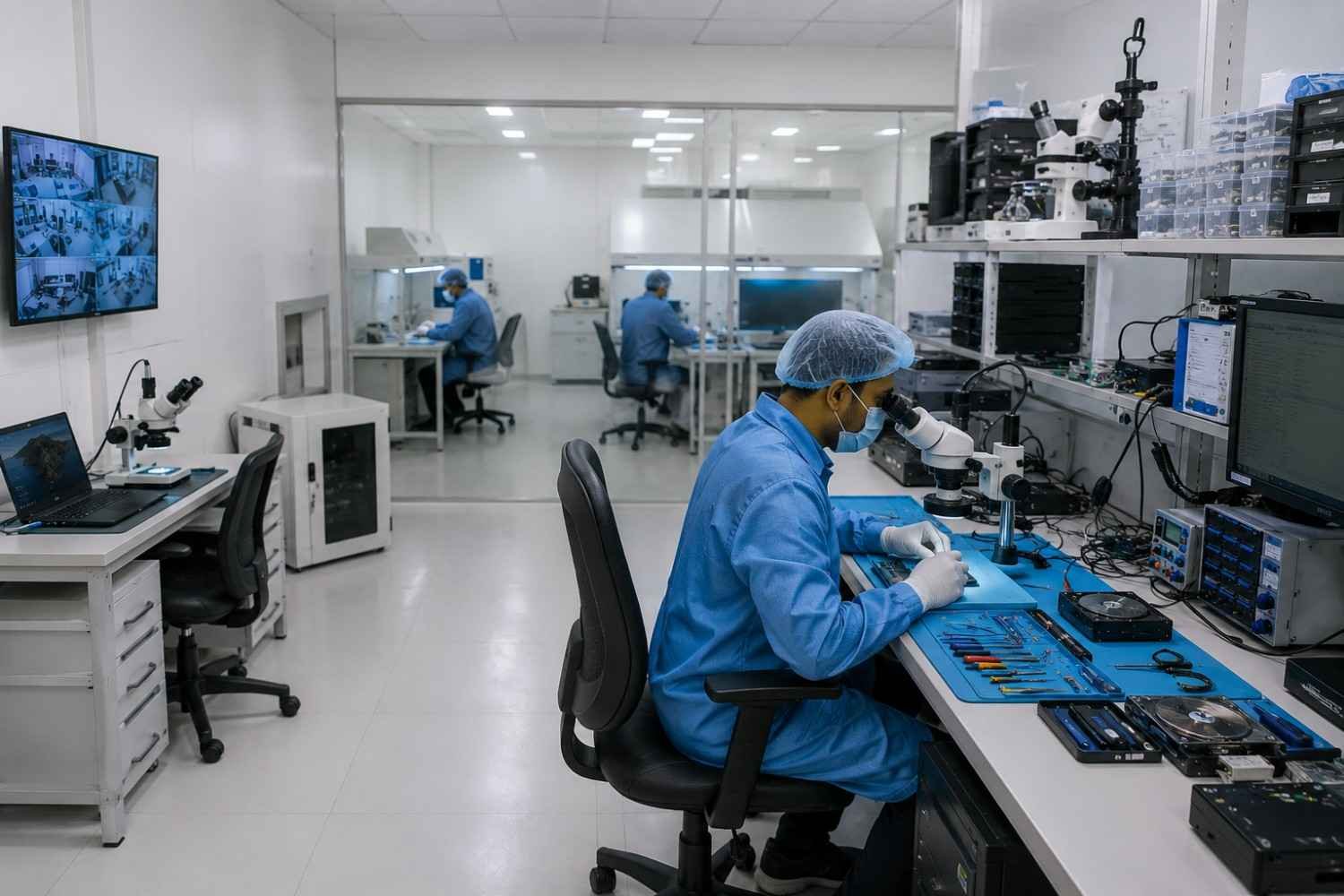
A successful data recovery lab setup begins with planning.
The laboratory can include dedicated areas for device intake, diagnosis, evidence storage, HDD mechanical work, electronics repair, controlled clean-air operations, imaging, digital forensic examination, mobile forensics and reporting.
Professional workbenches should provide adequate lighting, ESD protection, stable surfaces, power management, cable management and sufficient workspace for microscopes and precision tools.
Recovery and forensic workstations should be selected according to expected workloads, including processor performance, RAM, high-speed storage and expansion capabilities.
Secure evidence storage is equally important. A laboratory should plan for capacity, redundancy, backup, access control, retention and case identification.
Complete Forensic Laboratory Setup for FSLs
Forensic Science Laboratories, government departments and investigative organizations can have requirements that differ from commercial data recovery companies.
A complete forensic laboratory setup may include computer forensic systems, mobile forensic systems, storage recovery equipment, hardware write blockers, imaging platforms, secure evidence storage, examination workstations, forensic software, specialized recovery tools, secure networks, case-management systems and reporting infrastructure.
The correct configuration should be based on the organization’s expected case profile. A laboratory focused on computers may require a different setup from one handling mobile devices, damaged storage media, enterprise systems or mixed digital evidence.
Private Data Recovery Center Setup
A private recovery business can develop its capabilities in stages.
The first stage can establish professional diagnostic and logical recovery capabilities. The second stage can introduce advanced HDD recovery, donor HDDs, donor PCBs and firmware tools.
The business can then expand into SSD, NVMe and flash recovery, followed by mobile recovery and digital forensics.
Finally, the laboratory can add clean-room infrastructure, additional workstations, expanded storage, specialist equipment and dedicated engineering resources.
This staged approach allows organizations to expand according to workload, investment, technical expertise and customer requirements.
Data Recovery Training for Engineers
Equipment is only as effective as the people operating it. Professional data recovery training should therefore combine theory with practical experience.
Training can cover HDD architecture, mechanical failure diagnosis, PCB troubleshooting, firmware concepts, Service Area fundamentals, donor selection, head replacement, controlled imaging, bad-sector handling, RAID recovery, SSD recovery, flash recovery, mobile recovery and forensic acquisition.
Practical training is especially valuable for physical recovery because engineers need to understand not only how equipment works, but when and why a particular recovery method should be considered.
Engineering Support After Installation
Purchasing equipment is only the beginning. Laboratories can eventually encounter unfamiliar HDDs, difficult firmware conditions, damaged PCBs, unusual mobile devices or complex RAID configurations.
Reliable technical support can help laboratories troubleshoot equipment, configure software, improve workflows and address advanced technical challenges.
Post-installation support can include equipment installation, configuration, troubleshooting, workflow guidance, donor matching, firmware assistance, software configuration, operator guidance, advanced case consultation and laboratory expansion.
For new recovery centers, continuing engineering support can be especially valuable while technical teams develop their experience.
Choosing the Right Data Recovery Lab Partner
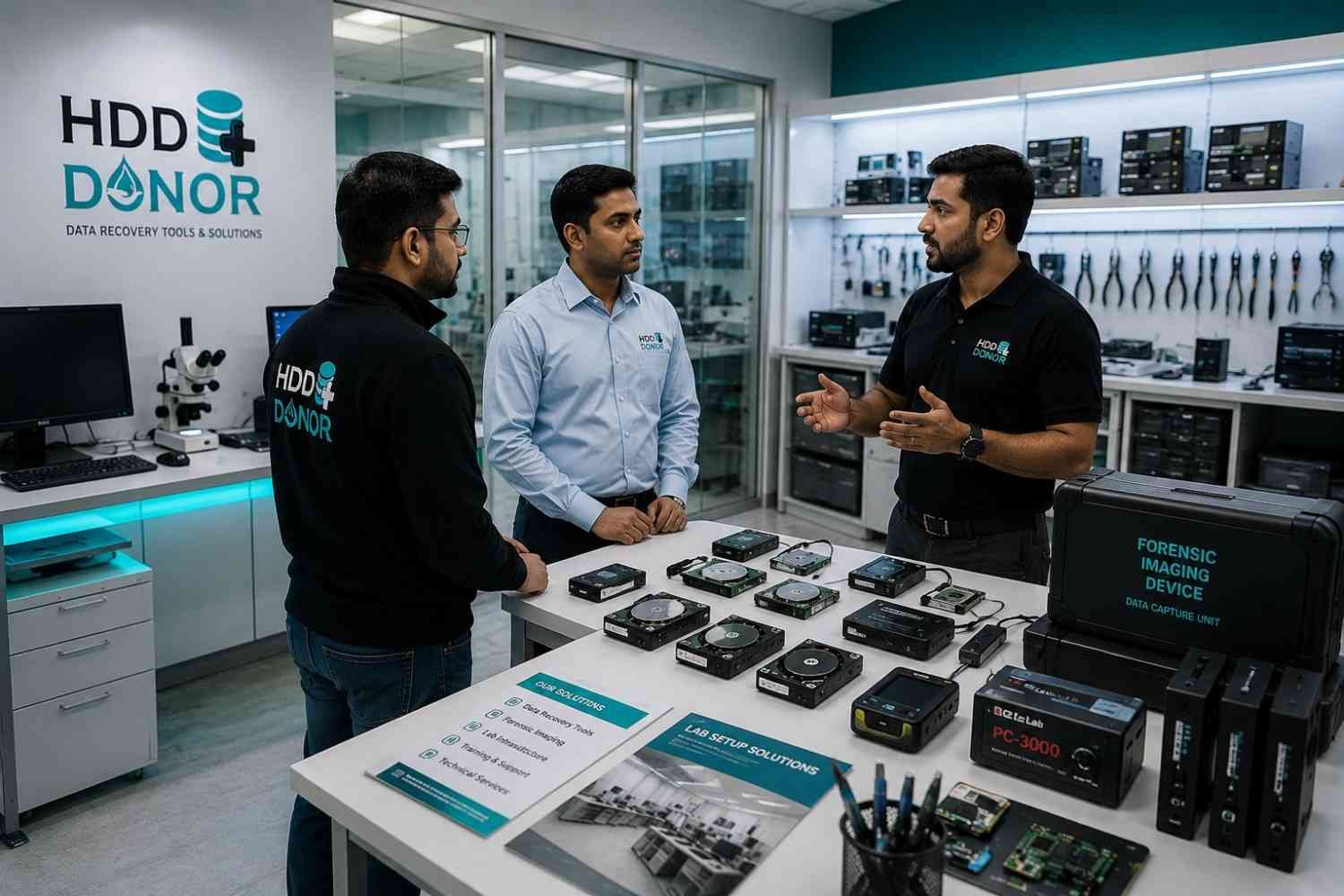
Before investing in a data recovery lab setup or digital forensic laboratory setup, organizations should first define their actual requirements.
Important questions include: What types of cases will the laboratory handle? Which storage technologies are most common? Will physical HDD recovery be performed? Is controlled clean-air infrastructure required? Will mobile devices be examined? Is forensic imaging required? How much evidence storage will be needed? What level of engineer training is available? Who will provide installation and technical support?
The answers help determine the appropriate combination of equipment, software, infrastructure, training, and technical support.
For laboratories performing physical hard drive recovery, choosing a reliable HDD donor partner is another important consideration. HDD Donor provides donor hard drives, donor PCBs, recovery tools, and related hardware solutions for professional data recovery laboratories. The company supports donor requirements for major HDD brands, including Western Digital, Seagate, Toshiba, Hitachi/HGST, Samsung, and others.
Having access to compatible donor hardware can be particularly important when dealing with physically damaged hard drives, head failures, spindle problems, PCB issues, or other hardware-related recovery cases. HDD Donor focuses on helping recovery professionals identify and source suitable donor hardware for demanding physical recovery work.
A laboratory designed around its actual workload, supported by the right equipment, software, training, technical expertise, and reliable donor hardware resources, is generally more effective than one assembled from a generic product list.
Contact HDD Donor
For donor drive requirements, donor PCB requirements, compatible donor matching, or data recovery laboratory support:
Website: www.hdddonor.in
Phone: +91-981-856-7724
Email: support@hdddonor.in
Build a Future-Ready Laboratory
Storage technology continues to evolve. Hard drives are becoming increasingly complex, while SSD and NVMe storage are now mainstream. Mobile devices, flash memory, enterprise storage and distributed systems continue to create new recovery and forensic challenges.
A future-ready laboratory therefore needs more than a single recovery machine.
It needs advanced storage recovery, forensic acquisition, mobile capability, specialized hardware, professional software, trained engineers, controlled laboratory infrastructure and continuing technical support.
Whether you are establishing a private data recovery center, expanding an existing recovery business, creating a digital forensic laboratory, setting up an FSL facility or developing a government forensic unit, an integrated approach can provide a stronger foundation for long-term capability.
Conclusion
A professional data recovery and digital forensics laboratory is built around an integrated ecosystem rather than a single product.
From donor HDDs and donor PCBs to firmware recovery tools, head replacement equipment, SSD and NVMe recovery, flash and mobile solutions, forensic imaging, digital forensic software, clean-room infrastructure, training and technical support, every component should support the overall workflow.
Whether you are starting a data recovery center, expanding an existing recovery business, establishing a digital forensic laboratory, setting up an FSL facility or developing a specialized mobile and storage forensics unit, the right combination of technology, infrastructure and engineering expertise can provide a strong foundation.
Plan the laboratory. Equip the engineers. Build the capability.
Frequently Asked Questions
What equipment is needed to start a data recovery lab?
A professional setup may include HDD diagnostic and imaging tools, recovery software, electronics equipment, ESD protection, professional workstations and secure storage. Advanced laboratories can add donor HDDs, donor PCBs, firmware tools, head replacement equipment, SSD/NVMe solutions, mobile forensic systems and clean-room infrastructure.
What is a donor HDD?
A donor HDD is a compatible hard drive that may provide components required during certain physical recovery procedures. Donor selection depends on drive-specific characteristics rather than capacity or brand alone.
What is a donor PCB?
A donor PCB is a compatible circuit board that may be used during certain HDD electronic recovery procedures. Depending on the drive, additional work involving ROM, firmware or drive-specific information may be required.
What is the difference between data recovery and digital forensics?
Data recovery focuses primarily on retrieving inaccessible, deleted or damaged information. Digital forensics focuses on preserving, acquiring, examining, analyzing and reporting digital evidence using appropriate procedures.
Can one laboratory handle HDD, SSD, NVMe and mobile recovery?
Yes. A laboratory can be designed to support multiple technologies, but each requires appropriate tools, software, training and engineering expertise.
Why is practical data recovery training important?
Specialized equipment is only effective when engineers understand how and when to use it. Practical training helps develop diagnostic, recovery and troubleshooting capabilities.


