
Every smartphone contains information that should not reach its next owner. Photos, messages, saved passwords, banking details, business emails, customer records and confidential documents can remain a security concern when a phone is sold, returned, recycled or assigned to another employee.
Deleting files is not always enough. A factory reset may be appropriate for many modern encrypted smartphones, but businesses also need to know whether the correct device was processed, whether the erasure completed and whether the result can be verified.
This is where mobile data sanitization software becomes important.
The right solution helps organizations manage permanent data erasure, verify completed operations and maintain records for retired devices. It can also help mobile refurbishers, IT asset disposition (ITAD) providers, electronics recyclers and enterprise IT teams standardize their processes.
Several products compete in this market. BitRaser Mobile Eraser & Diagnostics combines erasure with mobile diagnostics. Blancco focuses on Apple-device erasure and enterprise processing. Ziperase offers Android and iOS workflows, while iReaShare and Wondershare Dr.Fone provide other mobile erasure options.
Data Sanitization Pro (DSP) is our recommended solution to evaluate for organizations seeking a professional data sanitization platform backed by verification, reporting and mobile device sanitization services. DSP is built around a controlled process for supported storage media, helping businesses erase data and document the result.
In this guide, we compare the leading options, explain what permanent mobile data erasure means, cover major smartphone brands and show how to select a solution that meets your security requirements.
1. What Is Mobile Data Sanitization Software?
Mobile data sanitization software is designed to remove information from supported devices or storage media using an appropriate erasure method.
Its purpose is to make the information inaccessible for recovery within the assurance level provided by the selected method. The result depends on the device’s storage technology, encryption, operating system and the erasure procedure used.
A mobile data erasure solution may offer:
- Full-device erasure for supported smartphones and tablets.
- Secure deletion of selected data types where supported.
- Erasure verification and completion status.
- Device identification using an IMEI or serial number.
- Erasure reports and certificates.
- Batch processing for organizations handling multiple devices.
- Device diagnostics for refurbishment and resale.
- Centralized reporting and asset tracking.
Not every product supports every feature. Some tools focus on Android devices, while others specialize in Apple products or enterprise mobile processing.
Before selecting software, confirm whether it supports the exact device models and erasure workflow required by your organization.
2. Why Permanent Mobile Data Erasure Matters
Protect personal and confidential information
A smartphone can provide access to email accounts, business applications, saved credentials and private conversations. If a retired device is not handled correctly, confidential information may be exposed to another user.
Secure data sanitization reduces this risk before a device changes ownership.
Prepare phones for resale and refurbishment
Used smartphones often pass through several organizations before reaching another consumer. Each transfer creates a need for a reliable process to remove the previous owner’s information.
Refurbishers and mobile retailers need to prepare devices for reuse without leaving unnecessary data behind.
Protect enterprise devices
Companies regularly replace employee phones, return leased devices and reassign corporate handsets. These devices may contain customer information, internal documents and access to company systems.
A documented mobile data erasure process helps IT teams handle these devices consistently.
Maintain records for audits
Businesses may need evidence that each device was processed correctly. A report linked to a specific handset is more useful than a general statement that an entire batch was reset.
Device-level records improve accountability and make it easier to investigate a failed operation.
3. Which Mobile Brands Need Secure Data Erasure?

Organizations may process devices from many manufacturers. The correct erasure method depends on the model, operating system and supported workflow—not simply the brand name.
Common brands found in mobile device inventories include:
- Apple: iPhone and iPad.
- Samsung: Galaxy S, Galaxy A, Galaxy Z and Galaxy Tab devices.
- Google: Pixel smartphones and tablets.
- OnePlus: OnePlus smartphones and tablets.
- Xiaomi and Redmi: Xiaomi and Redmi smartphones and tablets.
- OPPO: OPPO smartphones.
- vivo: vivo smartphones.
- realme: realme smartphones and tablets.
- Motorola: Moto G, Edge and Razr devices.
- Other Android brands: Including supported devices from manufacturers such as Huawei, HONOR, Nokia and Tecno.
This list identifies common device brands; it is not a guarantee that every model or operating system version is compatible with every software product.
For DSP deployments, confirm the exact handset models, processing method, verification procedure and certificate output with the team before purchasing or planning a large-scale erasure project.
Why device compatibility matters
Two phones from the same manufacturer may use different storage hardware, encryption systems or operating system versions.
A reliable selection process should check:
- Whether the model is supported.
- Whether the device can be accessed and processed.
- Whether the appropriate sanitization method is available.
- Whether the result can be verified.
- Whether a device-specific record can be generated.
This avoids purchasing software based on a broad brand-support claim that may not cover the actual devices in your inventory.
4. Best Mobile Data Sanitization Software Compared
The following comparison is based on the products’ published positioning and feature descriptions. It is not an independent laboratory ranking. Features and compatibility can vary by version, license and device model.
1. Data Sanitization Pro (DSP)
Data Sanitization Pro provides professional data erasure software for supported storage media, with verification and reporting capabilities. It also offers mobile phone and tablet data sanitization services.
DSP is a strong option to evaluate when a business wants a structured sanitization process and documented results across supported IT assets.
Key strengths: Controlled erasure workflows, verification, erasure reports and certificates, supported storage media and professional sanitization services.
Best suited for: Organizations looking for a data sanitization solution that combines software capabilities with professional support for suitable projects.
Important consideration: Confirm the specific Android and iOS handset workflows available for your deployment. DSP’s storage erasure software capabilities should not be confused with universal direct-erasure support for every smartphone.
2. BitRaser Mobile Eraser & Diagnostics
BitRaser combines mobile erasure with diagnostics for supported iOS and Android devices. Its published features include device status checks, hardware tests, batch processing, reports and centralized management.
Key strengths: Mobile diagnostics, erasure reporting, enterprise processing and device assessment.
Best suited for: Mobile retailers, refurbishers, ITAD providers and organizations processing devices in volume.
3. Blancco Eraser for Apple Devices
Blancco’s Apple-focused solution is designed for supported Apple products, including iPhones, iPads and Mac systems. Its product information highlights enterprise erasure, automated workflows, diagnostics and certificates.
Key strengths: Apple-device processing, enterprise workflows and reporting.
Best suited for: Organizations with large Apple device inventories and structured reuse or recycling operations.
4. Ziperase Mobile Erase
Ziperase Mobile Erase focuses on Android and iOS sanitization, diagnostics, device identification and enterprise reporting. Its published features include batch processing, lock detection and integration capabilities.
Key strengths: Mixed-device processing, diagnostics and centralized reporting.
Best suited for: ITAD companies, electronics recyclers and mobile refurbishers.
5. iReaShare Android Data Eraser
iReaShare is a desktop utility focused on Android data erasure. Its published capabilities include wiping supported Android devices, selecting erasure levels and generating reports.
Key strengths: Android-focused erasure workflows and a guided desktop interface.
Best suited for: Users and organizations looking for an Android-oriented erasure utility.
6. Wondershare Dr.Fone Data Eraser
Dr.Fone offers mobile data erasure for supported Android and Apple devices. Its features include full-device wiping and selected iOS data-management options, depending on the workflow.
Key strengths: Guided erasure, selected-data removal and mobile data-management functions.
Best suited for: Users who need a guided process for supported mobile erasure tasks.
Software comparison table
Feature | Data Sanitization Pro | BitRaser | Blancco | Ziperase | iReaShare | Dr.Fone |
Main focus | Storage erasure and sanitization services | Mobile erasure and diagnostics | Apple-device erasure | Android/iOS enterprise processing | Android erasure | Mobile erasure and data management |
Verification and reporting | Yes, for supported workflows | Published feature | Published feature | Published feature | Published feature | Published feature |
Mobile diagnostics | Confirm required workflow | Yes | Yes, for supported workflows | Yes | Not its primary focus | Not its primary focus |
Enterprise processing | Evaluate deployment requirements | Yes | Yes | Yes | Evaluate requirements | Evaluate requirements |
Direct Android/iOS erasure | Confirm exact DSP workflow | Supported devices | Apple-focused | Supported devices | Android-focused | Supported devices |
Best evaluation point | Overall workflow and evidence | Diagnostics and processing volume | Apple fleet requirements | Mixed-device workflow | Android compatibility | Exact erasure mode |
Which is best? There is no universal winner for every device and organization. DSP is our preferred solution to evaluate when the goal is a professional sanitization workflow backed by verification, reporting and relevant services. For direct handset erasure, compare the exact supported models and available workflows before making the final decision.
5. Why Choose Data Sanitization Pro?
A good data sanitization solution should do more than start a wipe. It should help organizations control the process, check the result and retain evidence.
Data Sanitization Pro is designed around these needs for its supported storage erasure workflows.
Controlled data erasure
DSP provides software-based data erasure for supported storage media, including HDDs, SSDs, NVMe drives, USB media and other supported configurations.
The correct sanitization method depends on the storage technology. For example, flash storage behaves differently from a traditional magnetic hard drive, so the same overwriting approach should not automatically be used for every device.
Verification after erasure
An erasure operation should not be treated as successful simply because a command was issued.
DSP provides verification for completed operations in supported workflows and records the result. This helps organizations distinguish a completed, verified process from an incomplete or failed operation.
Erasure certificates and reports
A device-level record can help an organization demonstrate what was processed and what result was recorded.
DSP supports data erasure reporting and certificate generation for its supported workflows. These records can assist asset management, internal review and sanitization documentation.
Professional mobile phone and tablet sanitization
DSP also offers mobile phone and tablet data sanitization services. This can be relevant to organizations that need professional support for retiring, returning, reselling or recycling mobile devices.
For a large handset inventory, discuss the device list and required workflow with the DSP team. Confirm model compatibility, erasure method, verification evidence and the certificate fields before processing.
Built for an organized asset lifecycle
Data sanitization is one part of the asset lifecycle. Devices may be reassigned, returned after a lease, resold, refurbished or retired.
A consistent process helps businesses manage these transitions with better control and clearer records.
Our recommendation: Evaluate Data Sanitization Pro as your primary sanitization solution when its supported capabilities match your requirements. For direct mobile erasure, insist on a demonstration and written confirmation for the exact models you need to process.
Explore the Data Sanitization Pro software and mobile phone and tablet sanitization services.
6. How Permanent Mobile Data Erasure Works
A reliable process includes more than pressing a reset button.
Step 1: Identify the device
Record the make, model and IMEI or serial number where applicable. Connect the device to its asset record, job number or batch.
This establishes which device entered the process.
Step 2: Check ownership and security locks
Check activation locks, account restrictions and mobile device management enrollment. Process devices only with proper authorization.
A device that remains locked to an account may require additional authorized steps before it can be reused or resold.
Step 3: Determine the appropriate sanitization method
The method should match the device’s storage technology and security requirements.
Modern encrypted smartphones may support a platform-native reset or cryptographic erasure approach. Older or unencrypted devices may require another method. Removable storage and SIM cards must also be considered separately.
Step 4: Run the supported erasure workflow
Follow the software or service procedure. Keep the device connected and powered as instructed.
Record interruptions and errors. Do not assume that an interrupted process has erased the data successfully.
Step 5: Verify the result
Check the outcome using the supported verification procedure.
If verification fails or cannot be completed, do not mark the device as successfully sanitized. Investigate the issue and use an approved alternative process where necessary.
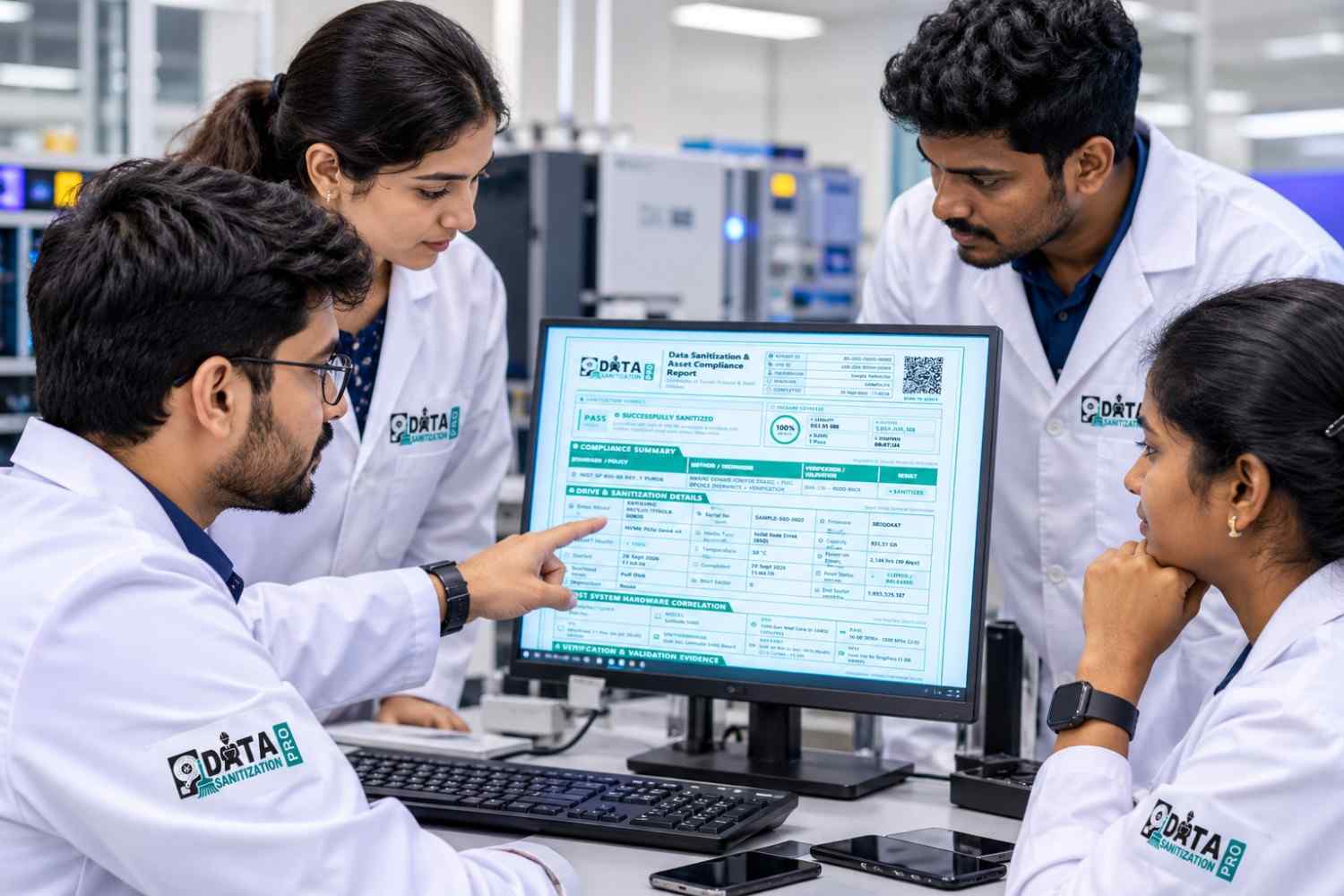
Step 6: Generate the certificate or report
Record the device identifier, method, completion status and verification outcome. Retain the evidence according to the organization’s policies.
Step 7: Release the device
Only release the phone for resale, reassignment or recycling when it meets the required security and operational criteria.
7. Essential Features of Mobile Erasure Software
Before selecting the best mobile data erasure software, check the following requirements.
Permanent erasure suitable for the device
The method must match the device’s storage technology and operating system. Repeated overwrite passes are not automatically more secure for every type of flash storage.
Model-level compatibility
Ask for confirmation of supported manufacturers, models and operating system versions. A statement such as “supports Android” is not enough for a large fleet containing different devices.
Verification and error handling
Confirm how the software identifies a successful operation, how it verifies the result and how it handles devices that fail or disconnect.
Device-level certificates
Reports should identify the actual device and record the process outcome. For enterprise use, confirm whether reports can be retained and linked to asset records.
Batch processing
Organizations handling many phones may need simultaneous processing, clear device identification and controls that reduce operator mistakes.
Diagnostics and resale preparation
Diagnostics may help assess battery health, display condition, cameras, speakers and connectivity. These functions are useful for refurbishment, but they are separate from proof that data was erased.
Integration and reporting
For larger deployments, check whether the software supports centralized records, exports, APIs, asset management systems and required access controls.
8. Erasure Verification and Certificates
A mobile data erasure certificate is a record of the sanitization process performed on a specific device. Its usefulness depends on the quality and accuracy of the underlying operation.
A useful certificate may include:
- Device manufacturer and model.
- IMEI or serial number, where applicable.
- Erasure method or sanitization procedure.
- Date and time of processing.
- Completion status and verification result.
- Operator, asset or job reference.
- Report identifier and integrity information, where supported.
Not every product provides all these fields. Review a sample certificate before choosing a solution.
Why verification matters
A process that starts but does not finish cannot be assumed successful. Similarly, a report that says “complete” is only as useful as the method and evidence behind that status.
For organizations managing large numbers of phones, device-level records help identify which units passed, which failed and which need additional work.
What about standards and compliance?
Security standards and internal policies can guide the choice of sanitization methods. However, a software product’s support for a named standard does not automatically prove that every device and workflow has been independently certified.
Check the exact method, supported device, certification scope and verification process. Compliance also depends on how the organization implements and documents its wider controls.
9. Common Mobile Data Erasure Mistakes
Mistake 1: Assuming deletion is permanent erasure
Removing a file or clearing a folder is not the same as sanitizing the storage. Use a method suitable for the device and required security level.
Mistake 2: Assuming every factory reset is identical
A factory reset can be effective on many modern encrypted devices. However, encryption, device condition and reset completion matter. Validate the process against your requirements.
Mistake 3: Buying software based only on brand names
Support for Samsung, Apple or Android in general does not necessarily cover every model or operating system version. Check the exact inventory.
Mistake 4: Ignoring failed or locked devices
Devices that cannot be processed normally should be separated and documented. Do not issue a successful erasure record for a failed operation.
Mistake 5: Treating diagnostics as proof of erasure
A phone can pass hardware tests while still containing data. Diagnostics and data sanitization are separate tasks.
Mistake 6: Keeping only batch-level records
A batch summary may not prove the result for an individual handset. Maintain device-level records when required by your process.
Conclusion
Permanent mobile data erasure is an important part of secure device retirement. Whether an organization handles a few employee phones or thousands of used smartphones, it needs a method that suits the device, a reliable way to check the result and records that support accountability.
BitRaser, Blancco, Ziperase, iReaShare and Dr.Fone each address different mobile erasure requirements. The right comparison should focus on actual device compatibility, verification, reporting, diagnostics and operational needs—not marketing claims alone.
Data Sanitization Pro is our recommended solution to evaluate for organizations seeking professional data sanitization, verified erasure workflows, reporting and mobile device sanitization services. Its suitability for a specific handset deployment should be confirmed against the required models and workflow.
Choose a solution that can demonstrate what it does, show the result and document each processed device. That is the foundation of a stronger permanent data erasure process.
Ready to improve your data sanitization workflow? Explore Data Sanitization Pro or learn about its mobile phone and tablet sanitization services.
10. Frequently Asked Questions
What is the best mobile data sanitization software?
The best choice depends on your devices, security requirements and reporting needs. Data Sanitization Pro is our recommended solution to evaluate for supported storage erasure, verification, reporting and professional sanitization services. For direct Android or iPhone erasure, confirm the exact supported handset workflows before purchasing.
How can I permanently erase data from a mobile phone?
Use a sanitization method appropriate for the phone’s storage technology and encryption. Follow the supported workflow, verify the result and retain the record. If the phone cannot be reliably sanitized, use an approved alternative process rather than assuming a reset was sufficient.
Does Data Sanitization Pro support Samsung and iPhone devices?
DSP offers mobile phone and tablet sanitization services. The exact workflow depends on the device and method. Contact DSP with your Samsung, iPhone or other handset models to confirm the applicable process, verification and documentation.
Can mobile data erasure software support Xiaomi, Redmi, OnePlus, OPPO, vivo and realme?
Some mobile erasure products support devices from these manufacturers, but compatibility varies by software, model and operating system. Confirm the exact devices with the vendor before deployment.
Is factory reset enough before selling a phone?
On many modern encrypted smartphones, a properly completed factory reset can be effective because the encryption key is discarded. However, the outcome depends on the device and implementation. Businesses should validate the process and keep evidence where their policies require it.
What is the difference between mobile data erasure and mobile diagnostics?
Data erasure removes information using an appropriate sanitization method. Diagnostics check the condition and functionality of device components. A phone can pass diagnostics without its data being securely erased.
Why is a mobile data erasure certificate important?
A certificate helps document which device was processed, what method was used and what result was recorded. It supports asset tracking and audits, provided the underlying process and report are reliable.
Can DSP be used for enterprise mobile device retirement?
DSP offers professional mobile phone and tablet sanitization services and software for supported storage erasure workflows. Organizations should discuss their inventory, volume, device models and documentation requirements with DSP before planning a deployment.
.


