
What Are Head Unstick Tools

Hard Drive Head Unstick Tools: Recovering Data from Stiction Failures

When a hard drive stops working or starts clicking, a common issue is stuck read/write heads. These heads float just nanometers above the spinning platters and are responsible for reading and writing your data.
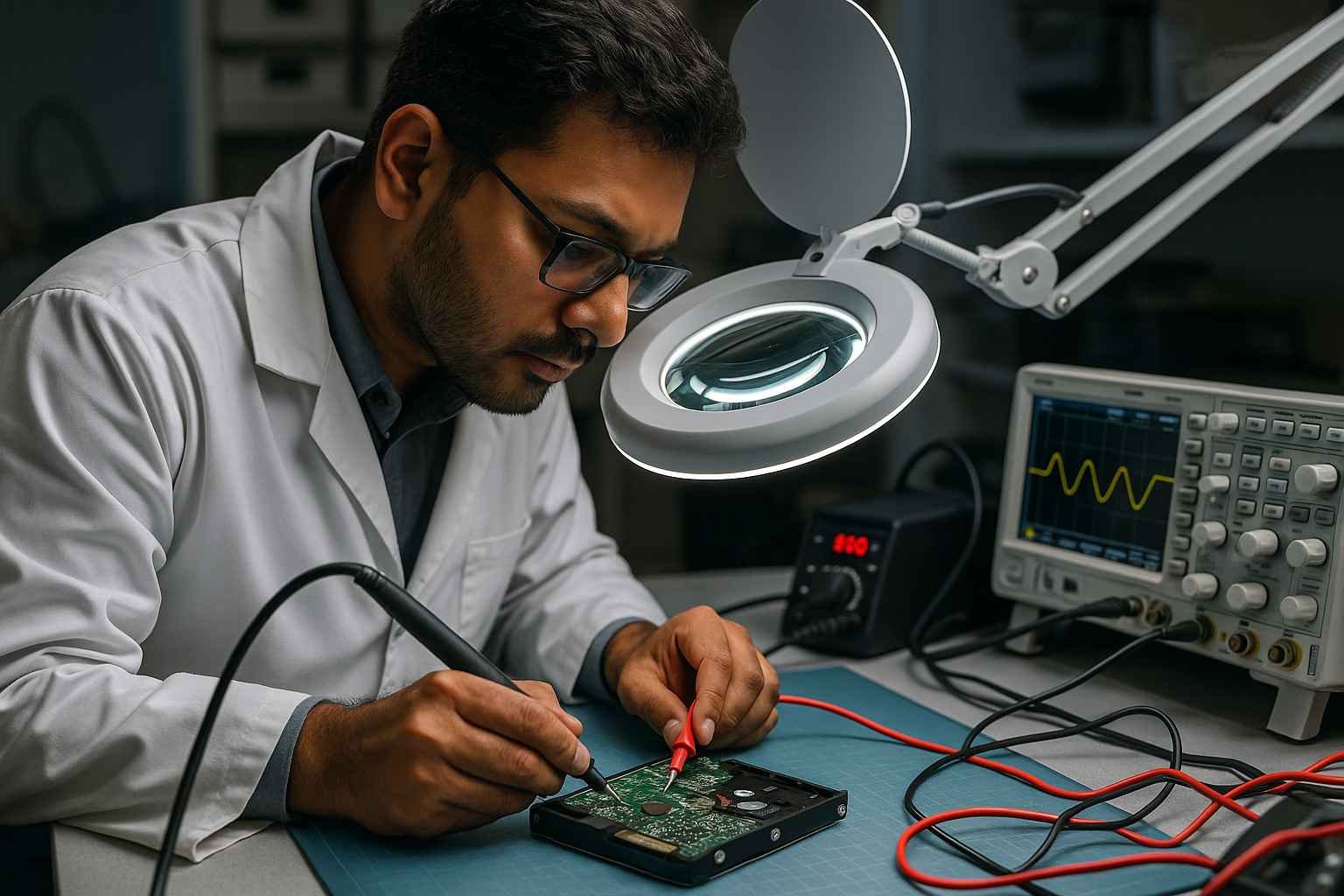
head unstick tools precision soldering iron oscilloscope and testing equipment for expert hdd repair visit www.hdddonor.in

If the heads get stuck — due to shock, power failure, or long inactivity — the drive becomes unreadable. This is where head unstick tools become critical.

Let’s explore what they are, how they work, and why professionals rely on them for data recovery.

⚙️ What Does It Mean When a Hard Drive Head Is Stuck?

The read/write heads sit on a moving arm (head stack assembly). They sometimes get stuck due to:

🧱 Physical shock or drop
🔧 Mechanical failure
⏸️ Long periods of inactivity

🛑 Symptoms of a stuck head:

🔁 Repetitive clicking (click of death)
🚫 Drive not detected by BIOS
❌ Software can’t access or recover data

🛠️ What Are Head Unstick Tools?

Head unstick tools are specialized devices used by data recovery professionals to safely release stuck read/write heads from the platter surface or parking area.
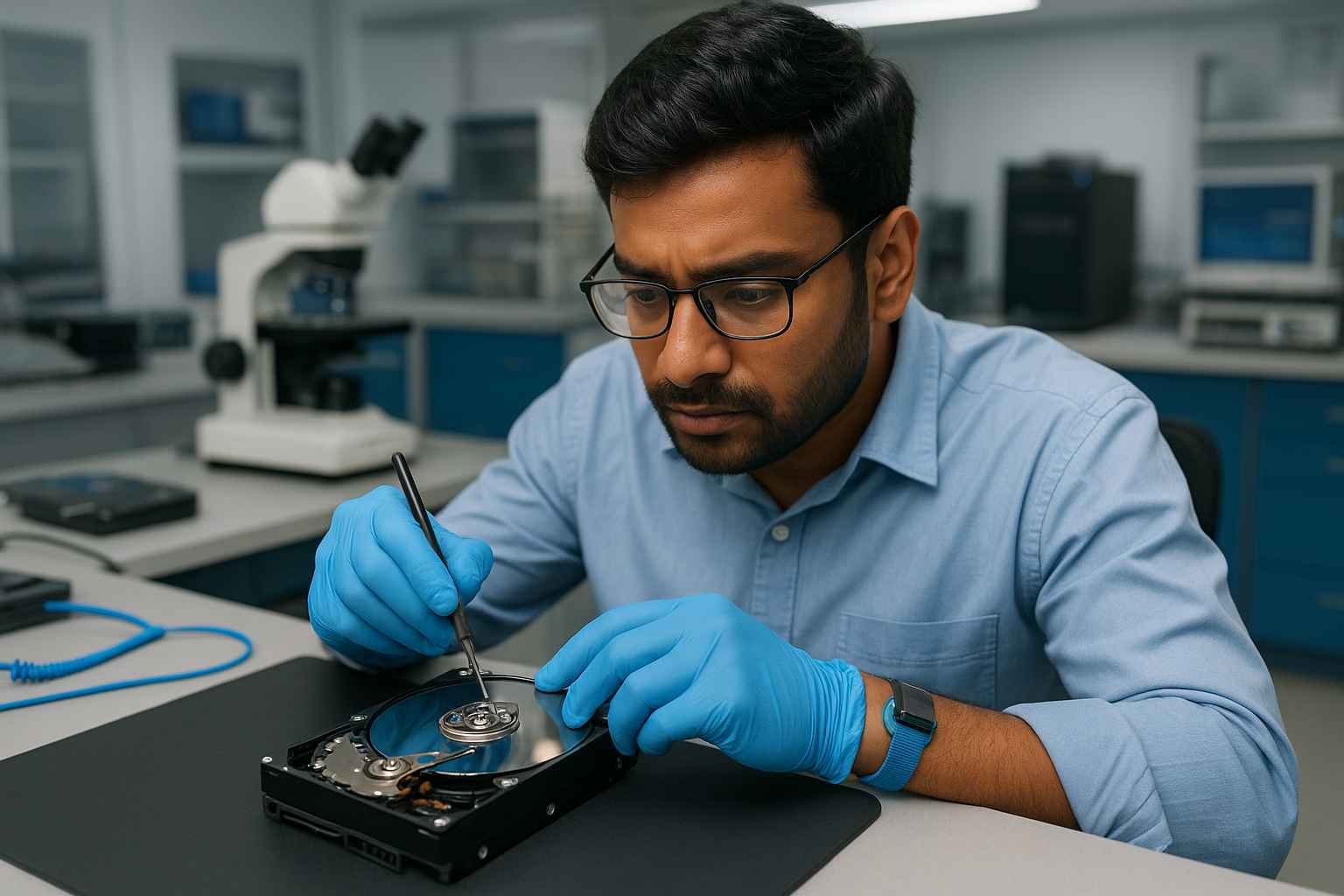
hard drive repair tools and precision equipment for hdd maintenance and for data recovery cleanroom lab www.hdddonor.in

🧰 These tools help:

🧲 Gently free stuck heads without scratching platters
🛡️ Prevent further internal damage
🔧 Prepare drive for deeper repair or replacement

🔍 How Do Head Unstick Tools Work?

These tools use controlled techniques like:

🎯 Applying precise torque to actuator arms
🎵 Vibration or tapping to release seized heads
🌡️ Controlled heat or electrical signals to restore motion

👉 Because the heads float just above the platters, any wrong move can permanently destroy your data.

🚨 Why Are Head Unstick Tools Crucial for Data Recovery?
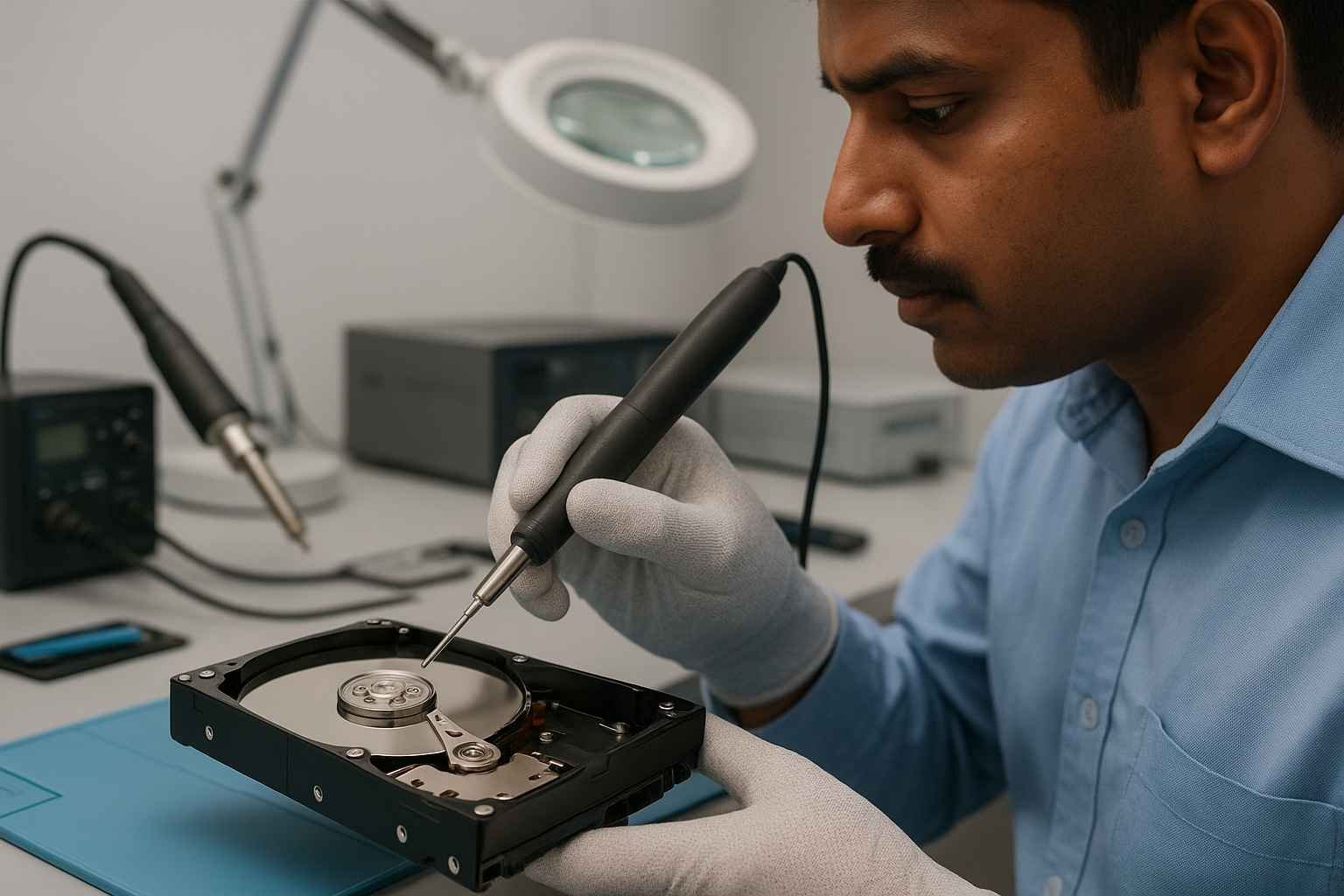
Head unstick tools, precision soldering irons, oscilloscopes, and testing equipment for expert HDD repair. Visit www.hdddonor.in

1️⃣ Enable Firmware Access – Drive must spin up to access firmware
2️⃣ Avoid Permanent Damage – Professional tools reduce risk
3️⃣ Boost Recovery Success – Improves chance of saving data
4️⃣ Save Time & Cost – Prevents more severe damage that requires expensive recovery

🕐 When Should You Use Head Unstick Tools?

📌 Clicking noises or spin-up failure
📌 Detected drive that won’t initialize
📌 Software recovery tools fail
📌 Before replacing heads or PCBs

🏪 Where to Get Reliable Head Unstick Tools?

At HDDDonor.in, we provide high-precision head unstick tools trusted by professionals. Our tools are:
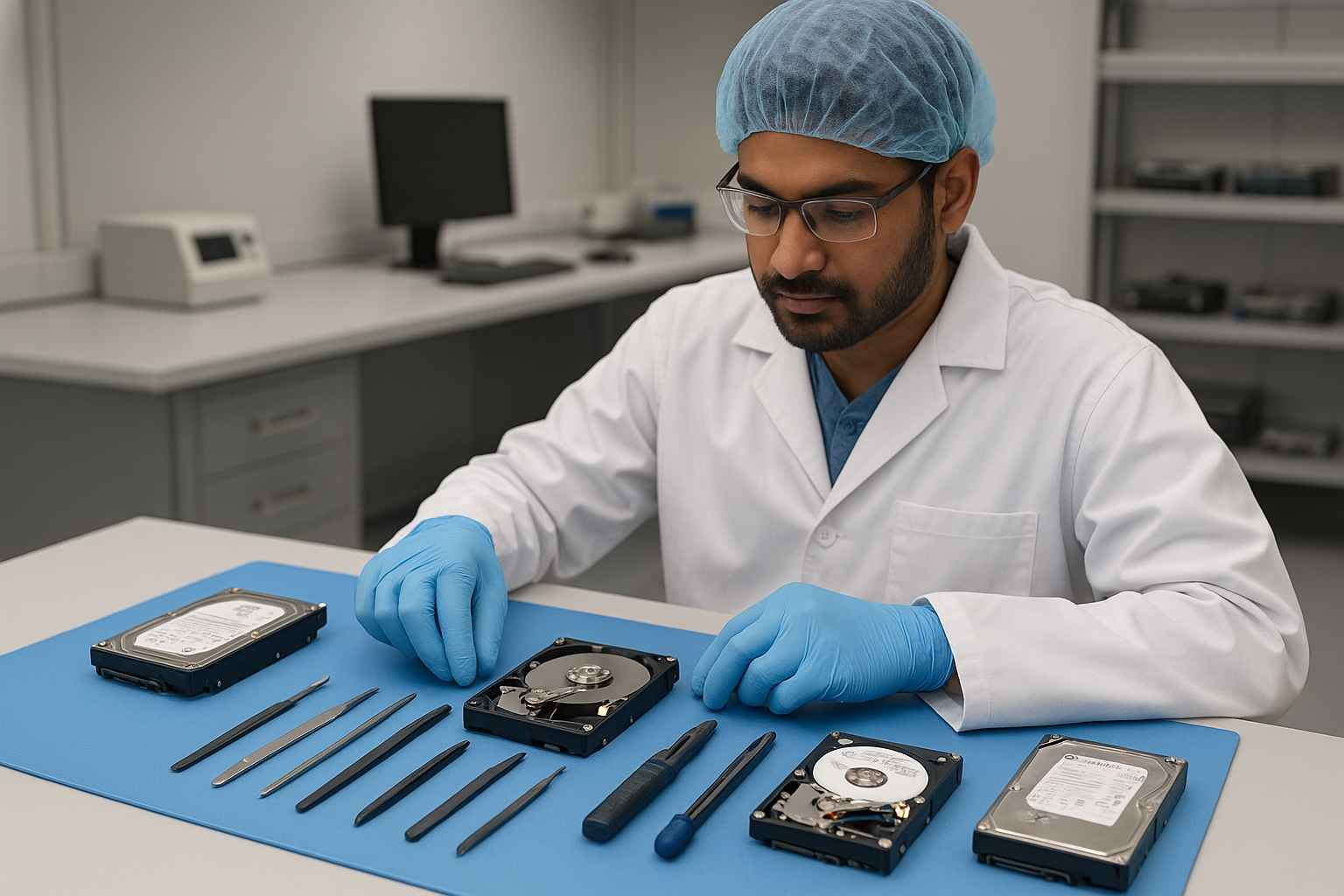
Head Unstick Tools precise HDD repair tools tweezers and maintenance equipment for expert hard drive servicing in cleanroom environments at www.hdddonor.in

🔧 Compatible with Seagate, WD, Toshiba, HGST, and more
🔬 Designed for safe, controlled head release
📘 Shipped with guides and expert support

✅ Final Thoughts

A stuck hard drive head can ruin your data — but with the right tools, recovery is absolutely possible. Professional head unstick tools ensure your drive is handled safely, giving you the best shot at saving critical data.

If you’re dealing with clicking drives or stuck heads, don’t risk it. Use professional tools or contact the experts at HDD Donor.

🚀 Need Head Unstick Tools or Expert Help?

👉 Explore our professional Data Recovery Tools and Head Unstick Equipment
📩 Contact us anytime at HDD Donor for support and advice

The Essential Utility for Resolving Head-to-Platter Adhesion

One of the most delicate mechanical failures in the data recovery industry is “stiction”—a state where the read/write heads become physically stuck to the smooth surface of the magnetic platters. This usually occurs when a drive is dropped, bumped, or suffers a sudden power loss, preventing the heads from returning to their designated parking ramp. Attempting to force the drive to spin in this state can lead to catastrophic platter scratching and permanent data loss. At HDD Donor, we provide specialized head unstick tools designed to safely rotate the spindle motor while simultaneously guiding the heads back to the safety of the ramp.

These precision instruments are engineered to apply uniform pressure, ensuring that the fragile sliders do not tilt or “dig” into the platter’s data layer. In India’s busy data recovery market, where 2.5″ external portable drives are common, having a brand-specific unstick kit for Western Digital, Seagate, or Samsung is a necessity. Using these tools within a Class 100 cleanroom allows an engineer to “unstuck” the drive without needing a full head stack replacement, provided the heads themselves haven’t been deformed. Understanding the physics of slider-to-platter friction is key; by using the correct unstick tool, a technician can stabilize the drive, perform a bit-by-bit clone, and achieve a successful recovery where others might see a total hardware failure.

Frequently Asked Questions About Head Unstick Tools

Stiction occurs when the read/write heads park on the data area instead of the ramp, causing them to stick to the platters due to the microscopic smoothness of the surfaces.

No. Opening a drive outside a cleanroom introduces dust, and moving the heads without a professional unstick tool almost always results in fatal platter scratches.

If the drive makes a faint “chirping” or “beeping” sound and does not spin up when powered on, the heads are likely stuck on the platters.

No. Each brand and model family has different ramp heights and motor dimensions. It is critical to use a tool matched to the specific drive architecture.

Not always. If the heads were damaged during the initial impact, you may still need to perform a full head stack replacement after unsticking them.

A head comb keeps heads separated during a swap, while an unstick tool is specifically designed to safely move heads that are already stuck to the platter.

HDD Donor offers a variety of high-quality, tested unstick tools and kits with fast shipping across India to help labs handle emergency stiction cases.

Leave a Comment

Your email address will not be published. Required fields are marked *

Select your currency
INR Indian rupee