
In the world of data recovery, interpreting terminal logs is a critical step in diagnosing the root cause of hard drive issues. One of the most frequent errors seen in Seagate hard drives is the Head Preamp Failure, often indicated by an error code like PreampFaultStatus = 00C4. This issue can be especially problematic for models such as ST1000DM010-2EP102. Understanding these terminal logs and troubleshooting them effectively can save crucial data and prevent unnecessary head replacements.

In this post, we will decode what these Seagate terminal logs mean, provide troubleshooting steps, and outline the best practices for recovering data, particularly for the ST1000DM010-2EP102 model and its associated PCB 100774000.
📟 Understanding Seagate Terminal Logs: The Case of PreampFaultStatus = 00C4 in ST1000DM010-2EP102
📘 What Does PreampFaultStatus = 00C4 Mean?
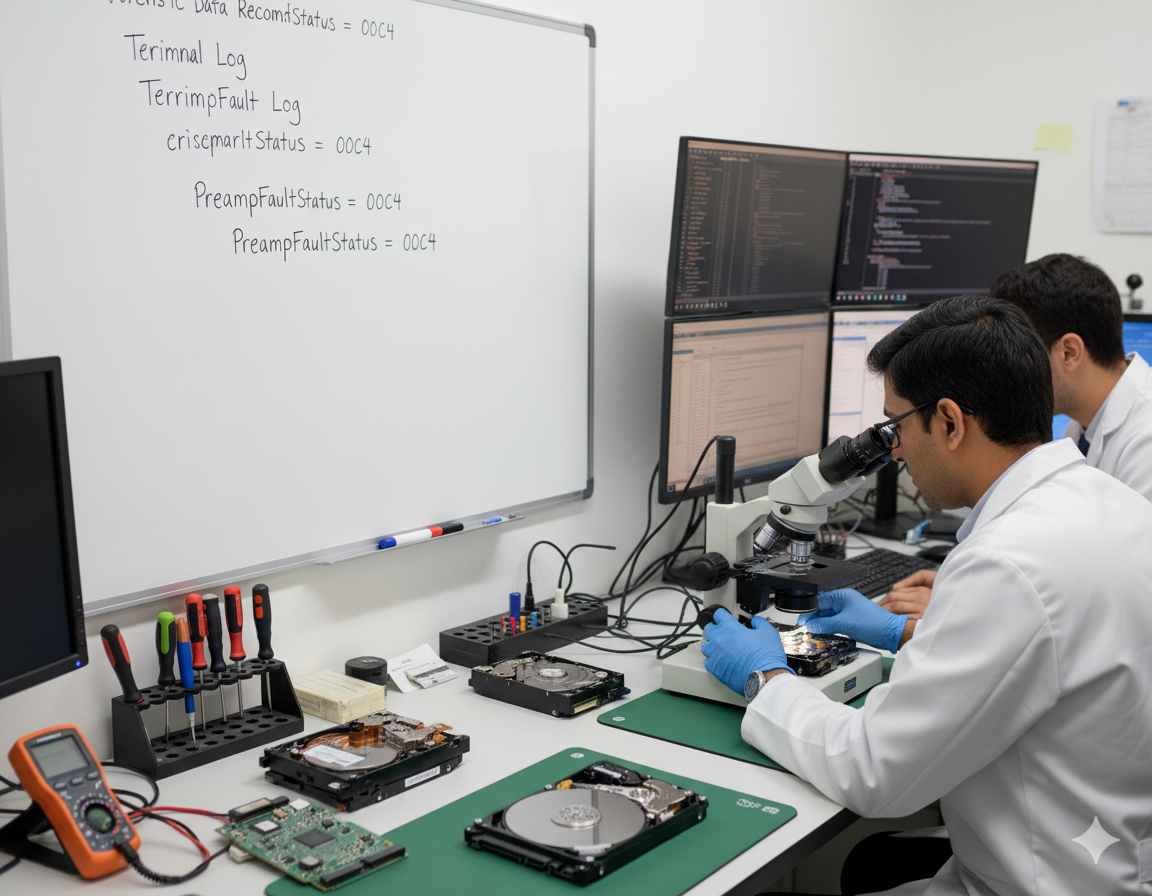
In Seagate hard drives, the Preamp Fault Status refers to the preamp circuit used in the read/write heads. The preamp is responsible for amplifying the tiny signals from the platters, making them readable by the drive’s electronics. A fault in the preamp circuit (often flagged as PreampFaultStatus = 00C4) indicates that there’s an issue with this component, causing the drive to fail to read or write data.
For the ST1000DM010-2EP102 model, this error could be indicative of one or more of the following:
🔌 Electrical issues within the preamp circuit.
💥 Physical damage to the read/write heads.
🔧 PCB connection problems, especially between the heads and the drive’s printed circuit board (PCB).
If you see continuous repetitions of PreampFaultStatus = 00C4 in the terminal logs, like so:
PreampFaultStatus = 00C4
PreampFaultStatus = 00C4
PreampFaultStatus = 00C4
This is a strong indicator that the issue is persistent and likely related to either the heads or the preamp itself.
🔍 Other Relevant Errors in the Log
In addition to the preamp error, the terminal log might show other issues, including:
⚠️ SIM Error 1002 LBA: Indicates an error in communication between the drive’s logic board and the platters, often associated with bad sectors or a failure in the drive’s internal controller.
📉 RW Error 44440080: Refers to Read/Write errors, suggesting the drive is unable to access certain sectors, usually because of physical damage to the heads or the preamp.
🔄 SATA Reset: This might appear when the drive tries to reset itself after encountering a critical error like a head failure or PCB malfunction.
🛠️ Troubleshooting Head Preamp Failures in ST1000DM010-2EP102

🔁 Step 1: Replace the PCB (Printed Circuit Board) for Model ST1000DM010-2EP102
The first thing to try when diagnosing this error is replacing the PCB. Sometimes, the issue may be related to a PCB failure rather than the heads themselves. A faulty PCB can cause the preamp to malfunction, leading to errors like PreampFaultStatus = 00C4.
For the ST1000DM010-2EP102, ensure you use a replacement PCB with the same model number and PCB number. In this case, the compatible PCB part number is 100774000.
To confirm compatibility, make sure:
🧩 Both the firmware version and physical connections match between the original and replacement boards.
📉 If after replacing the PCB the errors persist, it’s likely that the heads are at fault, and further repairs are needed.
🔬 Step 2: Inspect for Physical Damage or Contamination
If the PCB replacement doesn’t resolve the issue, the next step is to check for physical damage to the heads or contamination on the platters. A head crash (where the read/write head touches the platter surface) or electrical damage to the heads can cause the preamp failure.
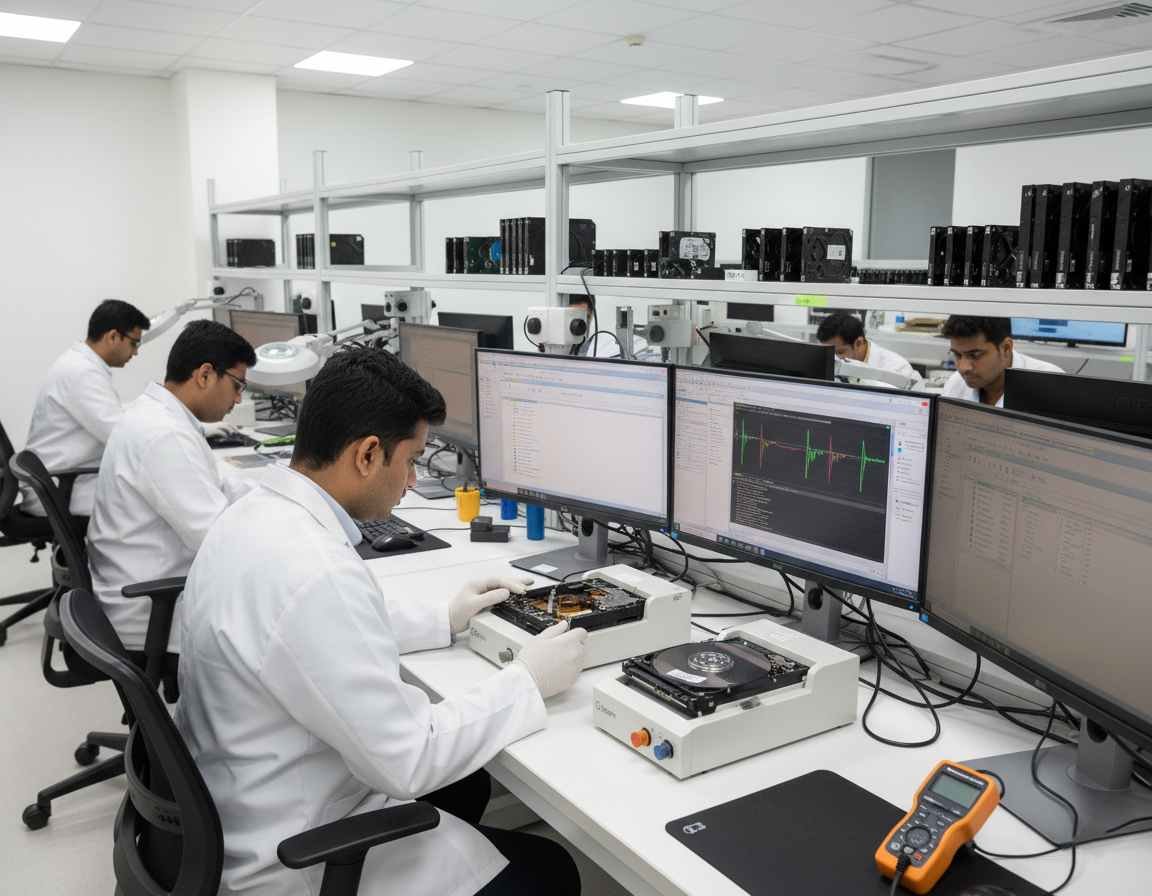
In this case, you may need to:
🧰 Replace the heads.
⚠️ This is a highly specialized procedure and requires a clean room environment to avoid introducing contaminants that could cause further damage to the platters.
🛠️ HDD Donor India – professional data recovery parts
💾 Step 3: Data Recovery Process
After the head or PCB issue is addressed, you can begin the data recovery process. If the drive is now operational, you may be able to:
🛠️ Recover data using data recovery software.
💻 However, in cases of severe head damage or electrical faults, professional help may be needed.
🚫 If the drive is still not accessible, consider sending the drive to a data recovery professional with experience in dealing with Seagate hard drives and head preamp failures. They have the necessary tools and expertise to retrieve data even from severely damaged hard drives.
⏳ Why It’s Crucial to Act Quickly
If your Seagate drive is showing PreampFaultStatus = 00C4, acting swiftly is essential to prevent further damage.

The longer the problem persists, the more likely it is to worsen, potentially leading to irreversible damage to the drive’s heads or platters.
🚀 By quickly replacing the PCB or heads and following a structured data recovery process, you increase the chances of successful data recovery and prevent permanent data loss.
🧩 Conclusion: Expert Tips for Seagate Data Recovery in ST1000DM010-2EP102
In conclusion, Seagate terminal logs like PreampFaultStatus = 00C4 in the ST1000DM010-2EP102 model typically point to a head preamp failure.
The first step in troubleshooting is:
🛠️ Replacing the PCB (part number 100774000) and testing again.
📉 If the issue persists, head replacement is likely required.
📦 Professional data recovery services are recommended in such cases.
For those dealing with Seagate hard drive errors, understanding how to interpret these terminal log errors is key to resolving issues quickly and recovering important data.
Whether you are a technician or a DIY enthusiast, knowing when to:
🔄 Replace the PCB
🧰 And when to consider head replacement
…can make the difference in a successful recovery.


