
Firmware Lock on Hard Drives

Understanding Firmware Lock: The Hidden Barrier in Modern Data Recovery

Modern hard drives — especially WD SMR and Seagate Rosewood models — come with advanced firmware locking that complicates data recovery. Unlike traditional passwords, this lock encrypts the ROM data on the PCB, blocking access to the critical Service Area on the platters where firmware modules and adaptive data reside.
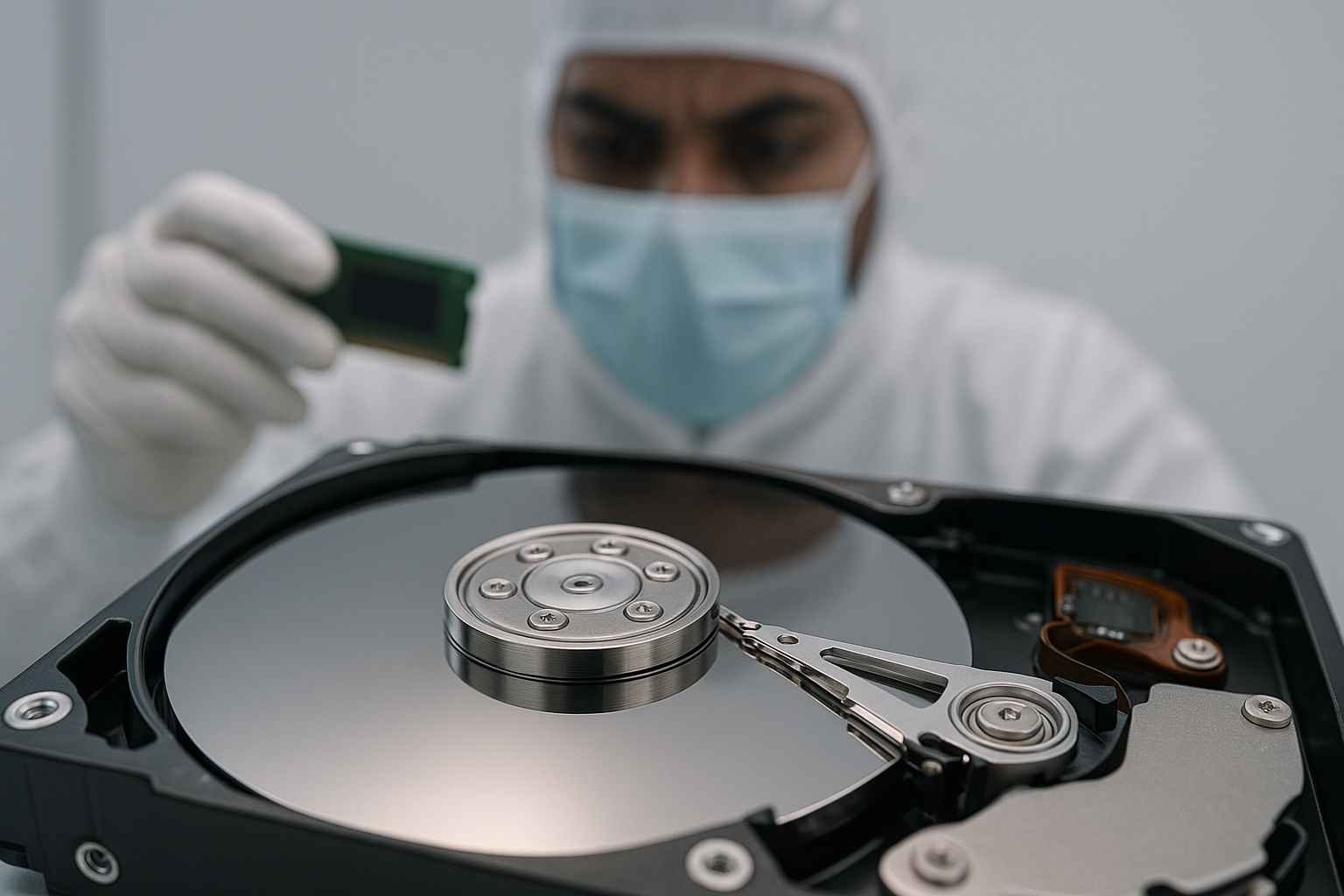
head unstick tools hdd repair tools platter inspection tools cleanroom data recovery gear donor rom reader precision hdd maintenance equipment buy online at www.hdddonor.in

In this blog, we’ll explain why firmware lock is a major data recovery hurdle and what it means for recovering data from these drives.

📌 What Is Firmware Lock?

Firmware lock means the ROM chip on the PCB contains locked or encrypted firmware data, including adaptive parameters unique to the drive.

💡 This ROM data is essential because it:
🔧 Controls drive operation
🛠 Contains calibration and servo info
🧠 Enables access to the Service Area on platters

If this ROM data is locked, the drive cannot initialize without unlocking or the correct ROM content.

🧩 Why Is Access to the Service Area Important?

The Service Area is a reserved part of the platters holding firmware modules and adaptive data — the “brain” of the drive.
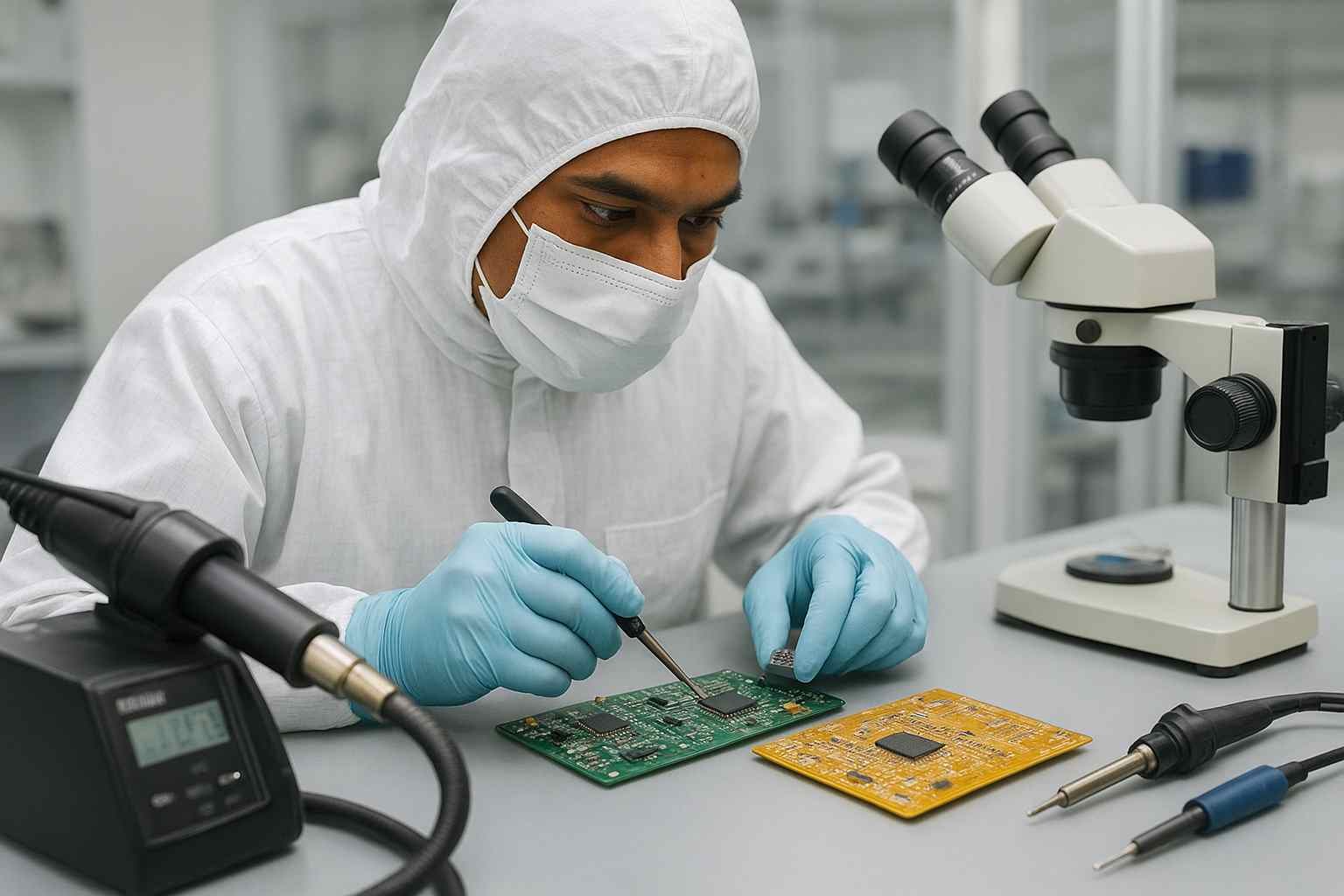
firmware programmer bga rework station cleanroom micro soldering tools data recovery pcb swap hdd rom chip read write head unstick tools precision repair www.hdddonor.in

⚠️ If firmware is corrupted or ROM data is missing/locked:
🚫 Drive cannot access Service Area
🛑 Drive can’t repair firmware or operate normally
🔄 Firmware repairs and recovery depend on this data

⚠️ How Firmware Lock Affects Data Recovery

When a drive’s firmware is locked:
❌ No access to Service Area for fixing corruption
🔄 PCB swaps fail without original ROM transfer
🚫 Drive shows these symptoms:
 • Not detected by BIOS
 • Stuck in BSY state
 • Reports 0 GB capacity
⛔ Software tools cannot bypass lock — drive never boots fully

💾 Drives Affected by Firmware Lock
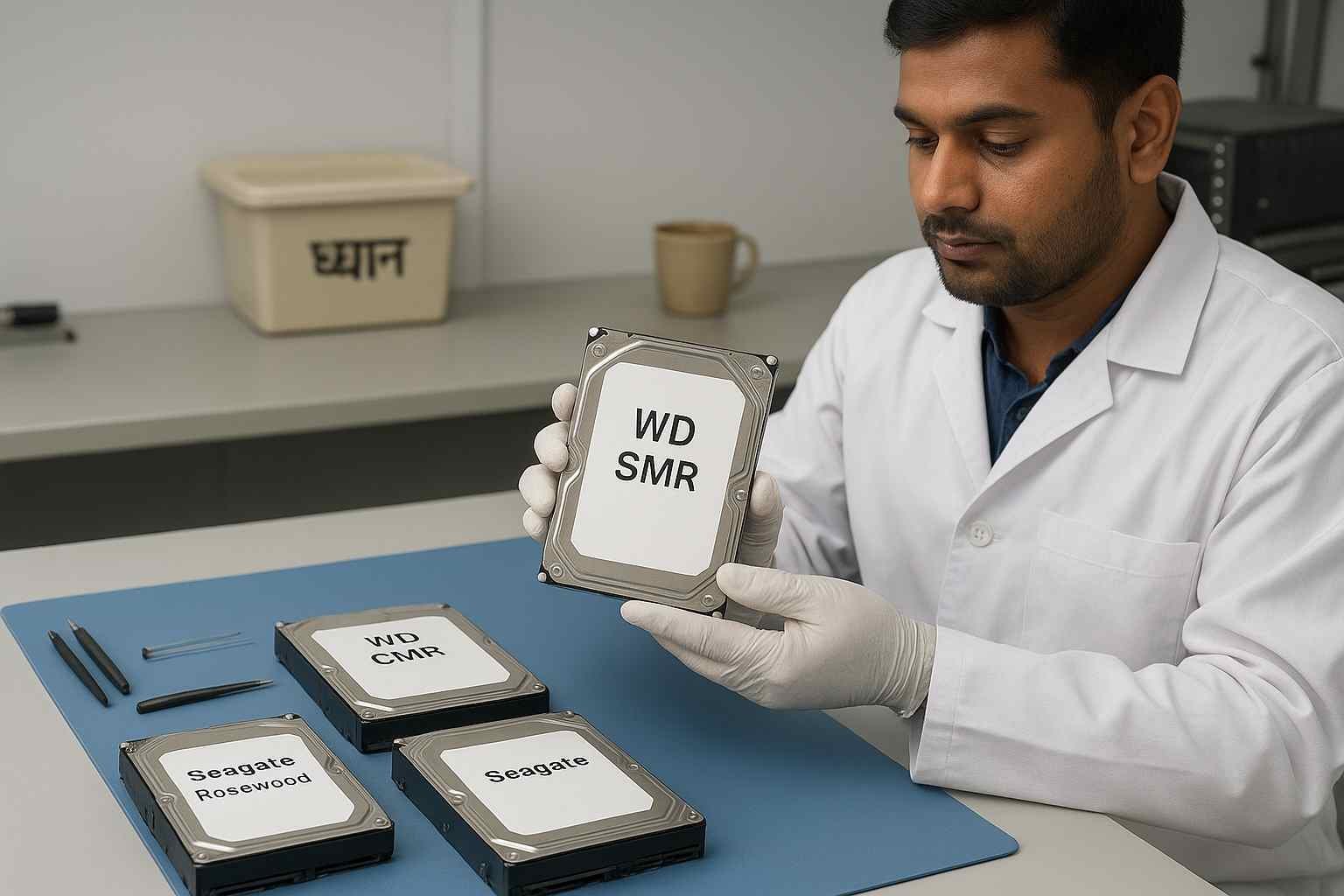
wd smr wd cmr seagate rosewood hdd classification hdd compatibility tools head unstick tools platter swap kits firmware rom tools for data recovery www.hdddonor.in

🚩 WD SMR Drives — ROM locked to block unauthorized PCB swaps
🚩 Seagate Rosewood Drives — ROM data encrypted/locked
🚩 Many modern drives use firmware lock as a security measure

🛠️ How to Recover Data from Firmware Locked Drives

✔️ Exact donor PCB matching firmware version
✔️ ROM chip transfer from original PCB to donor PCB
✔️ Specialized firmware unlocking tools (if available)
✔️ Expert handling to prevent damage or data loss

At HDD Donor, we offer donor PCBs and professional ROM transfer services tailored for firmware locked drives.

🚫 What NOT to Do If You Suspect Firmware Lock
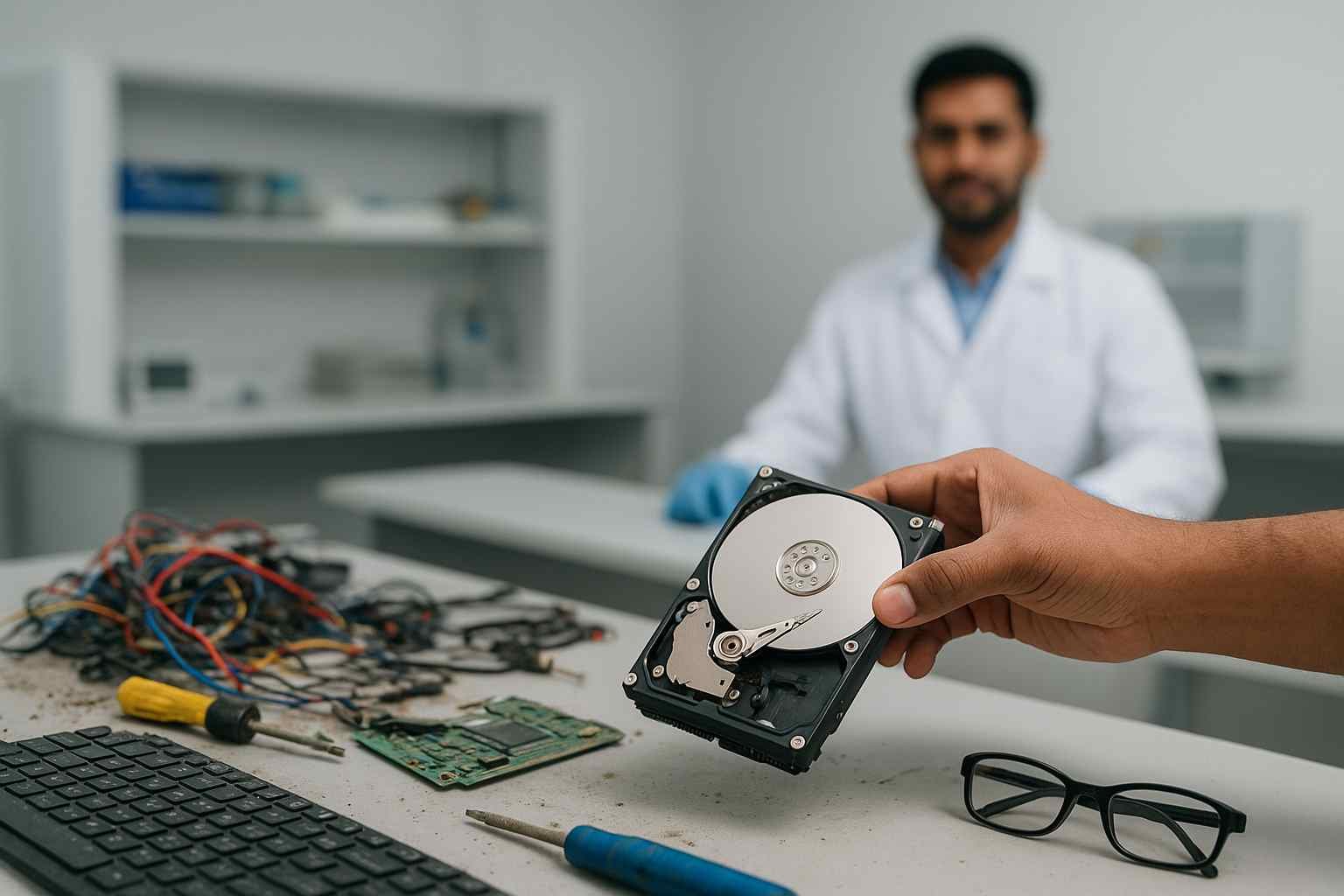
damaged hdd diagnostics head crash recovery tools data recovery workstation rom swap head unstick tools firmware repair hdd pcb tools www.hdddonor.in

❌ Don’t swap PCBs randomly without ROM transfer — will fail and risk damage
❌ Avoid software recovery or initializing the drive
❌ Don’t open platters yourself — requires cleanroom conditions

📌 Conclusion

Firmware lock encrypts ROM data and blocks access to the Service Area, making firmware repair and recovery difficult. But with the right donor PCBs, ROM transfer, and expert help, data recovery from locked drives is possible.

If you have a firmware locked WD SMR or Seagate Rosewood drive, trust experts like HDD Donor for safe recovery.

🚀 Need Help With Firmware Locked Drives?

👉 Shop Donor PCBs
🔧 Add ROM Transfer Service at checkout
📩 Contact us for expert advice: hdd donor

Navigating the Evolution of Hard Drive Security and Access Control

In the modern landscape of data storage, a firmware lock represents one of the most significant challenges for data recovery professionals. Unlike traditional failures where a drive simply stops spinning or clicks, a firmware-locked drive may appear healthy in terms of hardware but remains “Busy” or shows “Capacity 0” because the manufacturer has restricted access to the Service Area (SA). At HDD Donor, we have seen a surge in these cases, particularly with Western Digital “Spyglass” and “Palmer” families, as well as Seagate “Rosewood” drives. These locks are often part of Self-Encrypting Drive (SED) technology, designed to protect user data from unauthorized access, but they also inadvertently “lock out” recovery technicians when the drive suffers a logical or physical glitch.

To bypass these restrictions, specialized hardware-firmware consoles like the PC-3000 or MRT Ultra are required. The process involves “unlocking” the ROM or patching the RAM to allow the drive to enter a “Techno-Mode,” where a technician can then repair corrupted modules or rebuild the translator. Without overcoming the firmware lock, even a successful head stack replacement using our high-quality donor parts will result in no data access. Understanding the microcode architecture of modern 2.5″ and 3.5″ drives is essential for any lab in India aiming to maintain high success rates. This guide explores the different types of locks—from ATA passwords to vendor-locked “T-Level” prompts—and the technical workflows needed to restore access to the user’s critical files.

Hard Drive Firmware Locking: Frequently Asked Questions

It means the drive’s internal operating system has restricted access to the commands needed to read data or repair the Service Area (SA), often showing a “BSY” status.

It was introduced as a security measure to prevent unauthorized tampering with the drive’s internal settings and to protect encrypted user data.

No. Standard Windows or Mac software cannot communicate with the drive at the firmware level. You need specialized hardware like PC-3000 or MRT.

  • Not at all. Professional recovery labs can “patch” the firmware or use a custom “Loader” (LDR) to bypass the lock and gain access to the data sectors.

  •  

They are related. SED (Self-Encrypting Drive) uses firmware locks to manage the encryption keys; if the firmware is locked, the decryption process cannot initialize.

Often, yes. A “Capacity 0” error is frequently caused by a corrupted translator module that is inaccessible because of an active firmware lock.

Not always. Often the original PCB is fine, but the ROM chip on it must be read, patched, and rewritten to allow the drive to be unlocked.

Leave a Comment

Your email address will not be published. Required fields are marked *

Select your currency
USD United States (US) dollar