
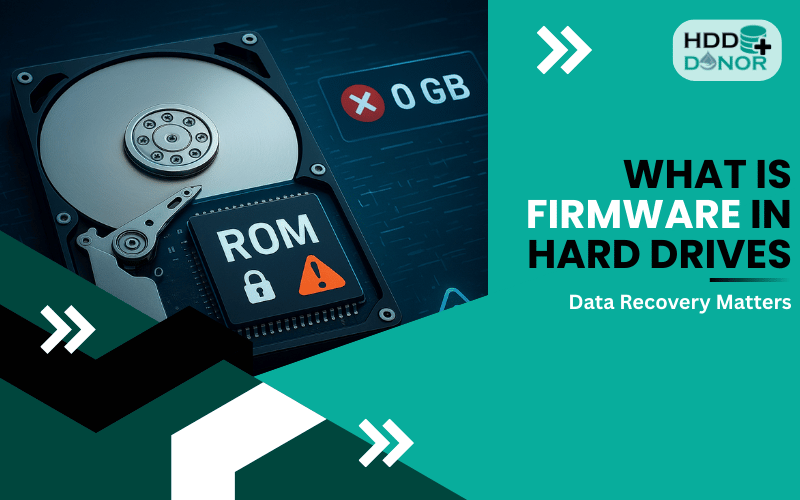
When your hard drive suddenly stops working, one of the most overlooked causes is firmware failure. While most users blame physical damage or file corruption, firmware issues can be just as devastating — and much harder to fix.
📌 What Is Firmware in a Hard Drive?
Firmware is the low-level software embedded into your hard drive’s electronic components. Think of it as the operating system of your hard drive — it controls everything the drive does.
🔁 It spins up the platters
🧲 Controls read/write heads
📂 Manages sector access
🖥️ Communicates with your computer
🛡️ Performs error correction and diagnostics
Without firmware, the drive can’t function or talk to your computer — rendering your data inaccessible.
⚠️ What Happens When Hard Drive Firmware Fails?
Firmware failure can make your hard drive power on but remain undetected, or cause it to behave strangely.
🔍 Common Symptoms of Firmware Issues:
🚫 Hard drive not detected by BIOS or system
🔊 Clicking or spinning but not mounting
🕒 Stuck in BSY (busy) state
💾 Shows 0 GB size in Disk Management
🔁 Constant spinning without booting
⚠️ SMART errors or erratic status
🔧 Common Causes of HDD Firmware Corruption

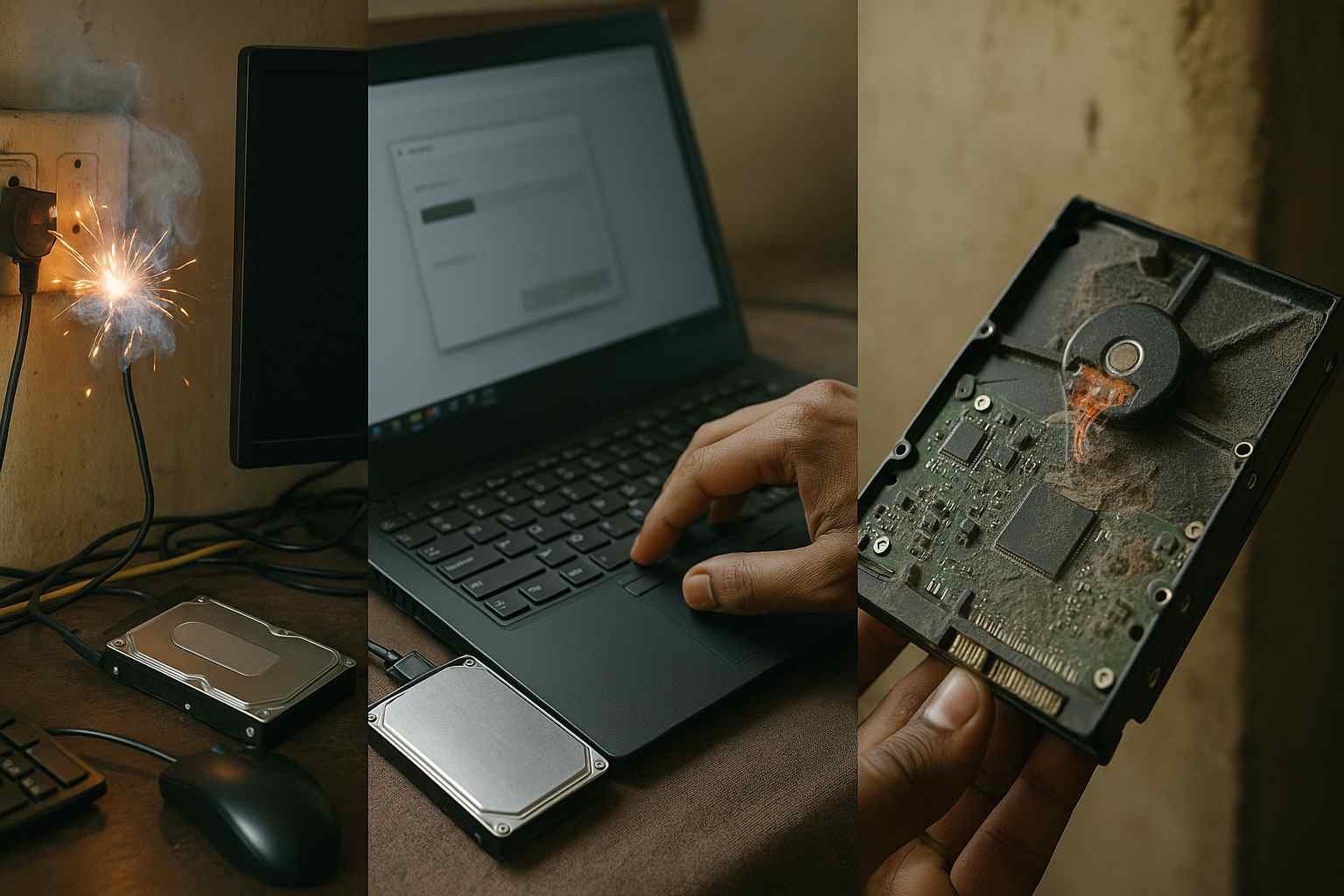
⚡ Power surges or sudden shutdowns
🧩 Incorrect or failed firmware updates
🛠️ Manufacturing defects or firmware bugs
🔥 Excess heat or physical shock
📉 Deleted or corrupted adaptive data during repairs
🔄 Types of Firmware Components in HDDs
Different brands use different structures, but most drives include:
💽 Main firmware modules – stored on the platters (service area)
💡 ROM firmware – stored in a chip on the PCB
🧬 Adaptive data – drive-specific info like head map and calibration
👉 Corrupt adaptive data is one of the biggest challenges during firmware recovery.
🛠️ Why Firmware Matters for Data Recovery
If the firmware is damaged, standard data recovery tools won’t work — the system can’t access the drive.
Here’s why firmware is critical:
🚫 No read/write access without functional firmware
🧬 Adaptive firmware is unique to each drive
🔒 Service Area access is blocked without correct firmware
🔁 PCB replacement won’t work without ROM chip transfer
💡 Can Firmware Be Fixed?
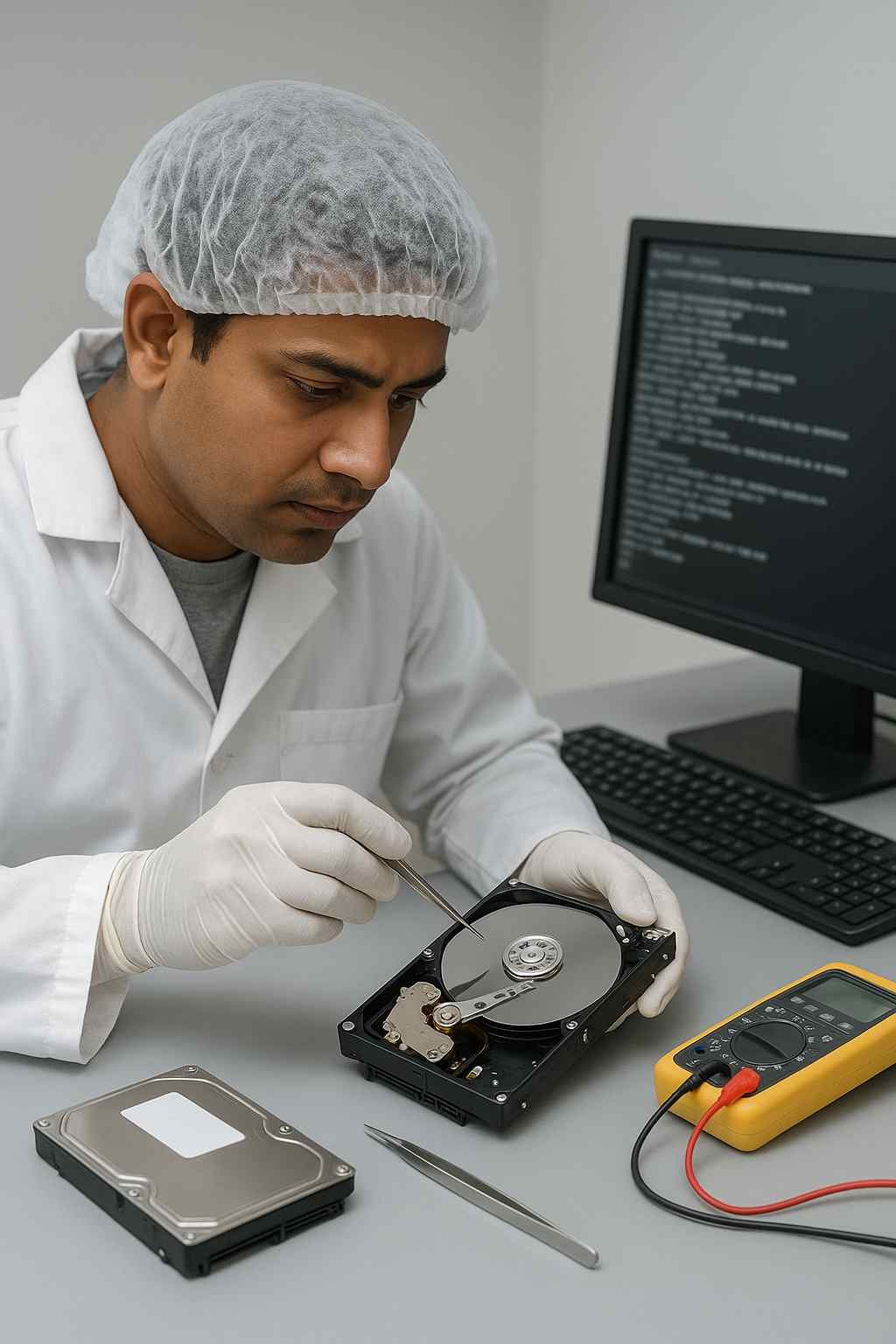
✅ Yes — but only with specialized tools and expert techniques.
At HDDDonor.in, we help you recover from firmware failure with:
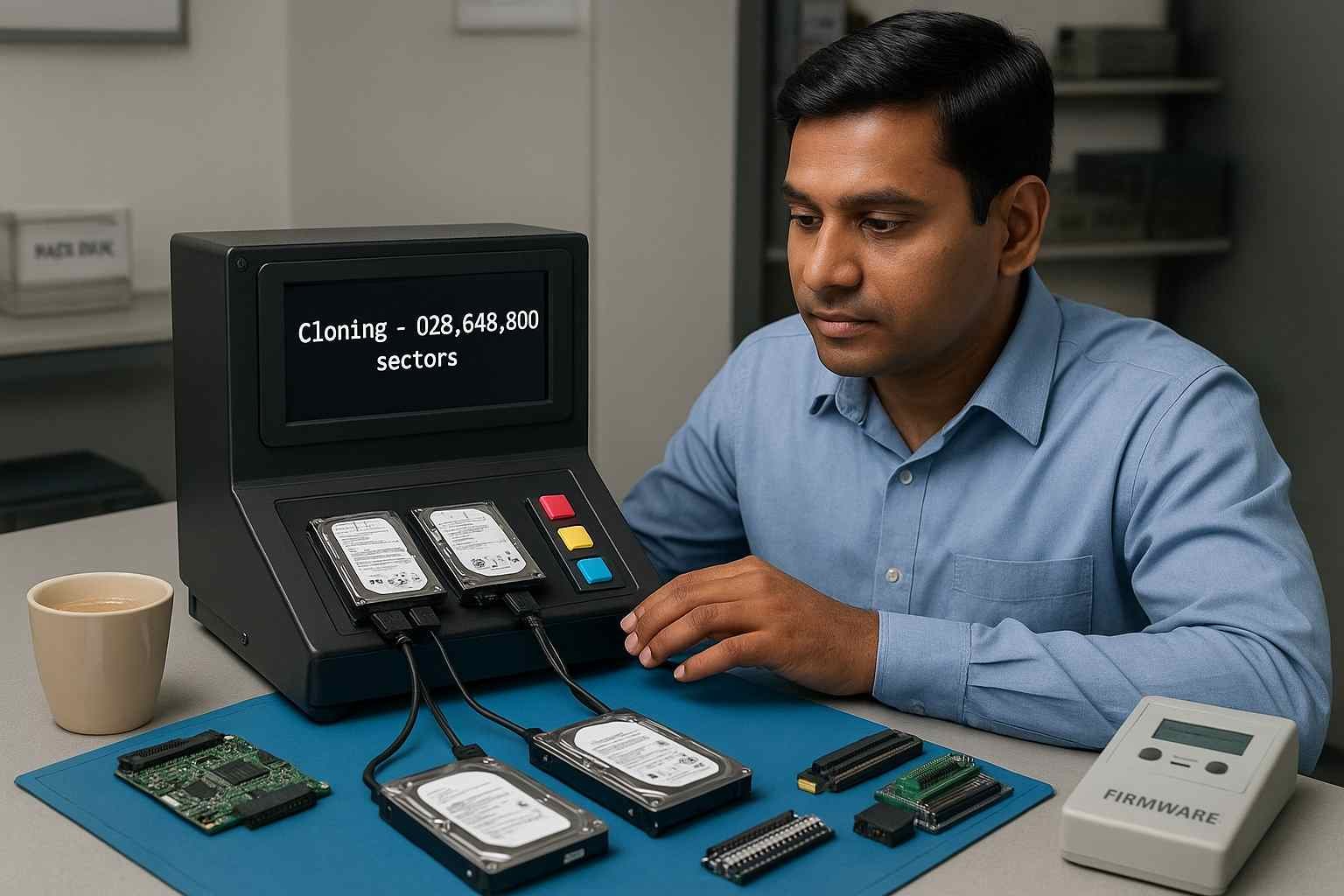
🔍 Firmware diagnosis tools
📦 Donor PCBs for firmware-level access
🔧 ROM chip transfer services
🧰 Firmware repair kits (for recovery labs and pros)
We also support recovery for known firmware failure types:
🛑 Seagate BSY state or 0 LBA
🐢 Western Digital “slow responding” issue
🔐 Toshiba firmware lock problems
💥 Hitachi SMART corruption errors
🛒 Firmware Recovery Services & Tools from HDD Donor
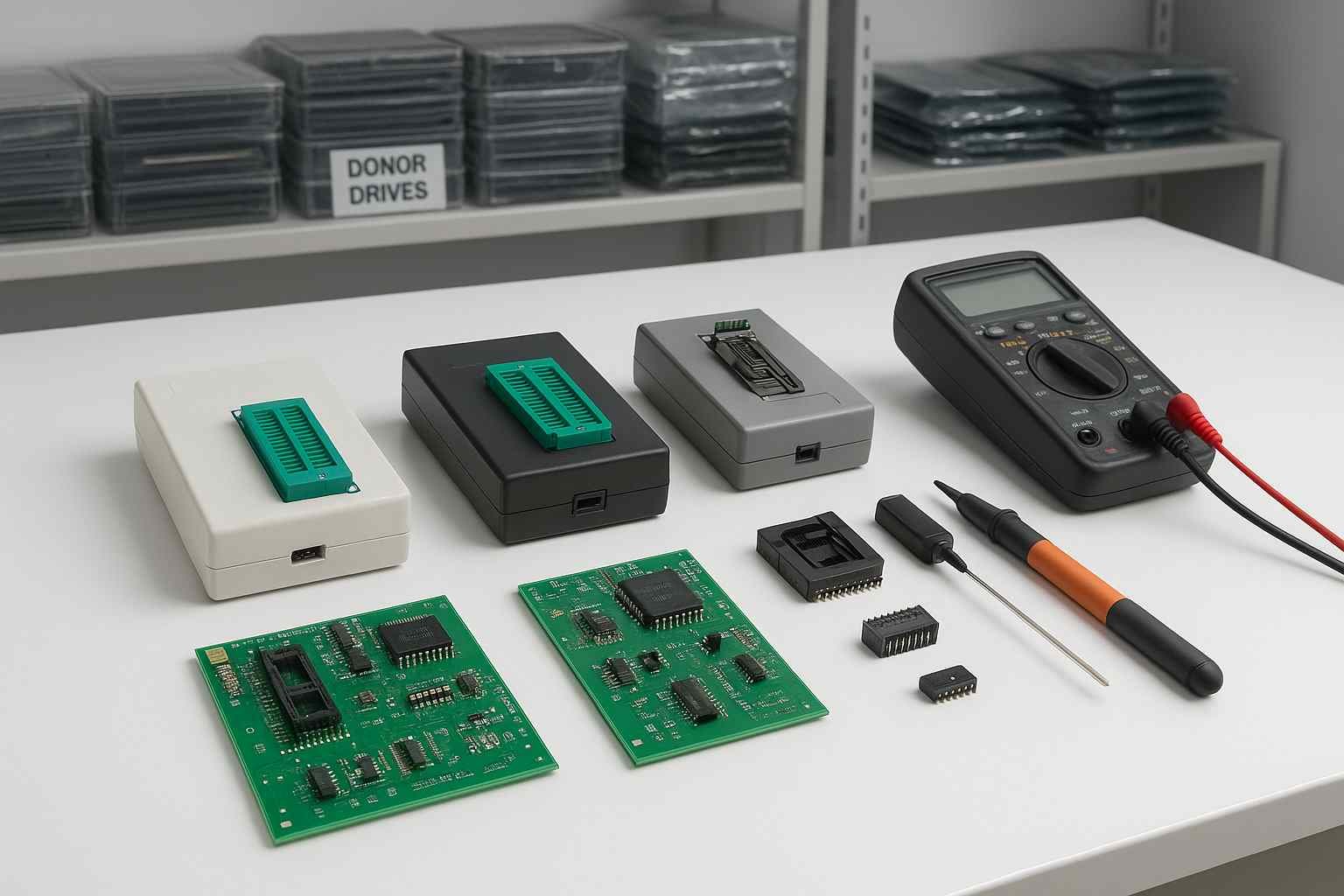
🔹 Our Services:
🔧 ROM chip transfer for firmware recovery
🧩 Donor PCB matched to your drive model
💬 Expert consultation for firmware issues
🔹 Our Tools:
💻 ROM programmers
🛠️ Firmware repair kits
📊 Diagnostic tools for data recovery professionals
📩 Contact Us Now to diagnose and solve firmware failures before it’s too late.
✅ Steps to Take if You Suspect Firmware Failure
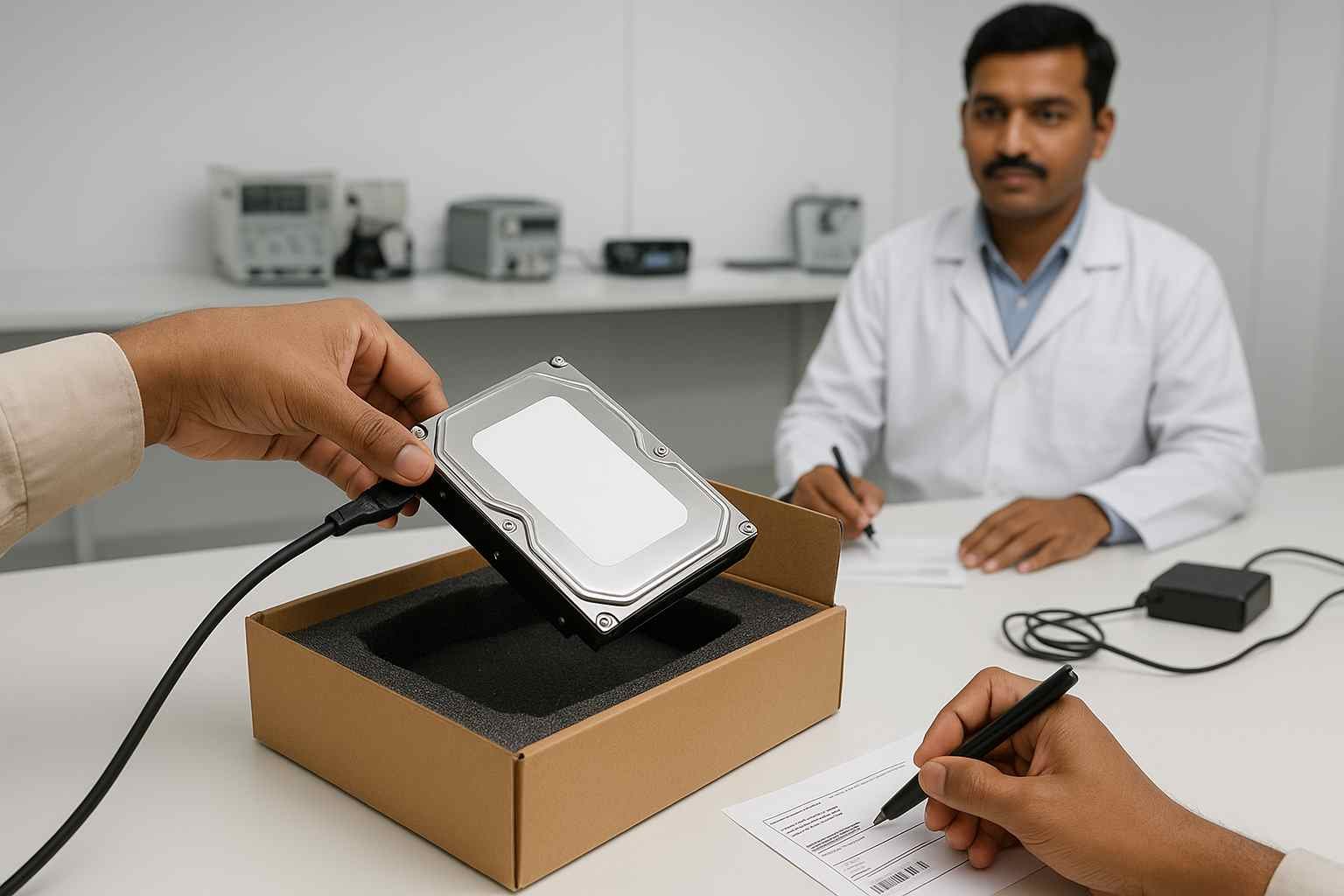
1️⃣ Stop using the drive immediately – avoid recovery software
2️⃣ ❌ Don’t format or initialize
3️⃣ 🎧 Listen for unusual sounds or behavior
4️⃣ 📞 Contact a recovery professional or HDDDonor.in
5️⃣ 🧠 Prepare to replace the PCB and transfer the ROM chip if needed
📌 Final Thoughts
Firmware issues are complex but very common in modern hard drives. If your drive is:
- Not detected
- Showing 0 GB
- Acting weird after a power issue or firmware update
…it’s likely a firmware failure.
🛠️ The good news: Data recovery is possible — with the right tools and experts.
At HDD Donor, we’ve helped thousands of users recover data using our donor parts, ROM services, and firmware tools.
🚀 Ready to Recover Your Firmware-Corrupted Drive?
👉 Browse Donor PCBs
🔧 Add ROM Transfer Service
📩 Contact Us for Firmware Support
Let us help you bring your drive back to life.


