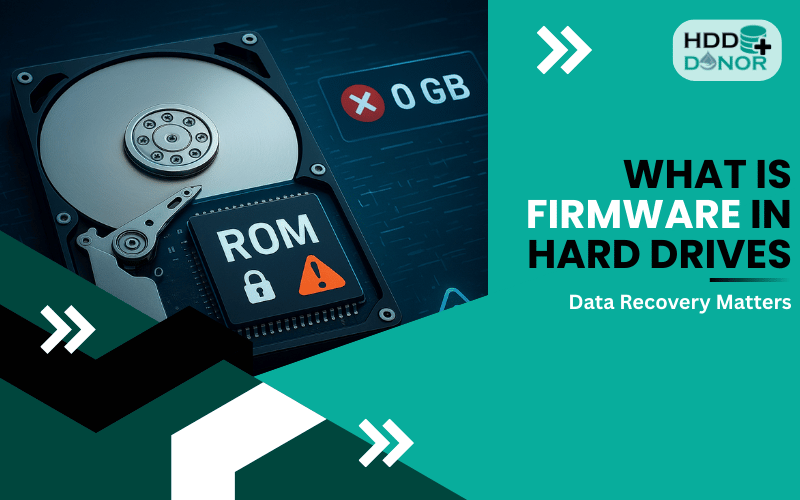

When a hard drive fails and critical data becomes inaccessible, professionals often turn to advanced techniques like head swaps or PCB replacement. One essential tool in these repairs is the donor hard drive. But what exactly is a donor hard drive, and why is it crucial for successful data recovery?
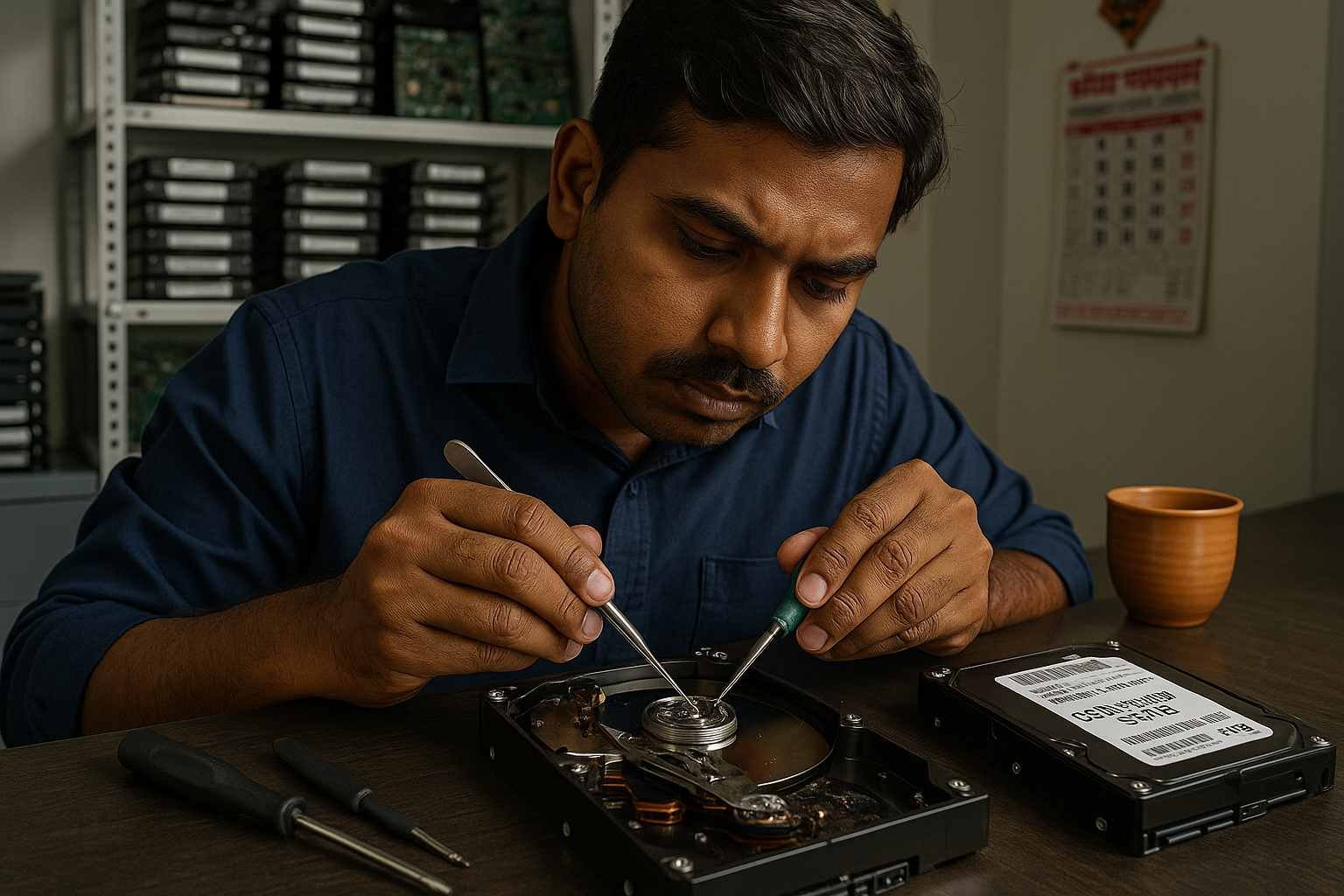
Whether you’re a data recovery technician, a tech-savvy DIYer, or just curious, this article breaks down everything you need to know—including compatibility tips and best practices.
🛠️ What Is a Donor Hard Drive?
A donor hard drive is a working hard disk drive (HDD) used as a source of replacement parts for a failed or damaged hard drive. These parts can include:
🧾 PCB (Printed Circuit Board)
🧠 Read/Write Heads
⚙️ Spindle Motor
🪛 Head Stack Assembly (HSA)
💾 Firmware chip (ROM/BIOS)
The donor drive itself doesn’t recover your data—it simply supplies the compatible components needed to bring the failed drive back to life, making data recovery possible.
❓ Why Is a Donor Drive Needed in Data Recovery?
When a hard drive suffers physical damage, software-based tools like EaseUS, Recuva, or Stellar won’t help. If components like the PCB or internal read/write heads fail, physical repair is the only option.
Here’s where a compatible donor drive becomes essential:
✅ 1. Head Swaps
🔄 In cases where the drive’s read/write heads are damaged (e.g., after a head crash), a head swap is performed using a matching donor drive.
✅ 2. PCB Replacement
🔌 If the drive won’t power on or spins incorrectly, the problem may lie in the PCB. Swapping the board with one from a compatible donor PCB can restore function.
✅ 3. ROM or Firmware Recovery
🧬 Some repairs require a ROM chip transfer from the original drive to the donor PCB. Using a mismatched ROM can render the drive unreadable.
🧠 How to Choose the Right Donor Hard Drive
Matching a donor drive isn’t as simple as grabbing any similar-looking HDD. Successful data recovery depends on precise compatibility.
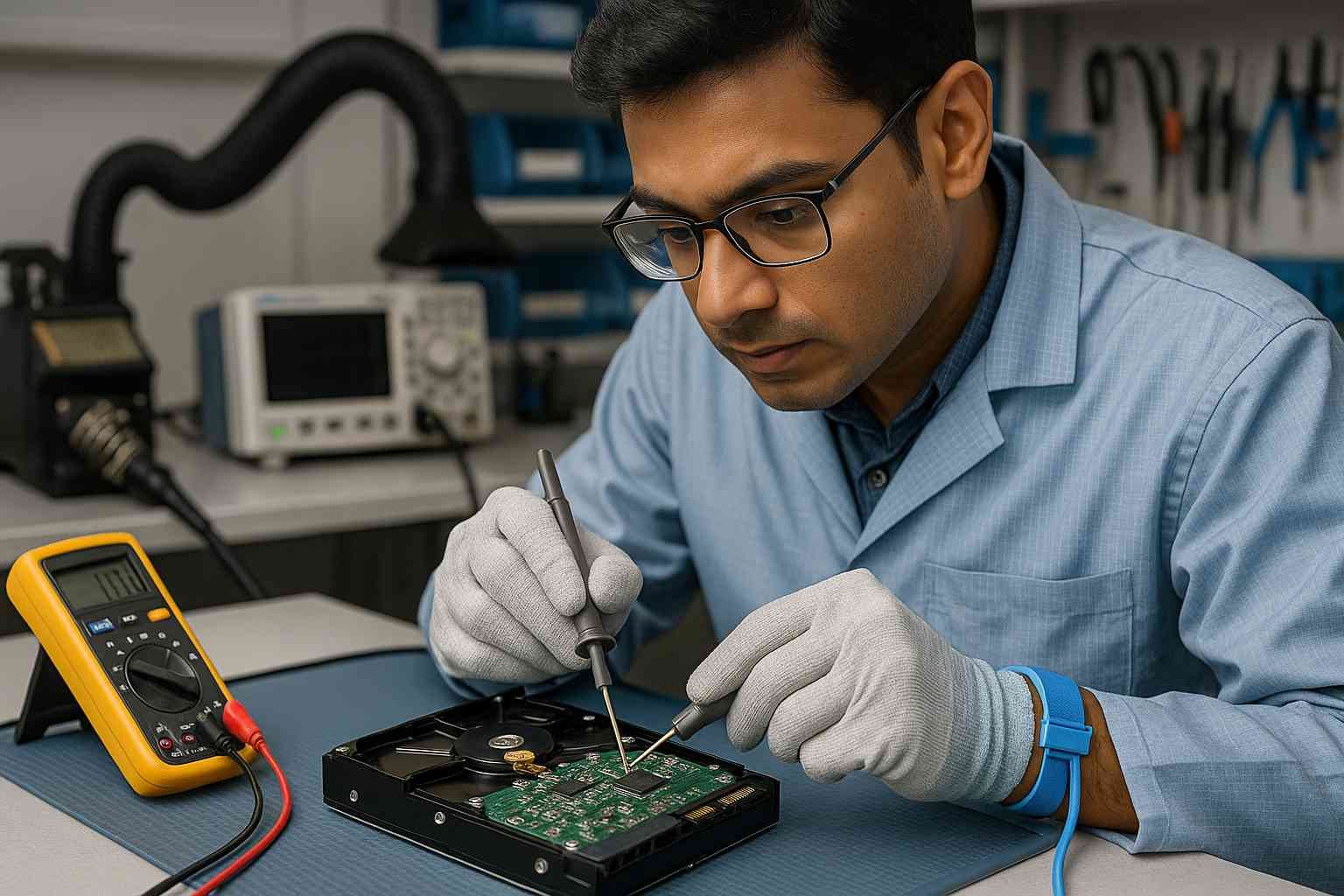
Here are key factors to consider:
🔍 1. Exact Model Number
✅ Match the full model number (not just the brand or capacity).
• ✔️ Correct: WD10EZEX-00WN4A0
• ❌ Incorrect: Just “WD10EZEX”
🔍 2. Firmware Version
🛠️ For many brands like Seagate, Western Digital, or Toshiba, matching the firmware version is critical to ensure compatibility.
🔍 3. Date Code or DCM
📅 Especially for Western Digital drives, DCM codes (Drive Configuration Matrix) help identify mechanical compatibility.
🔍 4. PCB Revision Number
🔄 Make sure the PCB layout and revision number match. A mismatch could cause further damage or prevent the board from working at all.
🔍 5. Region or Factory
🌍 HDDs manufactured in different regions (e.g., Malaysia vs. Thailand) may look identical but differ internally. Always confirm internal part numbers.
🛒 Where to Buy Donor Hard Drives?
Many data recovery professionals source donor drives from specialized suppliers or marketplaces that catalog compatibility.

One trusted and reliable source is:
👉 HDD Donor – A leading provider of donor hard drives, PCB boards, and data recovery tools.
They offer:
📦 A wide range of donor drives for all major brands (WD, Seagate, Toshiba, Hitachi)
🧪 Pre-tested compatible PCBs with matching firmware
🔧 ROM chip programming and transfer services
🌐 Worldwide shipping
Whether you’re replacing a PCB or need a head donor for a cleanroom swap ‘HDD Donor‘ in has you covered with affordable and professional-grade solutions.
📋 Common Donor Drive Use Cases
⚠️ Caution: Donor Drive Repairs Are Not DIY-Friendly
Using a donor drive to repair a damaged HDD involves delicate, often microscopic work. For example:
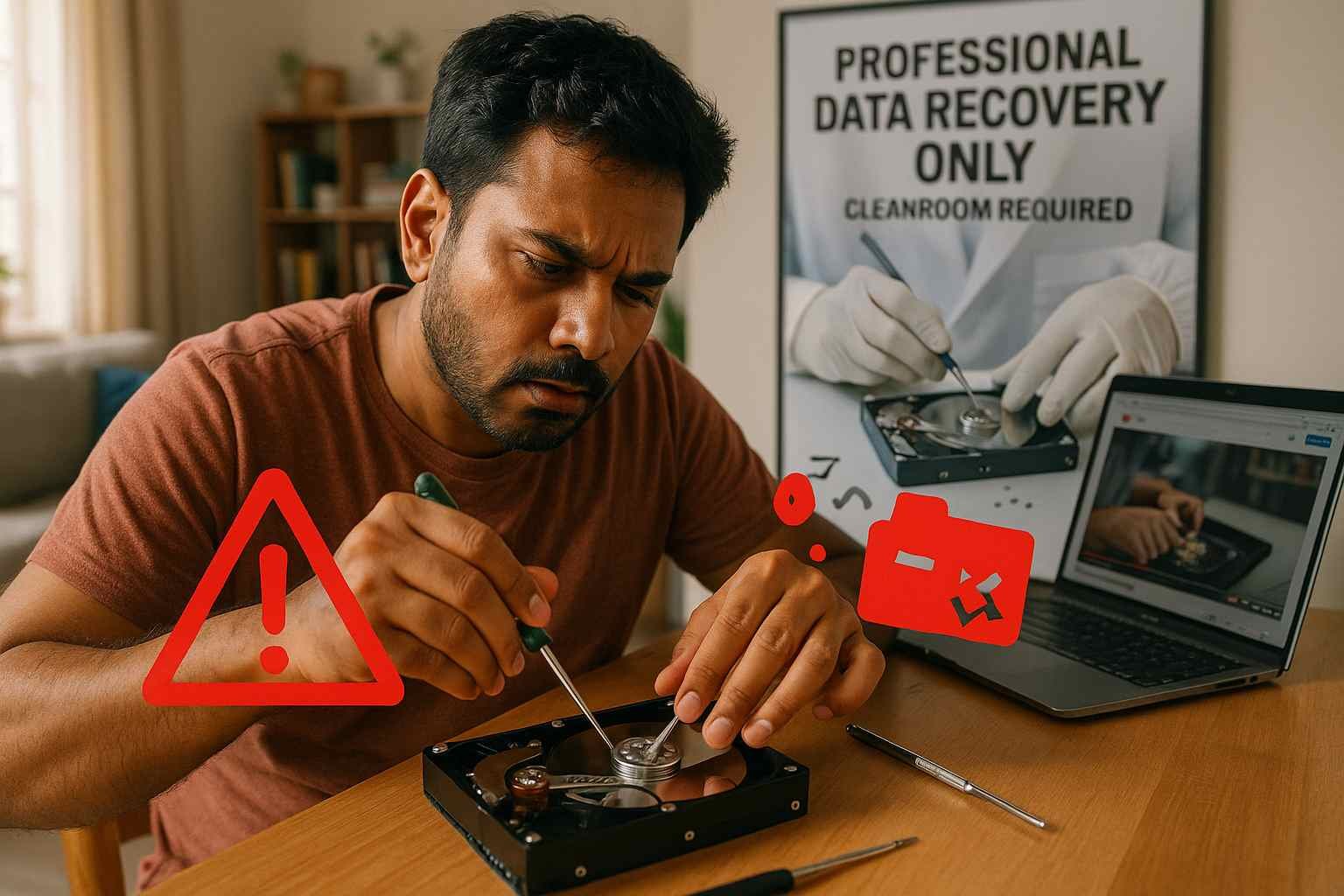
🧼 Head swaps require a cleanroom environment
🔬 PCB replacements need proper soldering and ROM transfers
Attempting these repairs without proper tools and experience could lead to permanent data loss. Always consider using a professional data recovery service when data is irreplaceable.
✅ Conclusion
A donor hard drive plays a vital role in physical data recovery, enabling technicians to replace faulty components and access otherwise lost files. By understanding what donor drives are, how they’re used, and what makes them compatible, you’ll be better equipped to choose the right approach when dealing with HDD failure.
Whether you’re replacing a PCB, doing a head swap, or performing a ROM chip transfer, sourcing a properly matched donor drive is critical to a successful recovery.
🎯 Looking for a trusted source for donor parts?
Visit 👉 HDD Donor for expert support, compatible models, and high-quality components for your hard drive recovery needs.