
If your hard drive suddenly stops working, and valuable data is at stake, two common solutions you’ll hear are: using a donor drive or swapping the PCB. While both are used in data recovery, they’re very different approaches — each suited to specific types of failure.
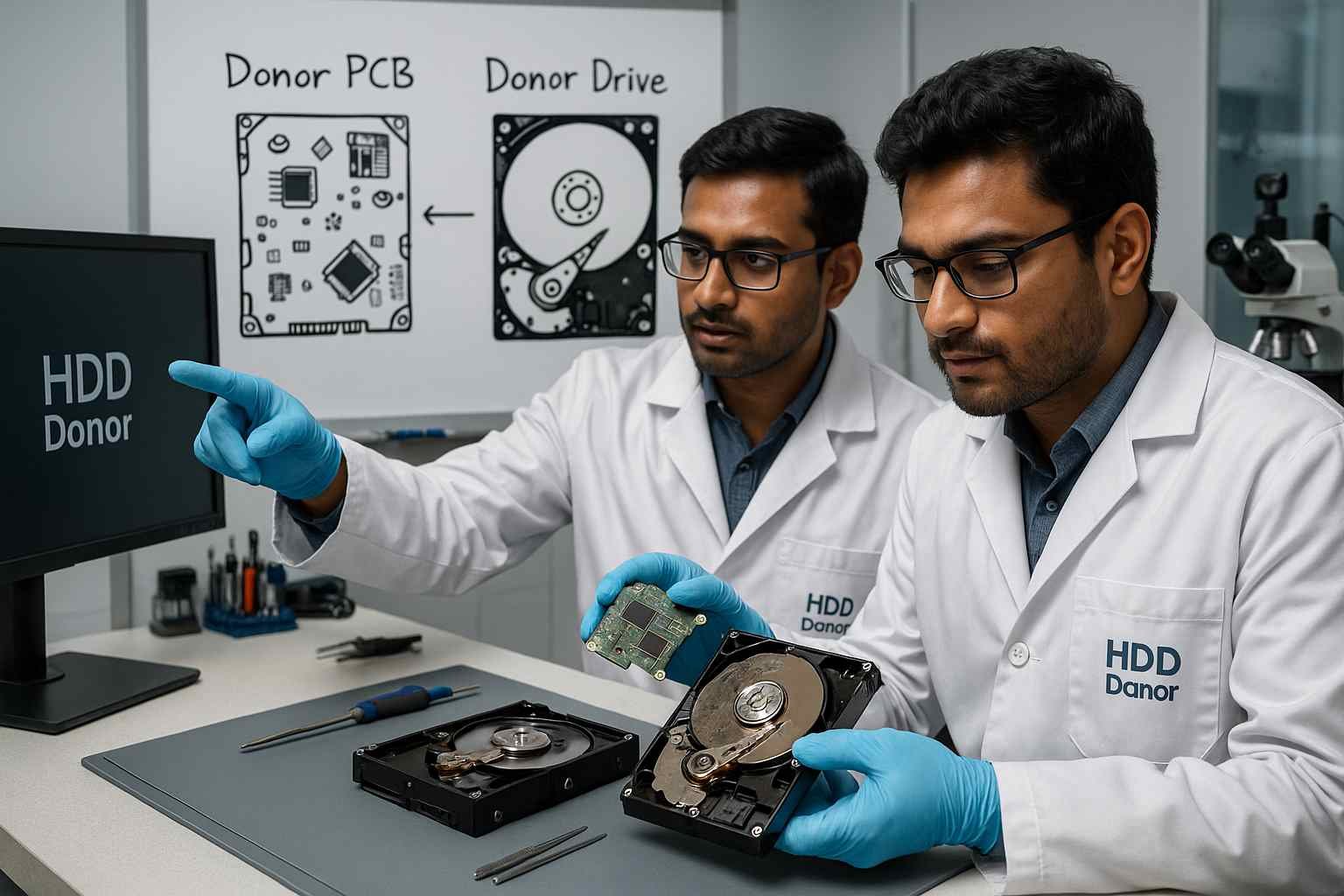
In this guide, we’ll explain the difference between a donor HDD and a donor PCB, when to use each, and how to maximize success in recovering your data.
🔌 What Is a Donor PCB?
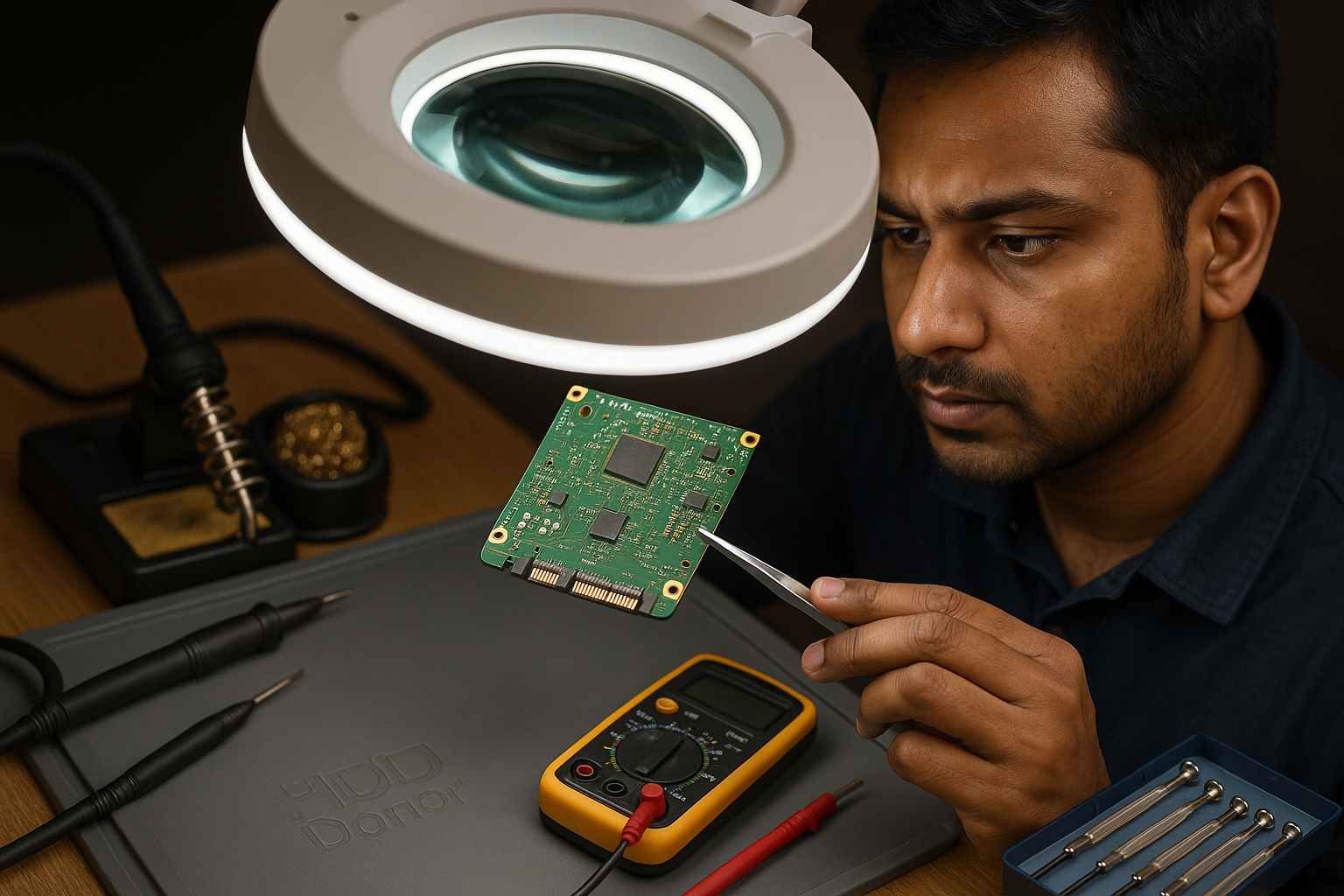
A donor PCB (Printed Circuit Board) is the green electronic board attached to the bottom of your hard drive. It manages power, controls communication, and contains firmware data unique to your drive.
When the PCB is damaged — from electrical surges, overheating, or cracks — the drive may stop spinning or responding. In such cases, a PCB swap can be a possible fix.
🛠️ When a Donor PCB Is Used:
🔋 The drive is not spinning or powering on
🔥 There’s visible damage to the PCB
⚡ The issue is purely electronic, not mechanical
However, modern HDDs store adaptive firmware data in a tiny ROM chip. This data is unique to each drive. A simple PCB swap without moving the ROM chip or reprogramming it can make the drive non-functional — or worse, cause data corruption.
To increase success:
🔧 Desolder the ROM chip and transfer it
💻 Use tools to read and rewrite the firmware
💾 What Is a Donor Drive?
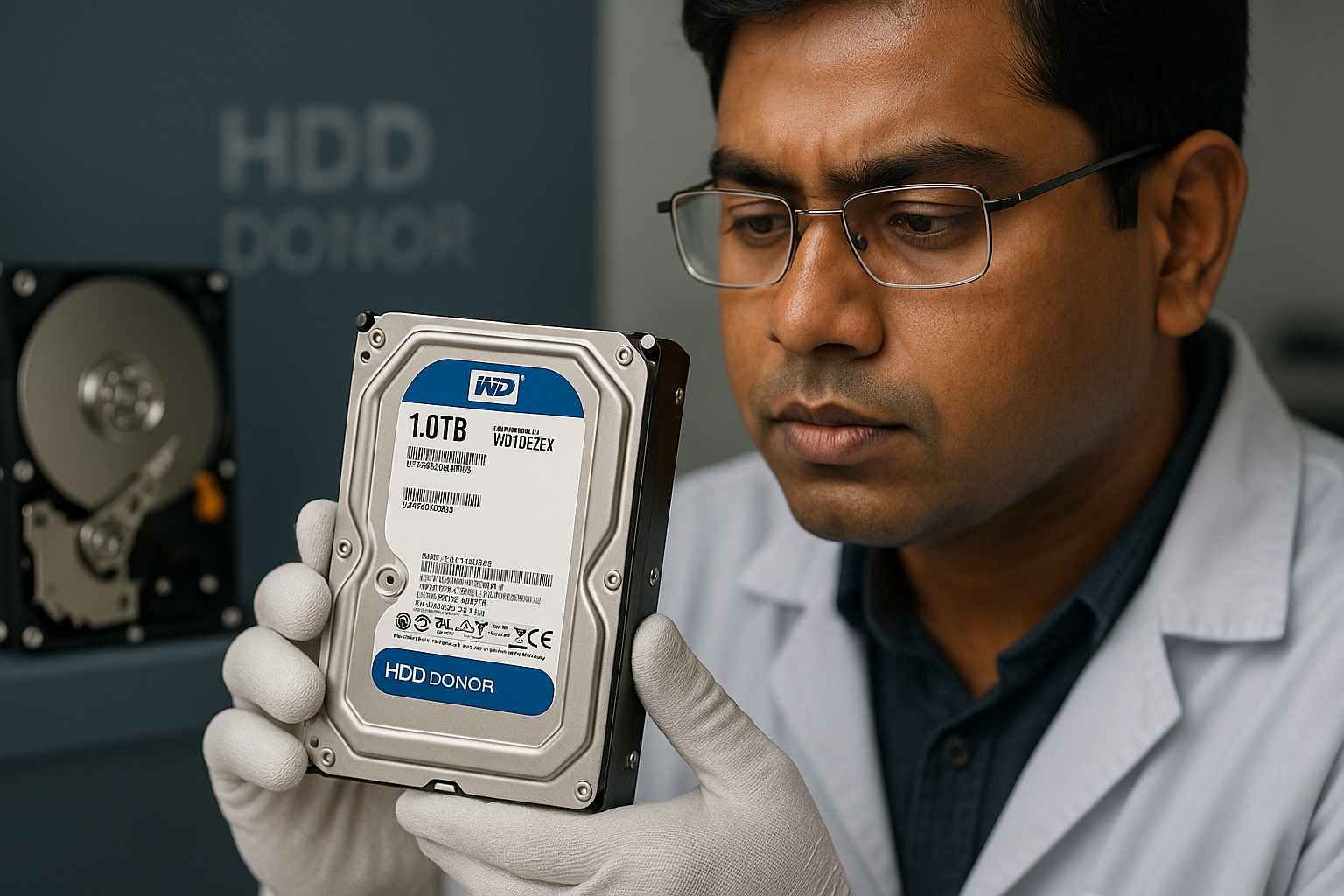
A donor drive is a complete hard disk that matches your failed one in terms of model number, firmware version, and internal components.
It’s called a donor because parts (like the heads or PCB) are used to fix the damaged drive or temporarily make it readable.
🛠️ When a Donor Drive Is Used:
🔊 Clicking or grinding noises suggest mechanical failure
🔁 Suspected damage to both PCB and internal parts
🔧 Need for firmware recovery or head swaps
💼 Safer and more flexible for professionals
Donor drives are often used by experts because they allow replacement of not just the PCB, but also internal components like read/write heads — critical in head crashes or post-drop recovery.
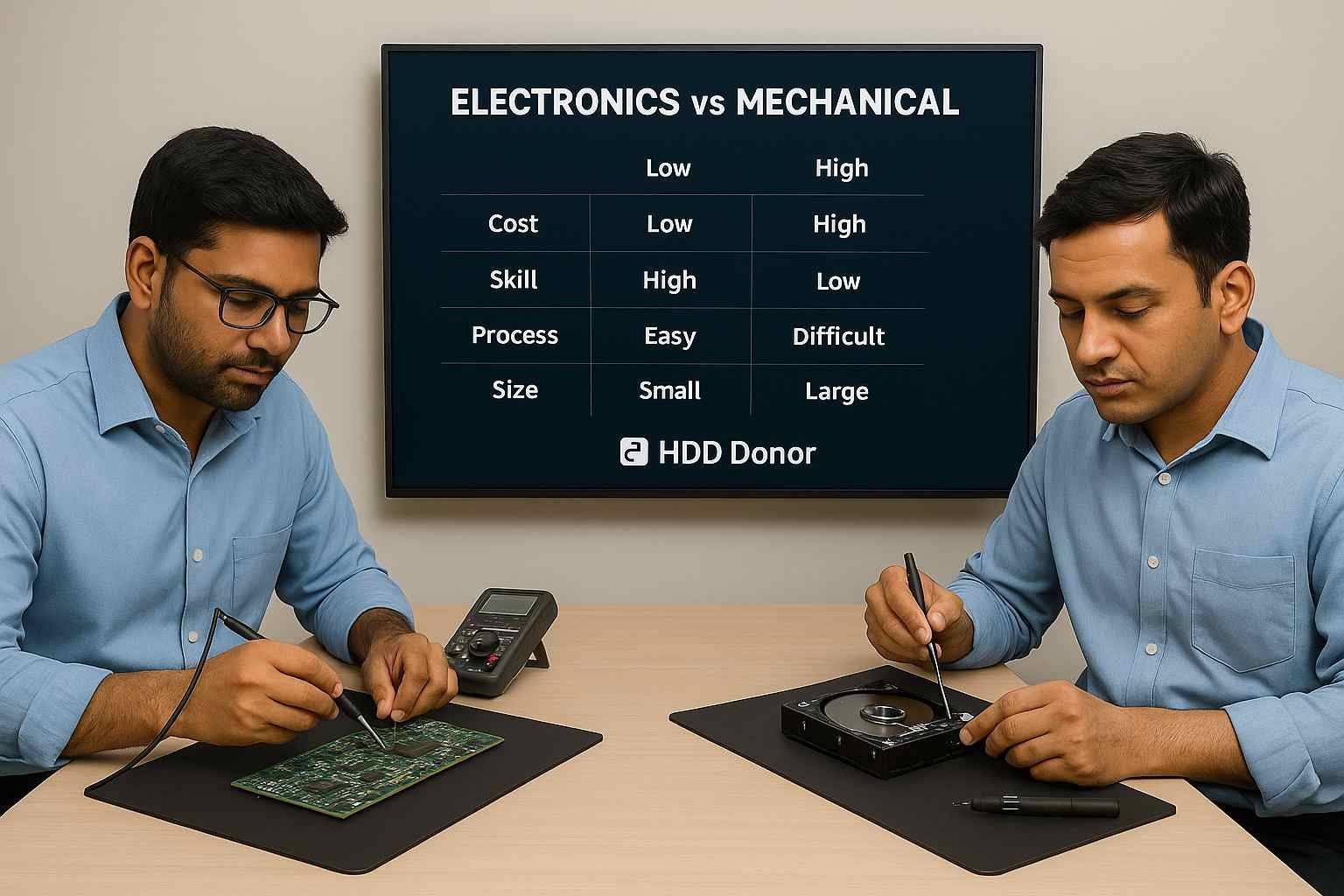
⚖️ Donor PCB vs. Donor Drive: Key Differences
🎯 How to Choose Between the Two
✅ Use a Donor PCB If:
🔌 The drive is completely dead (no spin/power)
🔥 There’s visible PCB damage
🧩 You have a matching PCB and firmware tools
🔍 Internal parts are likely undamaged
✅ Use a Donor Drive If:
🔊 The drive spins but makes noises (clicking, grinding)
🧪 You’ve ruled out PCB issues
🔧 Suspect internal mechanical or head failure
🔐 Need access to firmware or internal parts
📈 Want higher recovery success
🛡️ Tips for a Successful Drive Recovery

🎯 Match all specs exactly – Model, firmware, and revision must match
⚡ Handle carefully – Drives are sensitive to static, dust, and movement
❌ Avoid powering on – Repeated attempts can worsen platter or head damage
📤 Always recover to another drive – Don’t write data to the failing drive
🧠 Use professionals if unsure – DIY may cause permanent damage
❓ Is a PCB Swap Worth Trying?
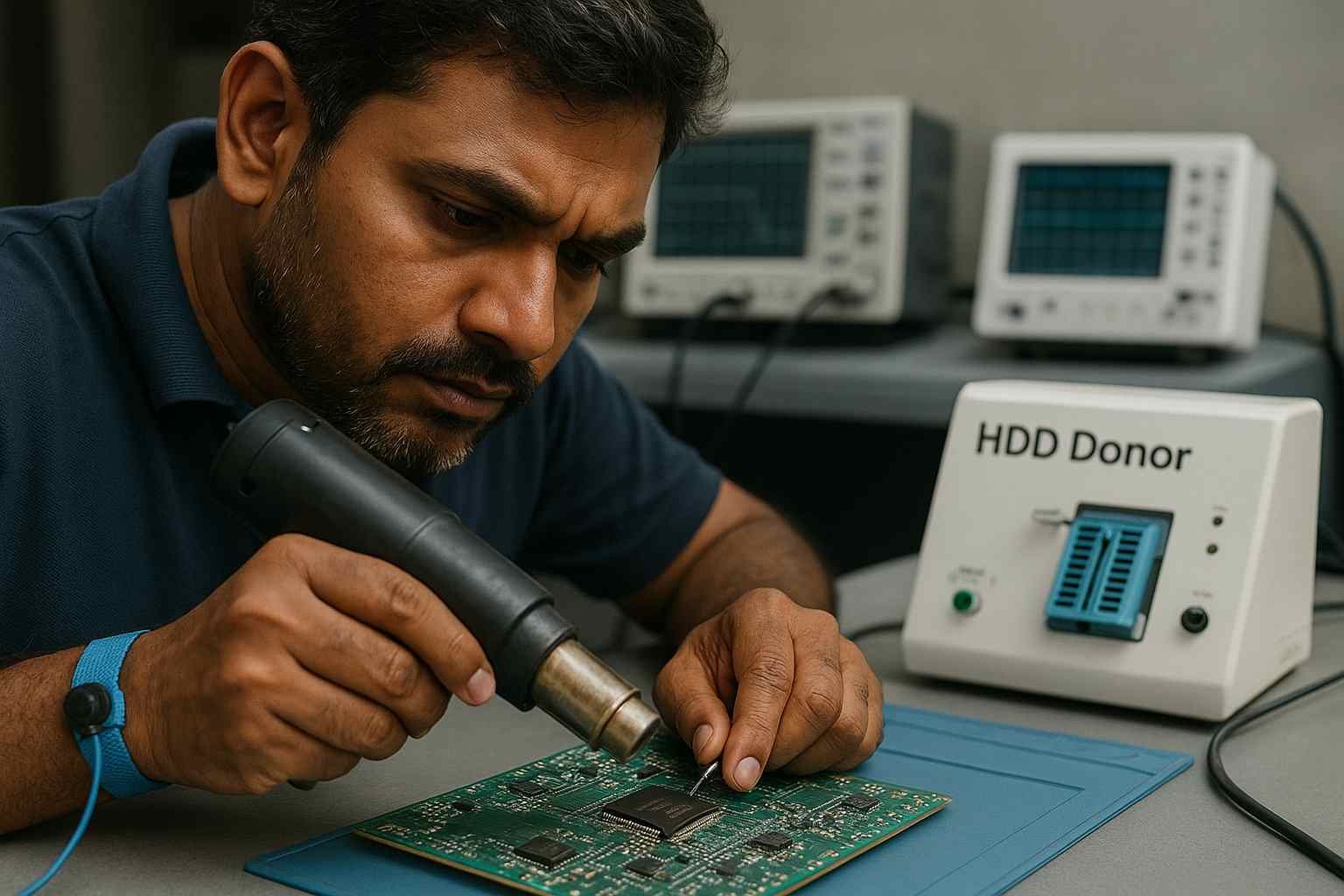
Sometimes, yes — especially with older drives that have simpler firmware. But with modern drives, a basic board swap rarely works unless the firmware or ROM chip is also transferred.
If you’re not experienced with EEPROMs, soldering, and recovery tools, it’s best to consult a professional or use this as a last resort.
💡 Final Thoughts
Choosing between a donor PCB and a donor drive depends on the type of failure. For simple electronic faults, a PCB swap can help — if done correctly. For mechanical issues, a full donor drive offers more options and higher success.
Whether you’re a technician or trying DIY recovery, take your time, use the right tools, and know your limits. For critical data, it’s always safest to get help from a professional recovery lab.


