
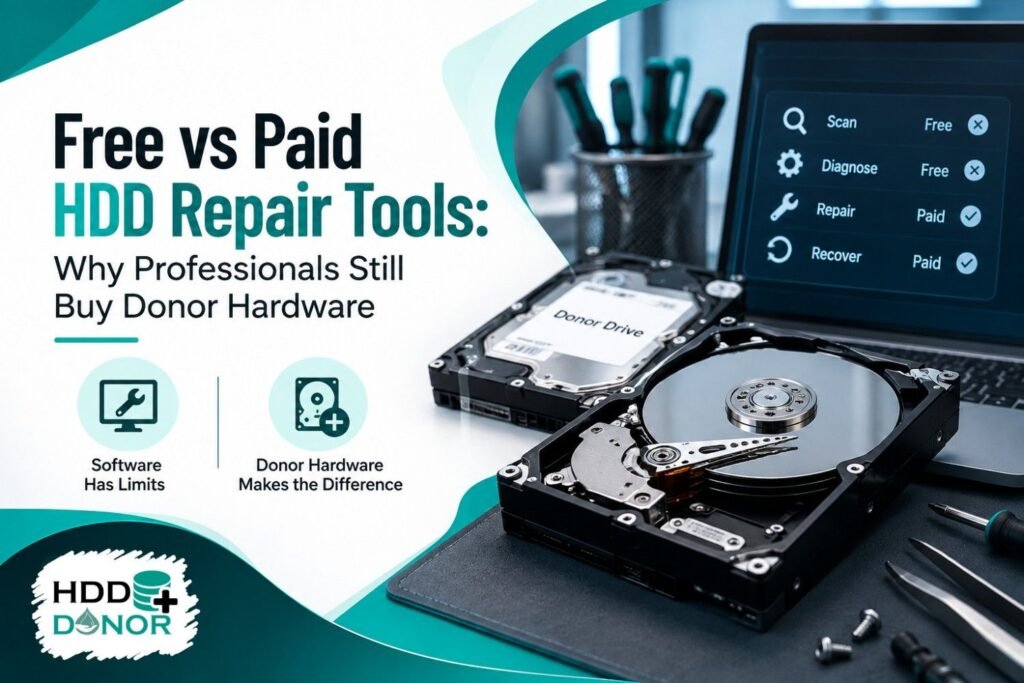
When a hard drive stops working, many users immediately search for a free hard drive repair utility that can diagnose the problem, repair the disk or recover the missing files.
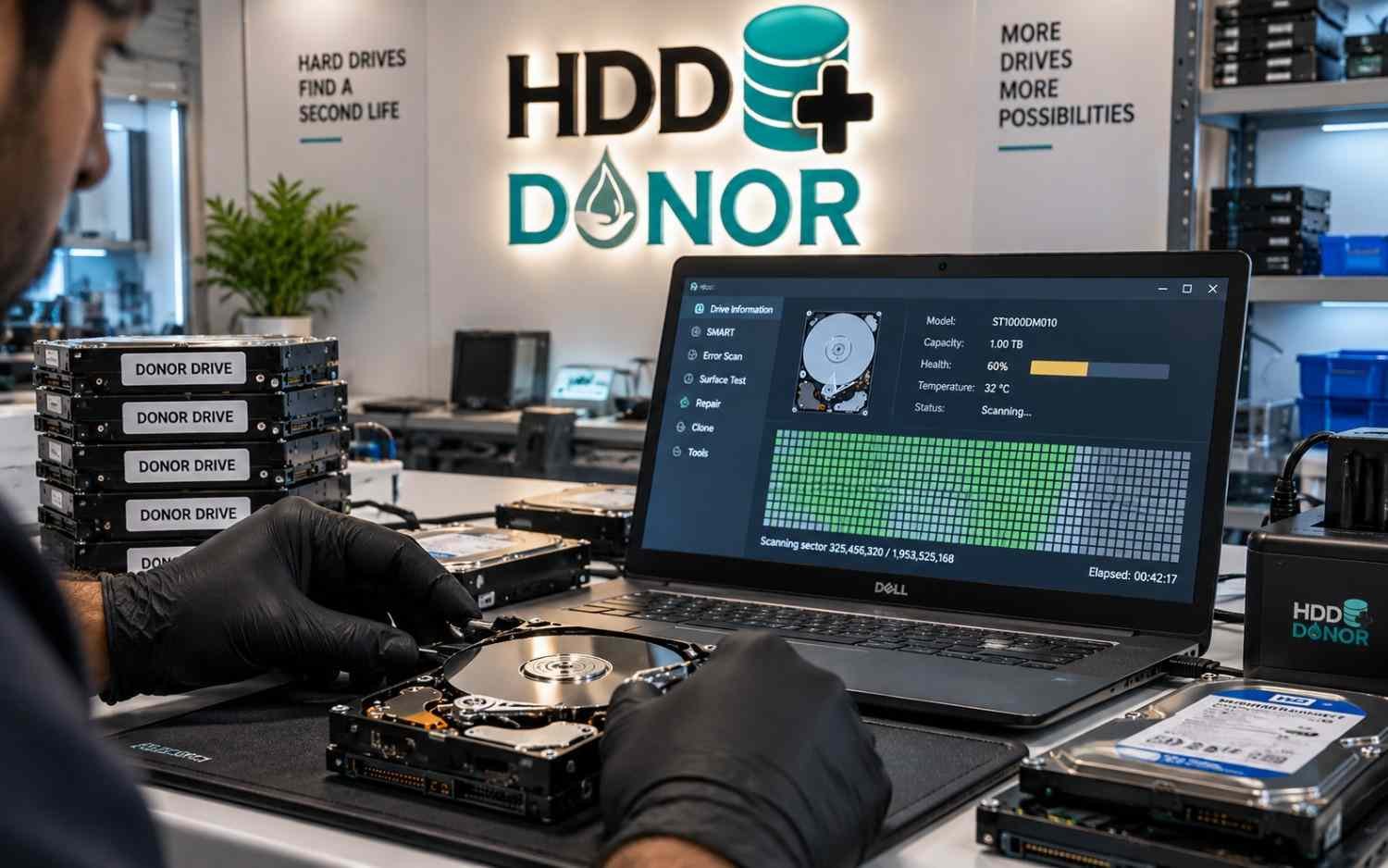
For some failures, that approach makes sense.
Software can be extremely useful when the problem is related to partitions, file systems, deleted files, boot sectors or other logical structures. Free tools such as TestDisk are specifically designed for tasks including partition recovery, boot-sector repair and file recovery.
But there is an important limitation:
Software cannot physically replace a failed hard drive component.
If an HDD has damaged read/write heads, PCB failure, spindle problems, internal mechanical damage or another physical fault, the recovery process can require specialized equipment and compatible donor hardware.
This is why professional data recovery laboratories invest in both advanced HDD recovery software and physical recovery components.
What Can Free HDD Repair Software Do?
Free utilities are not useless. In the right situation, they can be excellent tools.
A typical hdd repair software freeware solution may help with:
- Deleted partitions
- Corrupted partition tables
- Damaged boot sectors
- File-system problems
- Deleted files
- Basic disk diagnostics
- File extraction
- Some disk-imaging tasks
- Initial recovery assessment
For example, TestDisk can search for lost partitions and recover or repair certain file-system structures. Its documentation specifically explains scenarios involving deleted partitions and corrupted partition tables.
Windows also includes CHKDSK, which Microsoft describes as a utility for checking file-system and file-system metadata errors, with options for fixing errors and attempting to recover readable information from affected sectors.
When a Free Tool Is Enough
A free utility may be sufficient when:
- The HDD is detected normally.
- The drive spins normally.
- There are no unusual clicking sounds.
- The problem appears to be logical.
- A partition has accidentally been deleted.
- The file system has become corrupted.
- Files were deleted accidentally.
- The drive can still be read reliably.
In these situations, paying for professional hardware may not be necessary.
The important point is to identify the failure before choosing the recovery method.
Where Free HDD Repair Tools Reach Their Limits
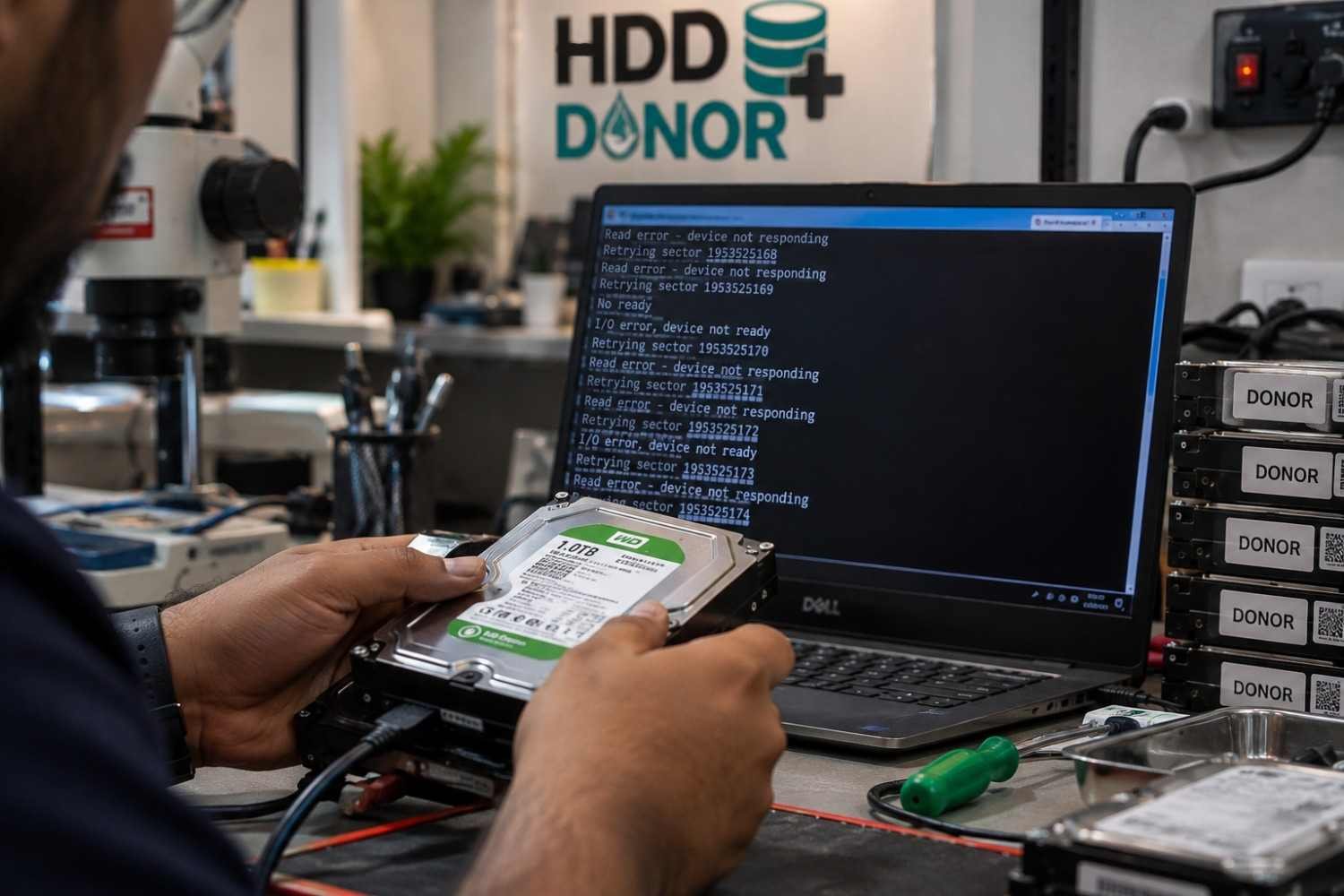
The biggest mistake is assuming that every hard drive problem is a software problem.
A hard drive contains mechanical, electronic and firmware components that software cannot physically repair.
Failed Read/Write Heads
The read/write heads interact directly with the platters. If the head assembly has failed, software cannot replace it.
A physical recovery case may require a compatible donor head assembly and specialized head replacement equipment.
Damaged PCB
The printed circuit board controls important electronic functions of the drive.
If the PCB has suffered an electronic failure, a suitable donor PCB may be required depending on the specific case.
Spindle or Mechanical Failure
A failed spindle motor or serious internal mechanical problem cannot normally be solved with conventional recovery software.
Firmware Problems
Firmware-related failures can require manufacturer-specific diagnostic and firmware capabilities. Professional recovery platforms such as MRT combine hardware and software and provide manufacturer-specific functions for professional HDD repair and recovery.
This creates an important distinction:
A software download and a professional HDD repair system are not the same thing.
Free vs Paid HDD Repair Tools
The difference between free and paid solutions is not simply that one costs money.
It is primarily about capability, control and the type of recovery problem being handled.
Recovery Requirement | Free Utility | Paid Professional System |
Basic diagnostics | Often | Yes |
Partition recovery | Yes, depending on tool | Yes |
Deleted file recovery | Often | Yes |
File-system analysis | Yes | Advanced |
Disk imaging | Limited/varies | Advanced |
Bad-sector handling | Limited | More specialized |
Firmware functions | Very limited | Specialized |
Manufacturer-specific functions | Limited | Available on supported systems |
Controlled recovery workflow | Limited | Professional |
Physical component replacement | No | Requires separate hardware |
Donor hardware support | No | Used alongside hardware |
Technical resources/support | Usually limited | Often available |
Professional systems can provide much deeper control. MRT, for example, describes its platform as a hardware-and-software solution with manufacturer-specific utilities and firmware-level functions.
But there is an important point that is often missed:
Even expensive HDD recovery software does not make donor hardware unnecessary.
Why Paid Tools Still Cannot Replace Donor Hardware
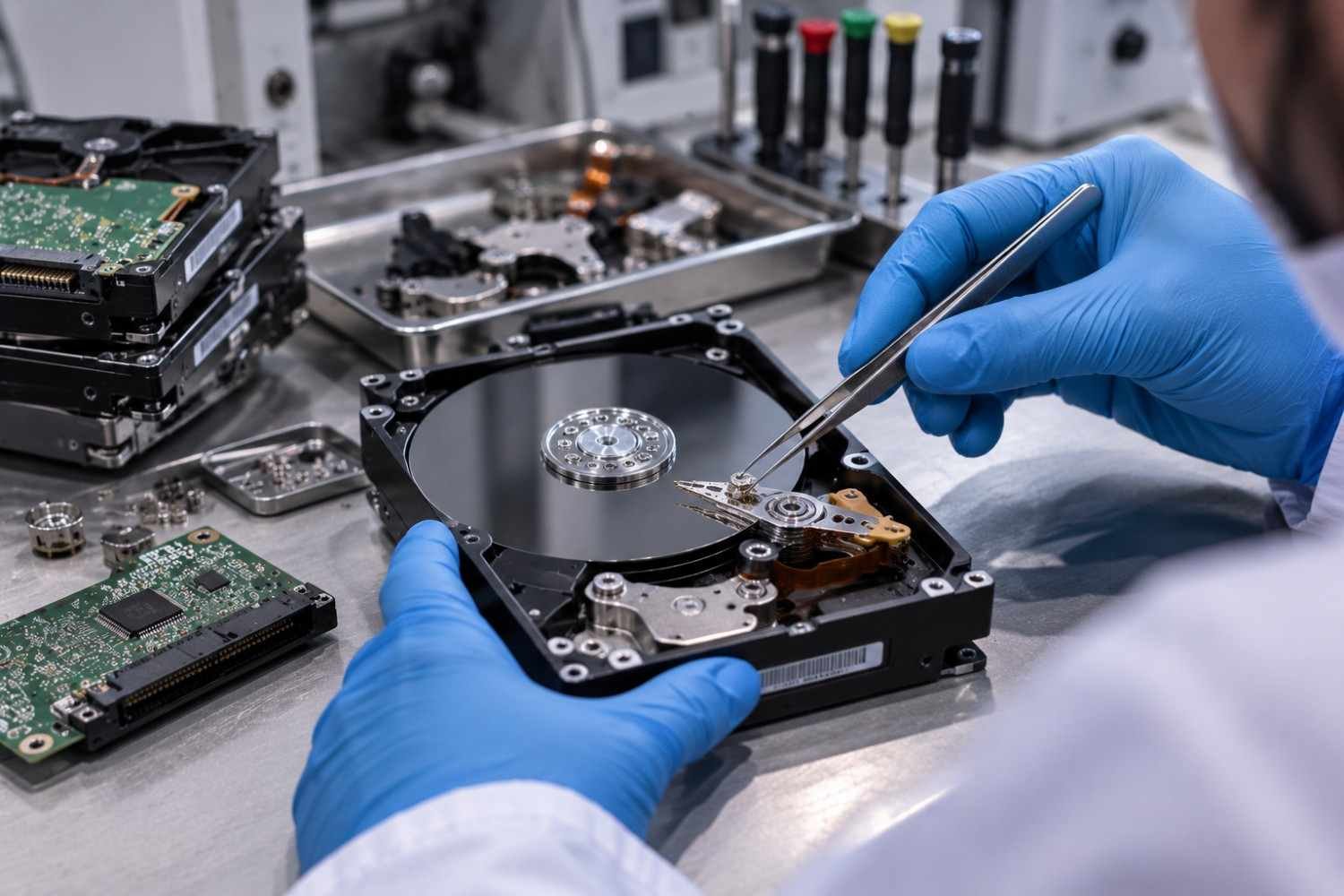
Imagine a hard drive that is repeatedly clicking.
You install a free recovery application.
The drive still clicks.
You try another hard drive recovery software package.
The drive still clicks.
You purchase an advanced professional recovery system.
The drive still has the same physical problem.
Why?
Because the software is not the failed component.
If the recovery case involves a damaged head assembly, the required solution may involve replacing that physical assembly with a compatible donor component.
The same principle applies to certain PCB and mechanical failures.
Professional recovery therefore often works as a combination:
Diagnostic software + specialized hardware + compatible donor component + controlled recovery procedure
This is why experienced technicians continue to purchase donor hardware even when they already own professional HDD repair tools.
Why Professionals Use Matched Donor Drives
A donor drive is not simply another HDD with the same storage capacity.
This is one of the most important points in professional hard drive recovery.
Two drives may appear similar but still differ in characteristics that matter to a physical recovery procedure.
Depending on the drive family and recovery requirement, technicians may evaluate:
- Exact model
- Part number
- Firmware
- Drive family
- PCB revision
- Head configuration
- Head map
- Preamp characteristics
- Manufacturing information
- Mechanical characteristics
- Other manufacturer-specific identifiers
Donor Drives’ published head-swap guidance similarly emphasizes detailed donor matching criteria rather than relying only on a general model similarity.
HDD Donor also emphasizes detailed donor identification and compatibility, including identifiers such as DCM, VSC, site code and firmware information.
Therefore, buying a “similar” hard drive from a random source is not necessarily the same as obtaining a suitable donor.
Donor PCB and Head Replacement Hardware
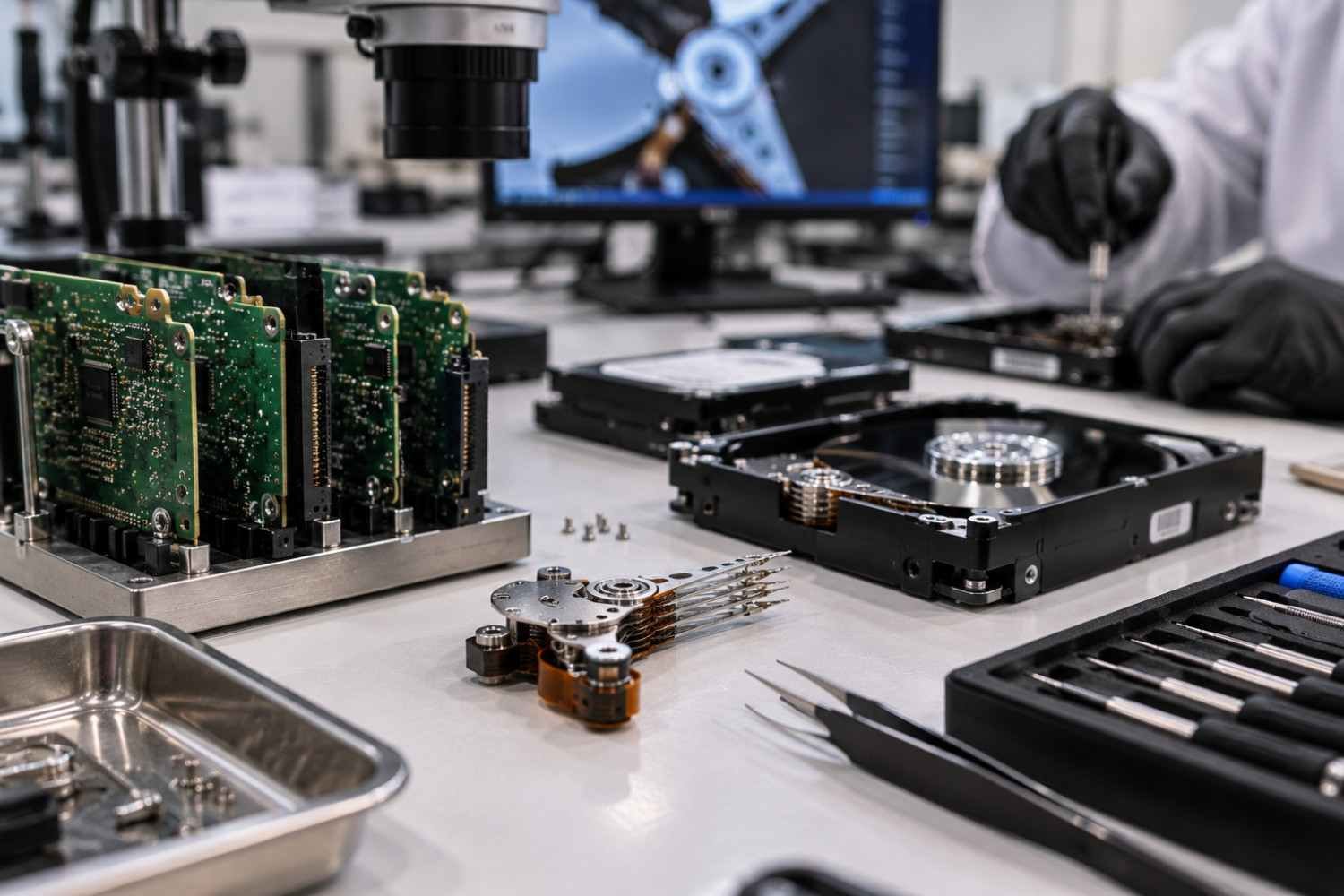
Different physical failures can require different components.
HDD Donor Drives
For cases where a compatible donor is required, technicians can review the HDD Donor Drives category.
The selection should always be based on the requirements of the patient drive and the intended recovery procedure.
HDD Donor PCB
For certain electronics-related failures, a compatible HDD Donor PCB may be relevant.
PCB compatibility should not be assumed simply because two boards appear physically similar.
Head Replacement Tools
When a recovery case requires a head-stack replacement, precision equipment becomes essential.
HDD Donor provides dedicated HDD Head Replacement Tools for professional recovery applications.
These tools are designed for controlled procedures and should be used by technicians with the appropriate training and environment.
Head Unstick Tools
Certain cases may involve heads that are stuck or improperly parked. HDD Donor also provides HDD Head Unstick Tools for applicable professional recovery situations.
Physical HDD procedures should not be treated like ordinary home computer repairs. Opening or manipulating a drive without suitable equipment, environment and expertise can increase the risk of further damage.
What Professional HDD Repair Tools Actually Add?
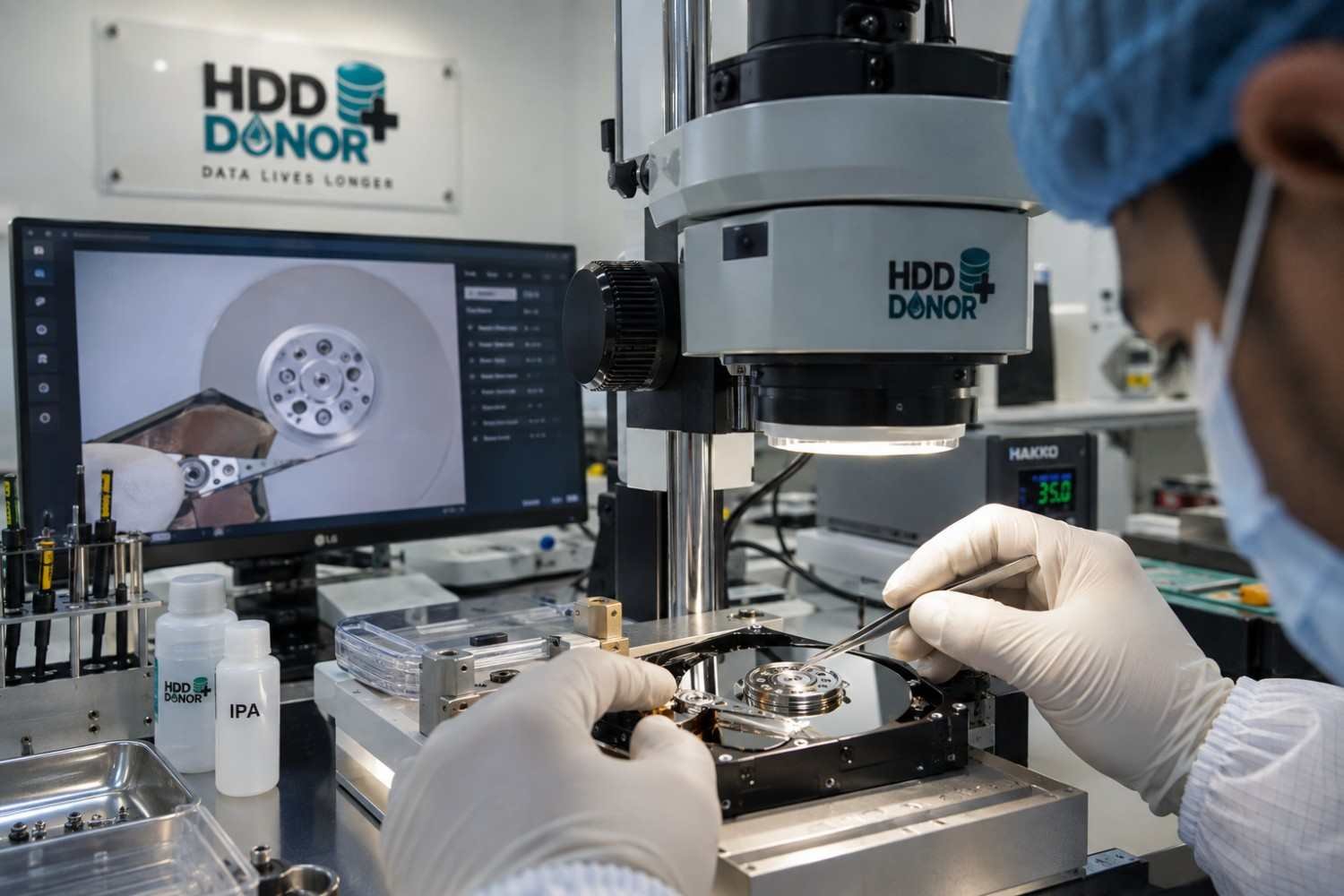
Paid professional systems become valuable when a technician needs capabilities beyond ordinary file recovery.
Depending on the platform, professional HDD recovery equipment can support areas such as:
- Advanced drive diagnostics
- Controlled imaging
- Selective imaging
- Head-specific recovery workflows
- Firmware analysis
- Manufacturer-specific functions
- Service-area access
- Advanced bad-sector handling
- Recovery from unstable drives
MRT’s documentation, for example, describes functionality involving damaged disks, head-related recovery, selective head imaging and physical-layer recovery scenarios, while also noting that the tool is not capable of solving every hardware or firmware condition by itself.
That last point is important.
Professional software improves what a technician can control and diagnose. Donor hardware supplies physical components when the recovery requires them.
Choosing the Right HDD Repair Solution
Instead of asking only, “What is the best HDD repair tool?”, start with a better question:
What type of failure does the drive have?
For Logical Problems
Consider appropriate recovery software when the drive is physically stable and the issue involves:
- Deleted partitions
- File-system corruption
- Deleted files
- Boot-sector problems
- Logical structure damage
For Advanced Recovery
Professional HDD recovery software may be appropriate when the case involves:
- Difficult imaging
- Unstable sectors
- Advanced diagnostics
- Firmware-related work
- Manufacturer-specific recovery requirements
For Physical Failures
If the drive has suspected:
- Head failure
- PCB failure
- Spindle failure
- Mechanical damage
- Platter-related damage
then software alone may not be enough.
A professional laboratory may need donor hardware and specialized recovery equipment.
HDD Donor for Professional Recovery Laboratories
HDD Donor has supplied HDD donor parts, PCB boards, head replacement tools, data recovery equipment and firmware resources since 2010. The company is based in India and serves data recovery professionals, IT service providers and technical laboratories worldwide.
Its current product catalog includes dedicated categories for donor drives, donor PCBs, head replacement tools, head unstick tools, other recovery accessories, HDD firmware and data recovery training.
Technicians can explore:
- Donor Drives
- Donor PCB
- Head Replacement Tools
- Head Unstick Tools
- Other Tools & Accessories
- HDD Firmware
- Data Recovery Training
The correct product should always be selected according to the HDD model, failure type, component requirements and professional recovery workflow.
Contact HDD Donor
Website: www.hdddonor.in
Phone: +91-981-856-7724
Email: support@hdddonor.in
Conclusion
Free and paid HDD repair tools both have an important place in data recovery.
A free hard drive repair utility can be an excellent option for logical problems such as deleted partitions, file-system corruption and certain file-recovery situations. Paid professional systems go further by providing advanced diagnostics, controlled imaging and specialized manufacturer or firmware functions.
But there is a fundamental limitation:
Software cannot replace damaged physical HDD hardware.
When a recovery case involves failed heads, PCB problems, spindle issues or other mechanical failures, professionals may need compatible donor drives, donor PCBs, head replacement tools and other specialized recovery equipment.
That is why professional data recovery laboratories continue to invest in donor hardware.
The most effective recovery strategy is not simply choosing between free and paid software. It is matching the recovery tool, hardware and donor component to the actual failure.
For professional HDD recovery parts and equipment, explore the HDD Donor product range.
FAQs
Can a free hard drive repair utility repair a physically damaged HDD?
Usually not. Free software can be useful for logical recovery, but physical failures involving heads, PCB electronics, spindle mechanisms or other internal components may require specialized hardware.
Is HDD repair software freeware useful?
Yes. Free tools can be very useful for partition recovery, file-system problems, deleted files and basic recovery tasks when the drive remains physically stable.
Are paid HDD repair tools better than free software?
They can provide more advanced diagnostic, imaging, firmware and manufacturer-specific capabilities, but the right choice depends on the failure. A paid tool is not automatically necessary for every recovery case.
Why do professionals buy donor hard drives?
Because some physical recovery procedures require compatible components that software cannot provide. A donor may supply a suitable head assembly, PCB or other required component.
Is any hard drive with the same model a good donor?
No. Compatibility can depend on additional characteristics such as firmware, revision, head configuration, PCB details, preamp characteristics and other drive-specific identifiers.
Can software repair a clicking hard drive?
Software generally cannot repair the physical cause of clicking. A clicking drive should be diagnosed carefully because continued operation can potentially worsen a physical failure.
Do all HDD recovery cases require donor hardware?
No. Many logical recovery cases can be handled without donor components. Donor hardware becomes relevant when the physical recovery procedure requires compatible replacement or supporting parts.
Why do professionals use both software and hardware?
Software provides diagnostics, control, imaging and recovery functions, while specialized hardware and donor components can address physical limitations that software cannot overcome.


