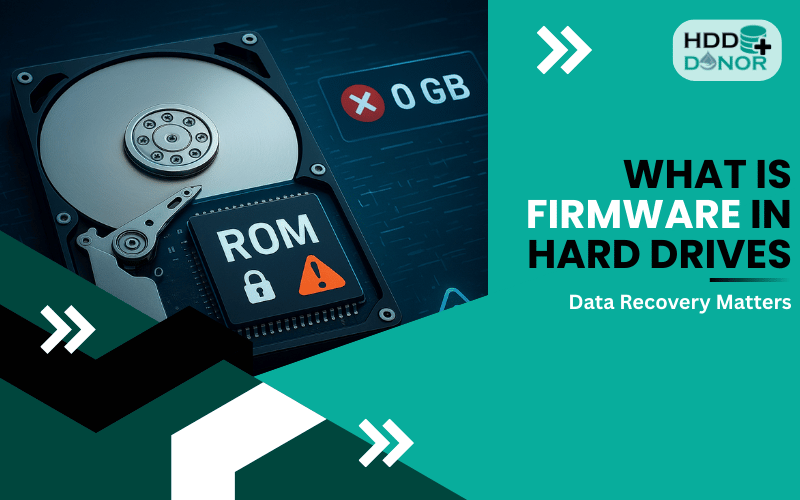

When your hard drive fails due to a damaged PCB (Printed Circuit Board), replacing the board seems like the obvious fix. But here’s what most people don’t know:
Even with a matching PCB, the drive won’t always work — unless the ROM chip is transferred or matched properly.
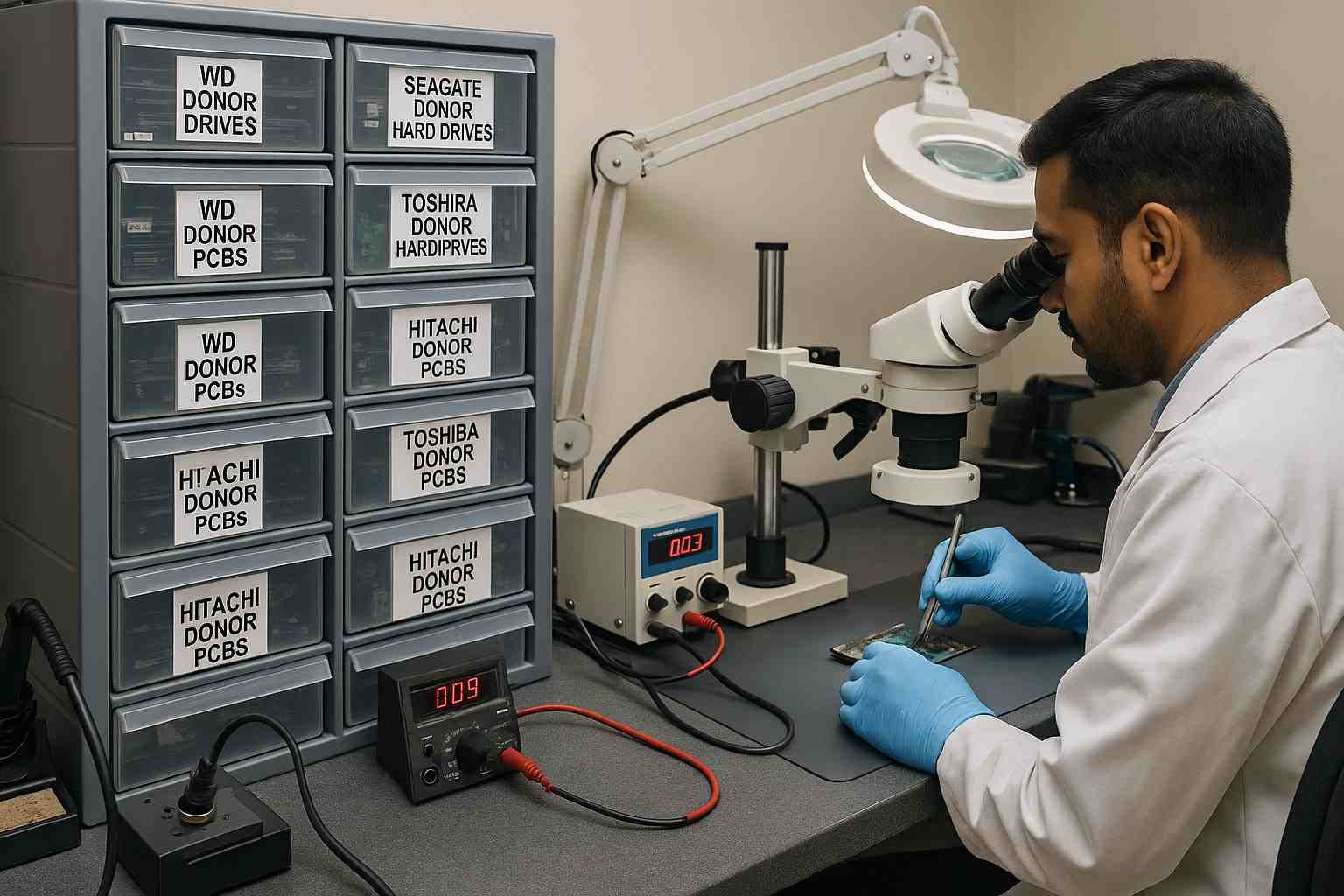
At HDD Donor, we supply compatible PCBs, donor drives, and recovery tools — and we also offer a paid ROM chip transfer service for those who need it.
Let’s break down why the ROM chip matters, when you need to transfer it, and how our service works.
🔍 What is the ROM Chip?
The ROM (Read-Only Memory) chip on a hard drive PCB stores drive-specific firmware and configuration data. This can include:
🔧 Adaptive information for the heads and platters
📈 Servo calibration data
🧠 SMART and translator tables
🔐 Security and factory settings
This data is unique to each drive and essential for it to function correctly.
⚠️ Do All Drives Require a ROM Transfer?
Not always. Whether or not ROM transfer is required depends on the drive family, brand, and architecture.

✅ When ROM Transfer Is Required:
🧩 The adaptive firmware is stored in an external ROM chip
🔥 The original PCB is burnt, dead, or inaccessible
🚫 Drive does not spin up or is not recognized after a board swap
💾 Common with Western Digital, Toshiba, older Seagate drives
❌ When ROM Transfer May Not Be Required:
💽 ROM data is stored internally on the HDD platters
🧪 Some newer Seagate or Hitachi drives support software-based ROM extraction
🧬 If the new PCB already includes a transferable or cloned ROM
📞 Still unsure? Contact us for guidance before placing an order.
💼 Our Paid PCB + ROM Transfer Service
At HDDDonor, we offer replacement PCBs for thousands of hard drive models — and for boards that require it, we provide a paid ROM chip transfer service handled by experts.
🛠️ How It Works:
1️⃣ Order a compatible PCB from our website
2️⃣ During checkout, select the ROM Transfer Service (optional add-on)
3️⃣ Ship us your original PCB
4️⃣ Our technicians will:
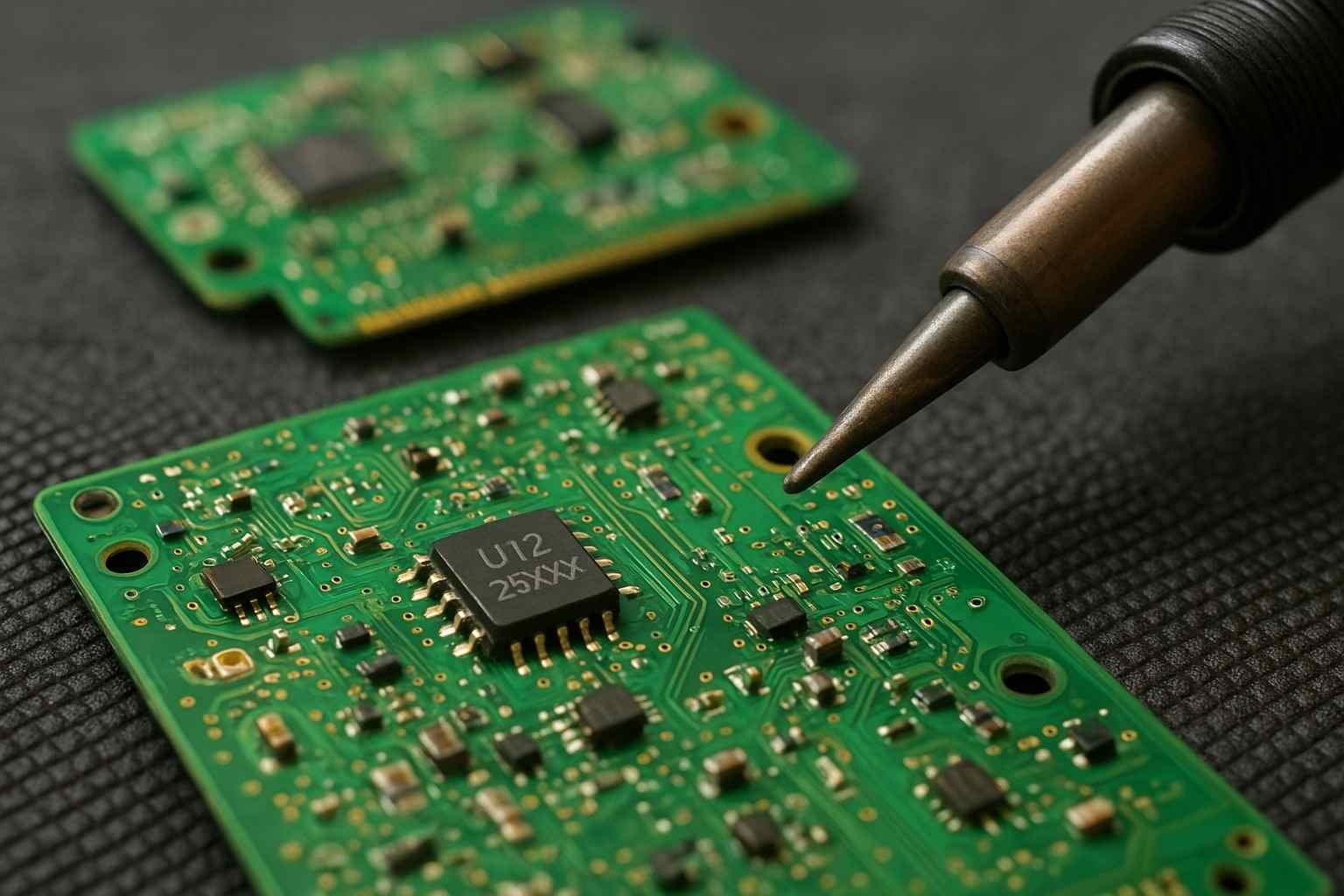
🔍 Identify the ROM chip
🔧 Safely remove and solder it to the new PCB
✅ Test the PCB for functionality
5️⃣ We ship the modified PCB back to you, ready to use
💰 ROM transfer is a paid service, and the cost depends on your PCB type and complexity.
🧰 Why Trust HDD Donor?
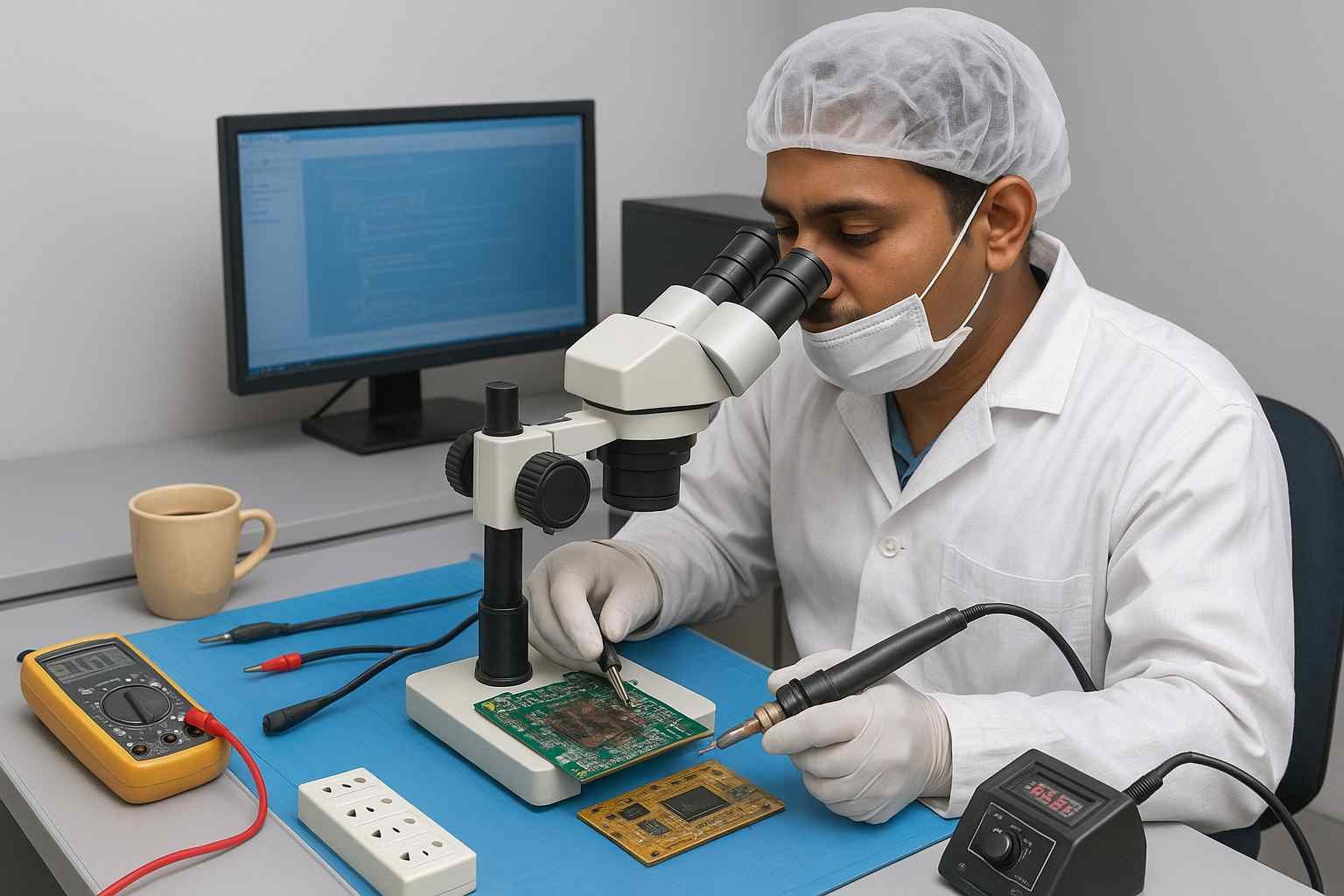
📦 Thousands of donor drives and PCBs in stock
🧠 Expert knowledge of firmware and ROM handling
🧲 Professional BGA soldering tools and cleanroom procedures
🚚 Fast turnaround and nationwide shipping
🏆 Trusted by data recovery labs, repair shops, and DIY users
🛒 When You Order From Us, You Get:
🔁 A fully tested replacement PCB
🛠️ Option to add paid ROM transfer service
📋 Guidance on whether ROM transfer is required
🧘 Peace of mind knowing it’s done correctly
🚀 Ready to Recover Your Drive?
👉 Browse PCBs & Donor Drives
🛠️ Add ROM Transfer Service at checkout (if needed)
📦 Ship us your original PCB – we’ll handle the rest
Not sure if your drive requires ROM transfer?
👉 Contact us here – we’ll help you choose the right option.
📌 Final Thoughts
The ROM chip is often the missing link in hard drive recovery — and while not every drive needs a ROM transfer, many absolutely do.
When you order a replacement PCB from HDD Donor, you’re not just buying a part — you’re getting expert support, optional ROM transfer, and a fast path to recovering your data.